Mega Millions

Mega Millions Game Overview:
- Mega Millions Draws every Tuesday and Friday at 8pm
- Tickets can be purchased until 7:45pm (PST), on the day of drawing.
- Tickets can be purchased until 7:45pm (PST), on the day of drawing.
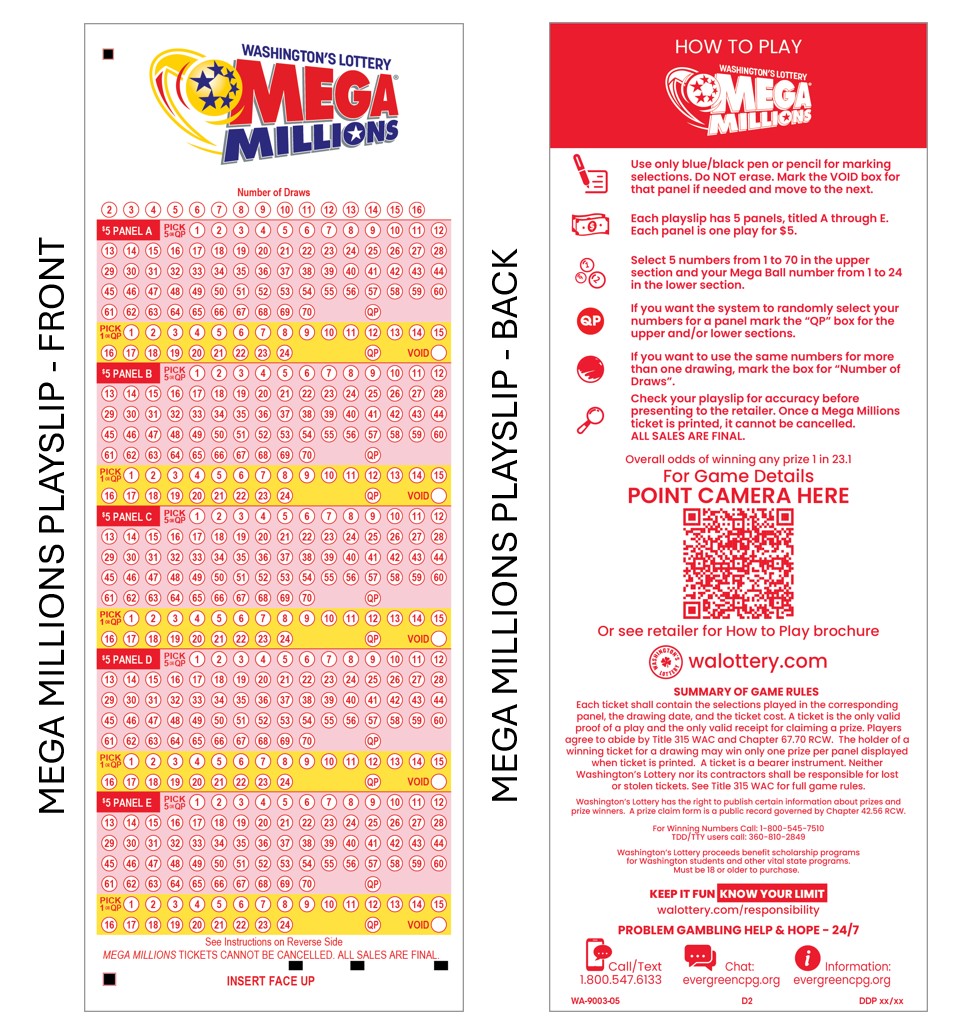
- Game Play : Match 5 numbers + 1 Mega Millions
- $5 Per Play
- Every play includes built-in randomly generated multiplier of 2x, 3x, 4x, 5x or 10x
- Giant Multi- State Game (Game Drawings Not Exclusive to Washington State)
- Jackpot Resets are determined by Mega Millions committee after each drawing.
- Record Mega Millions Jackpot = $1.2 Billion
- Advance Play not available
- Players can buy a ticket for up to sixteen (16) consecutive drawings.

Mega Millions
Game Overview

Mega Millions
New Changes
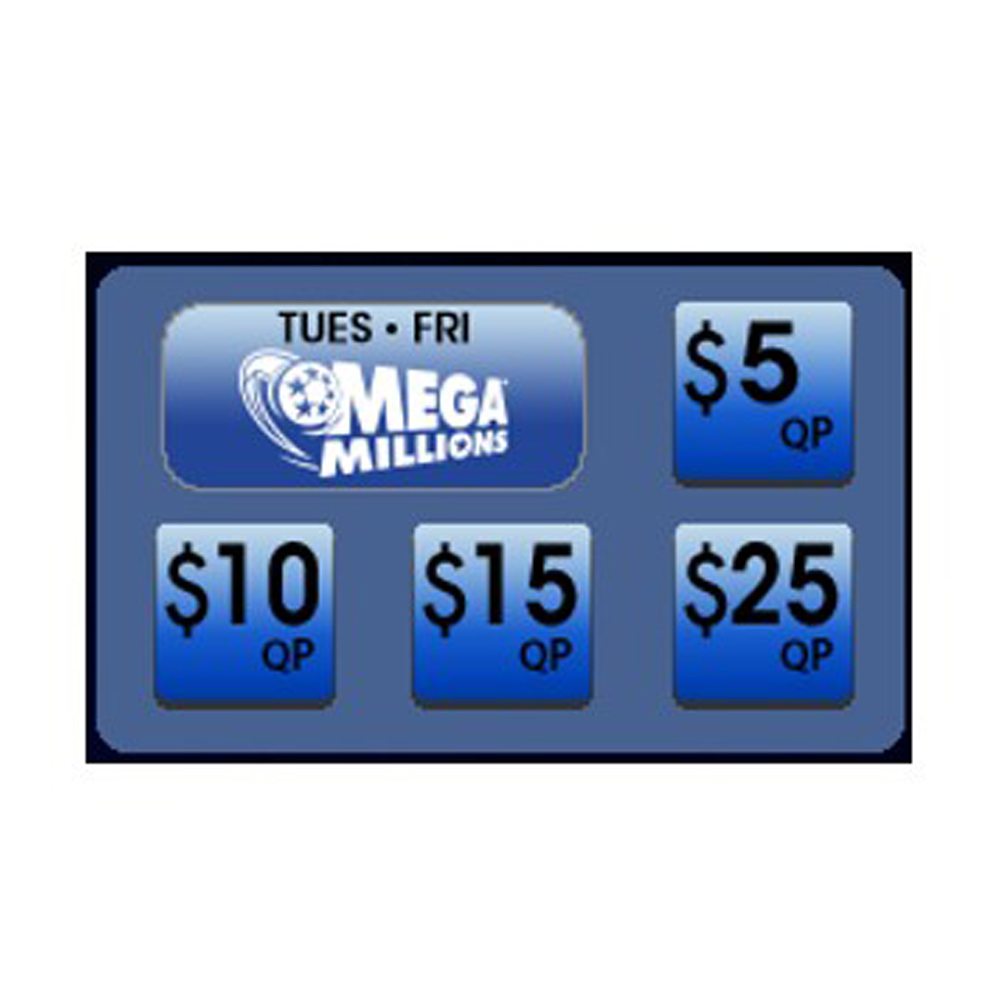
Selling Mega Millions
GT-1200
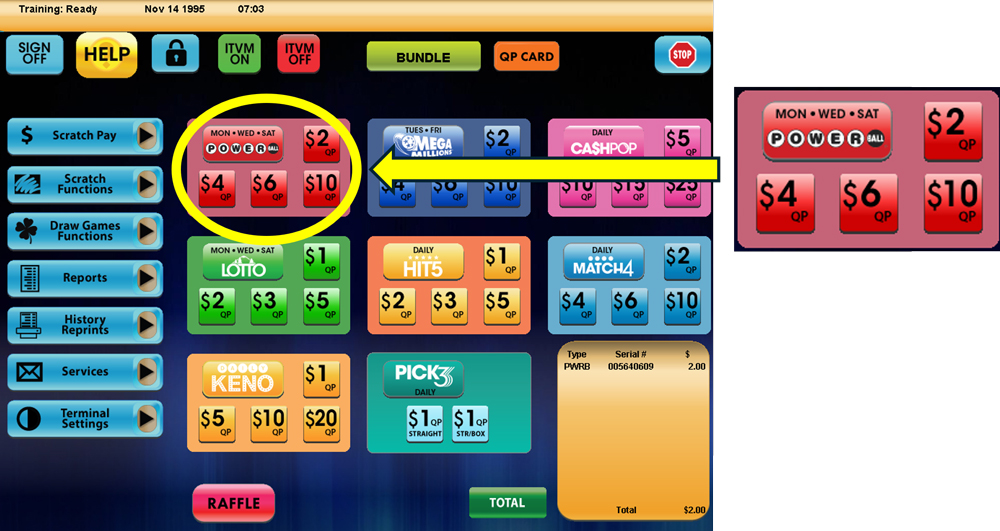
Selling Powerball on the GT-1200 Retailer Terminal
NOTE: POWERBALL TICKETS CANNOT BE CANCELLED
Main Screen : Quick Pick
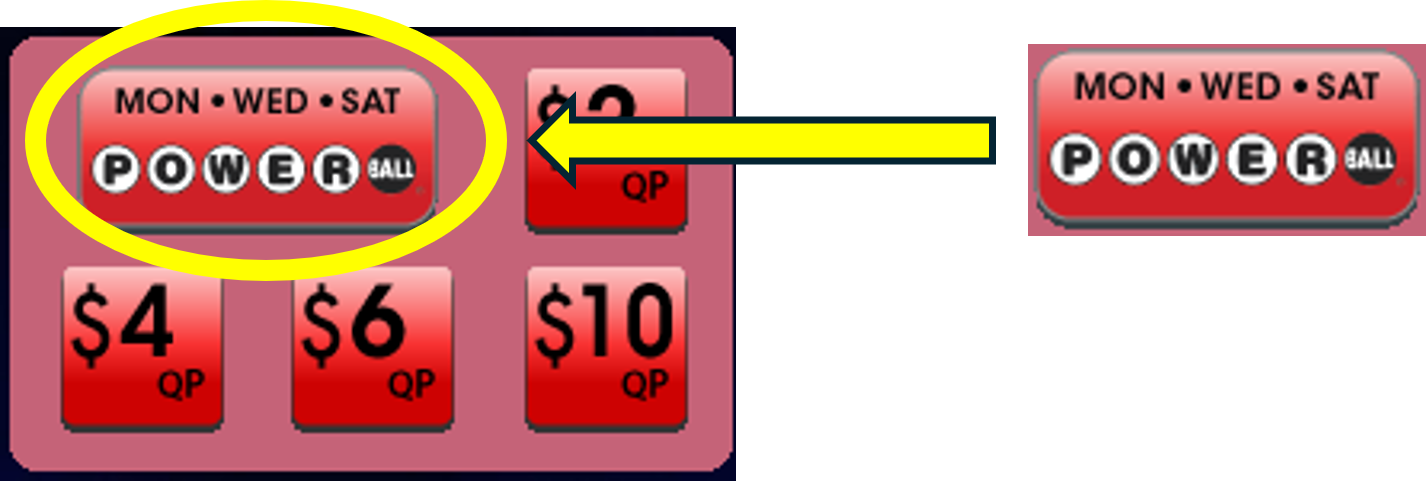
Retailers can quickly generate PowerBall tickets for the next upcoming drawing by using the Quick Pick (QP) buttons on the GT-1200 Main Screen.

PowerBall Purchase Screen
When players want to customize their PowerBall wager, Retailers will need to proceed to the PowerBall purchase screen by pressing the ‘PowerBall’ button located on the GT-1200 main screen.
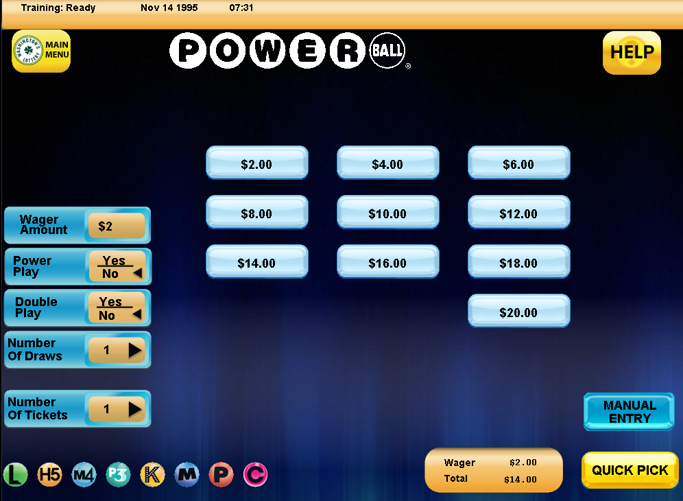
On the PowerBall Purchase Screen, the Retailer will be able to customize:
-
- Wager Amount – The number of wagers being made per PowerBall drawing.
- Add-On : PowerPlay
- Add-On : Double Play
- Number of Draws – The number of Draws that will be played (up to 24 drawings can be selected).
- Number of Tickets – The number of individual tickets per draw (up to 99 tickets can be purchased for each draw).
PowerBall Numbers Selection : Manual Entry
 For Players who want to manually select their numbers, the Retailer can press the “Manual Entry” button located at the bottom right of the PowerBall purchase screen.
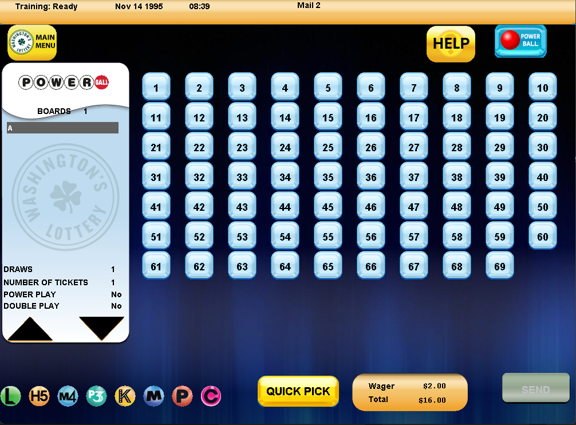
On the PowerBall Manual Entry Screen, the Retailer can select the individual numbers [1-69] the Player would like to choose for their wager.
Once the player’s five white balls are selected, the Retailer will need to press the “Power Ball” button located at the top right of the PowerBall Manual Entry Screen. This will allow for the selection of the player’s Power Ball number [1-26].

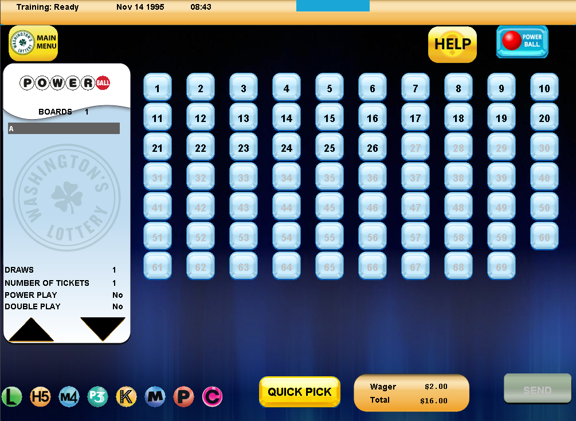
Press SEND when the Player’s ticket is completed.
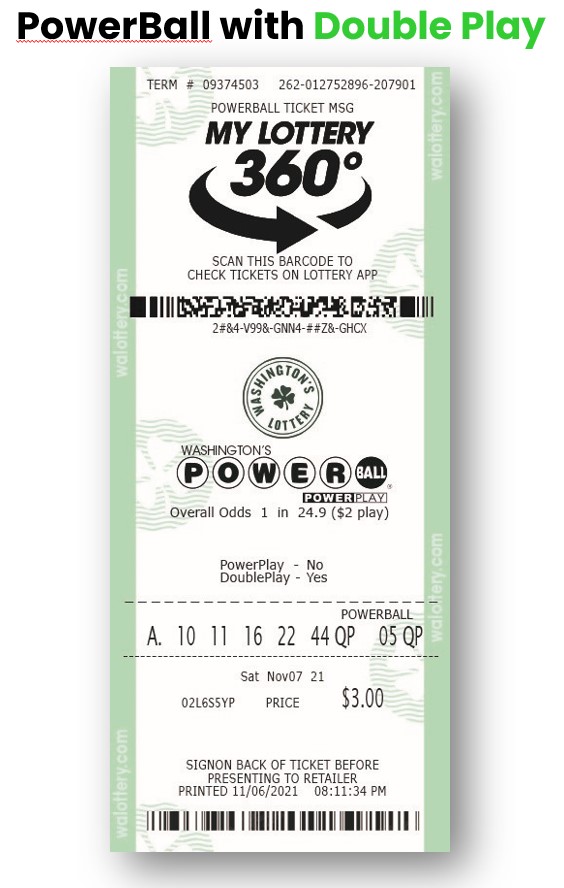
Powerball Add On – Double Play
Double Play
Double Play® is a new add-on feature to the Powerball® game. For an additional $1 per play, players will have a second chance to match their Powerball numbers in a second-chance drawing with a fixed cash prize of $10 million.
Double Play is a second set of winning numbers drawn with different prize amounts.
Players will play the same set of numbers in the both the main Powerball drawing and Double Play drawing, and Powerball tickets that include the Double Play® add-on will be eligible to win prizes in both drawings.
The Double Play drawing will be held after every Powerball drawing on Monday, Wednesday and Saturday at 8:30PM
The Double Play® add-on feature will be offered in 14 lottery jurisdictions, and players can add the feature to their Powerball ticket for an additional $1 per play.
PowerBall with Double Play