- Hits: 0
Loading & Changing Printer Paper
- Lift the latch up to open the printer cover.
- Raise the paper cover to the open position.
- Raise the paper cover to open position.
- Tear off the first layer of the paper roll and place it into the printer so that the paper unwinds from the bottom (front). See picture below.
- Leave a few inches of paper outside of the printer and close the paper cover firmly so that it latches securely.
- Paper feeds automatically to align itself then, the printer will automatically cut off the excess paper.

Videos Available:
- Cleaning the Accutherm Printer(1.10 minutes)
- How to change the Accutherm Paper Roll(.56 seconds)
- Hits: 2
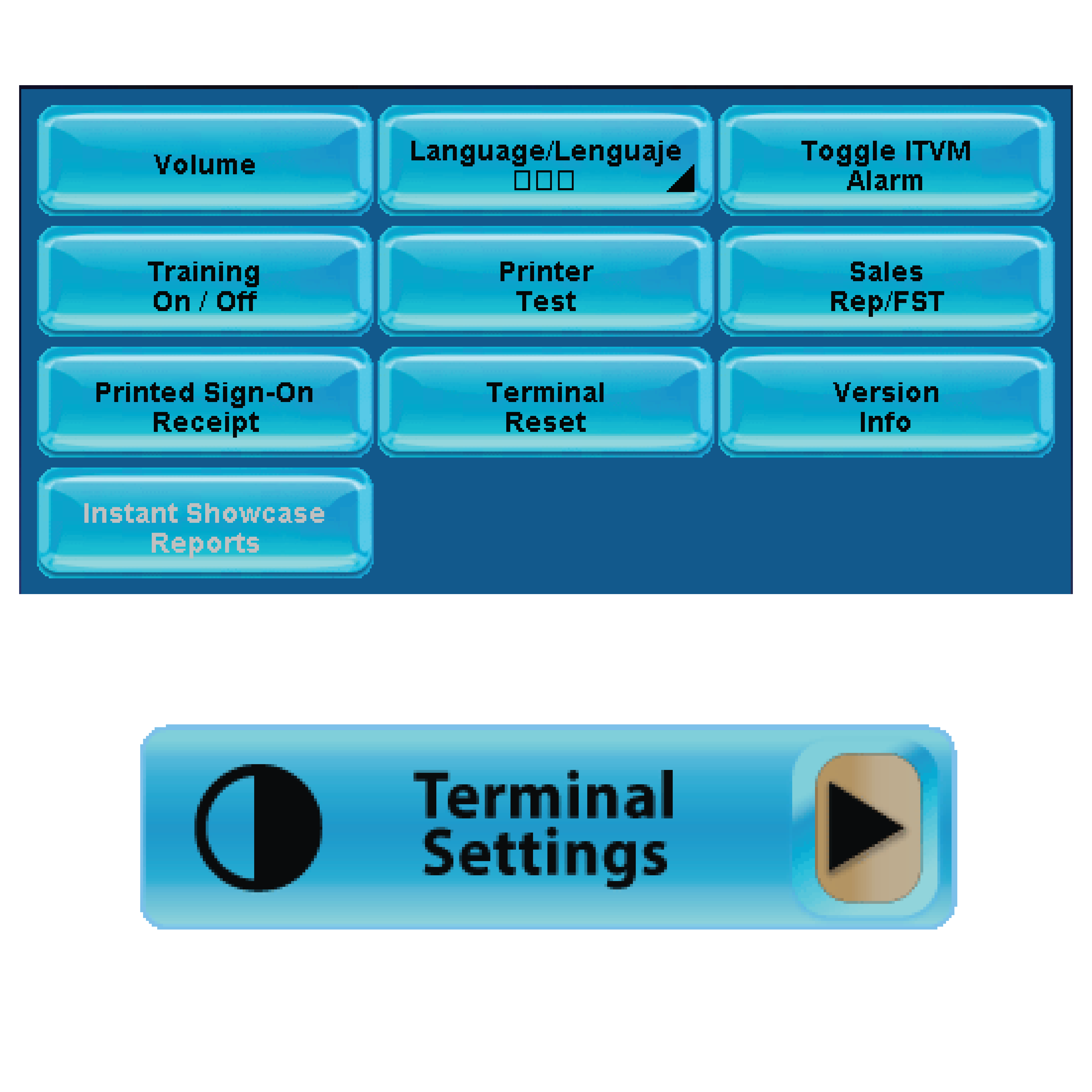
Terminal Settings
Provides general setting options and terminal information.

Volume
- Adjust GT-1200 terminal volume
Language/Lenguaje
- Change terminal language (English / Espanol / Korean)
Toggle ITVM Alarm
- Turn terminal alarm On or Off
Training On/Off
- Turn Training mode On or Off (FOR IGT PERSONNEL ONLY)
Printer Test
- Test Printer
Sales Rep/FST
- Display assigned Lottery Representative and Field Service Technician information.
Printed Sign-On Receipt
- Turn On or Off automatic Printed Sign-On Receipt
Terminal Reset
- Resets terminal
Version Info
- Displays terminal details
Instant Showcase Reports
- For Retailers with a connected Instant Showcase peripheral equipment.