RSS WA
  1. You are here:  
  2. Home
  3. GENERAL
Hits: 41

Inventory Detail

Provides detailed information of books that belong to the retailer. It lists the Game, Pack (book) and Status.

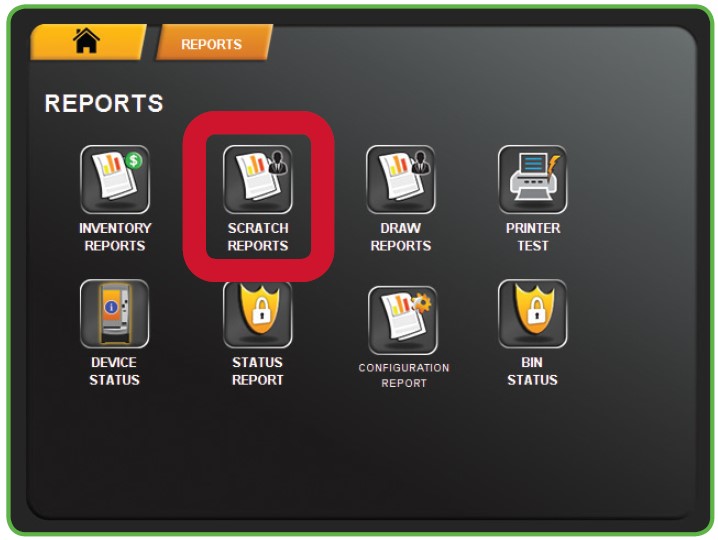
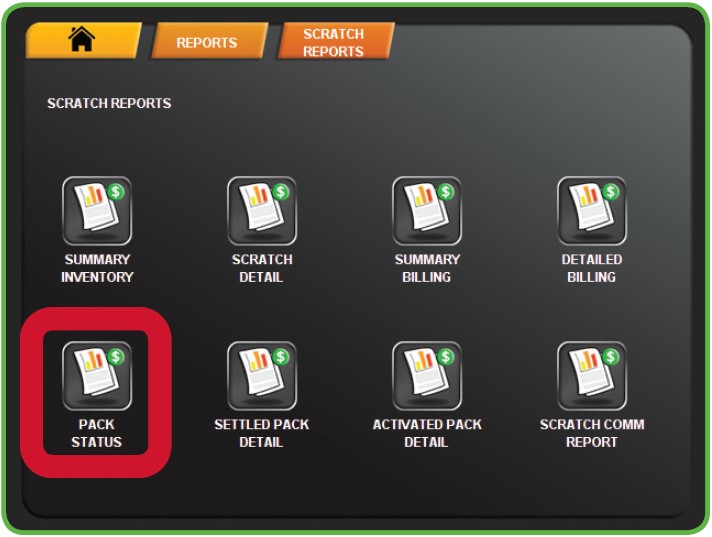
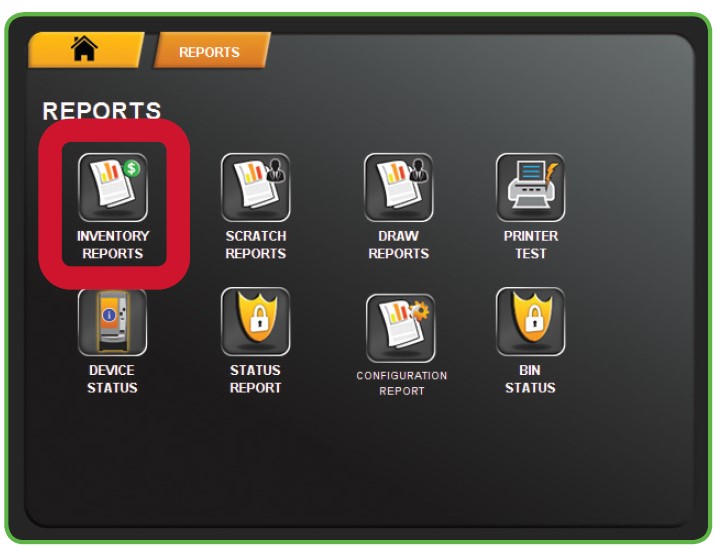
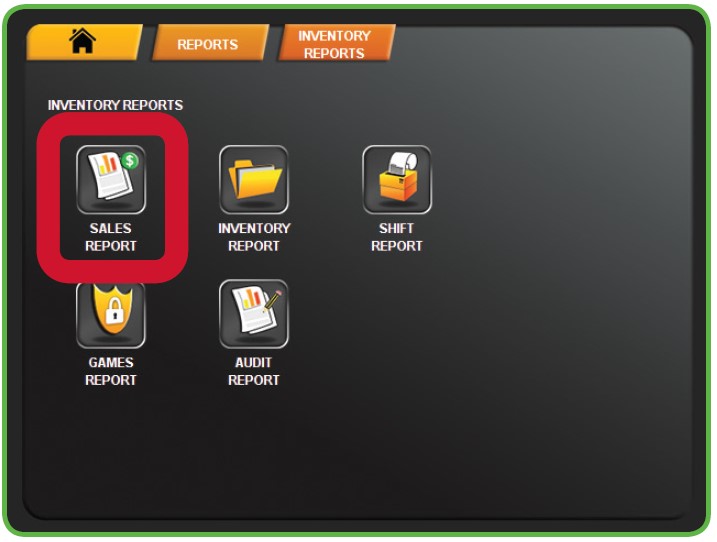
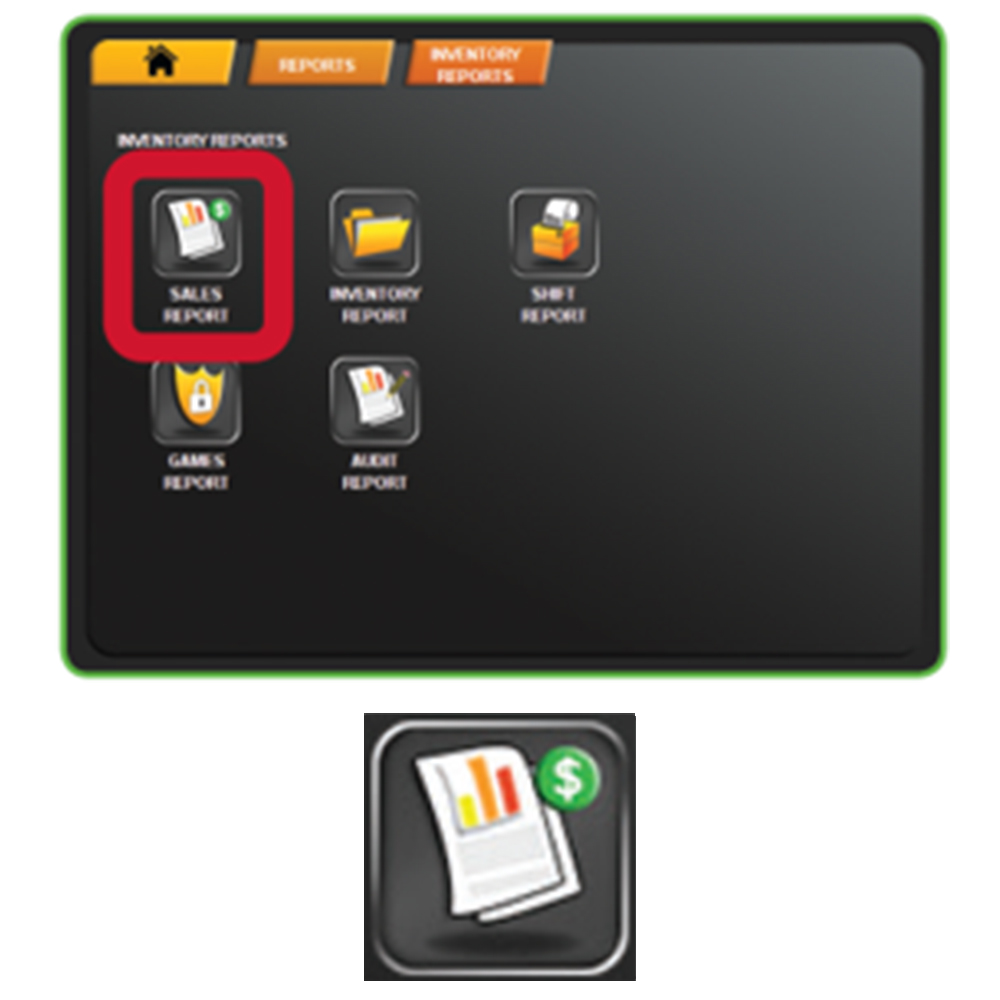
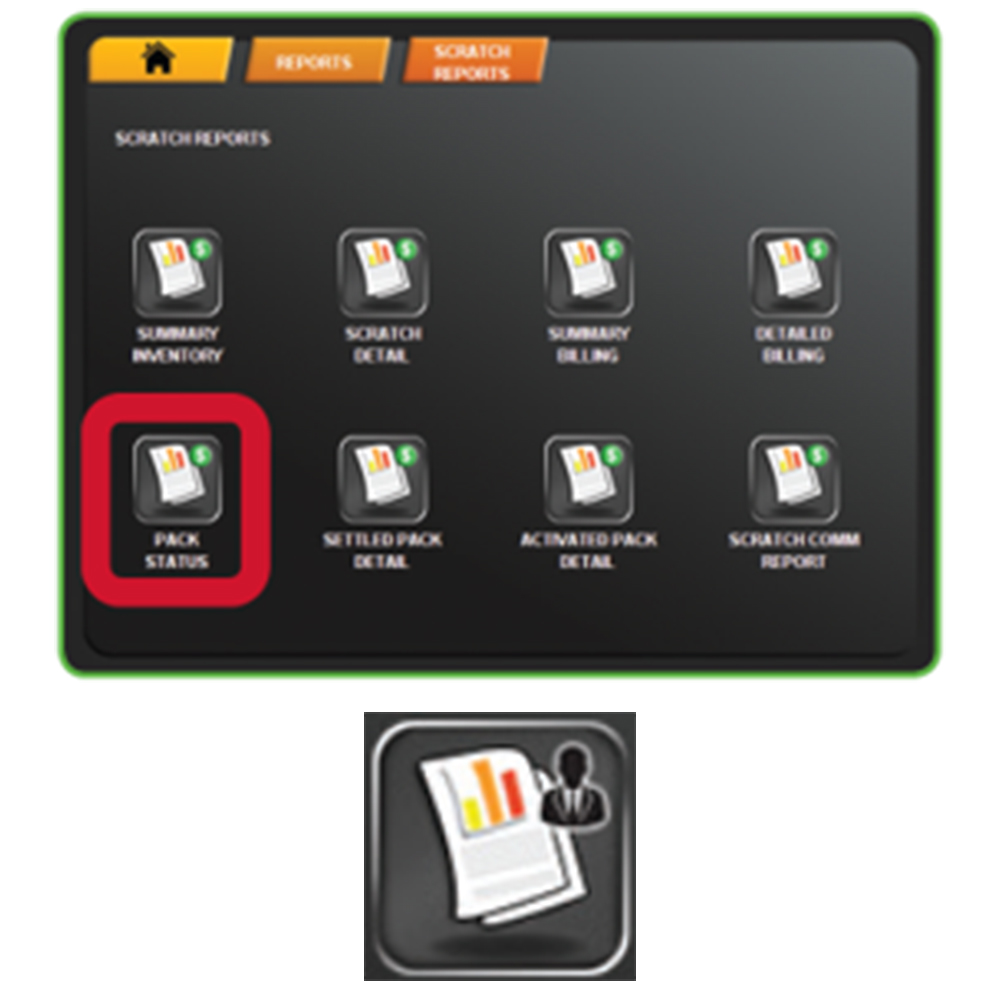
Reports Button H400 Scratch Reports Button H400 Inventory Detail Button H400


Inventory Detail Content

  • Displays individual game detail on scratch ticket inventory.
  • Report will list specific pack numbers for game and status change dates.
Hits: 44

Inventory Summary Report

Provides Scratch Ticket inventory status summary by price point.

Reports Button H400 Scratch Reports Button H400 Inventory Summary Button H400


Scratch Inventory Content


CREA or Created

    • Lists any scratch tickets that were ordered, but have not yet shipped


INT or In-Transit

    • Lists packs being shipped out to your location
    • Ticket packs are considered “in-transit” when packs are assigned to a retailer, packaged at the warehouse, and then shipped
    • Scratch packs will remain “in-transit” until the retailer “receives” the shipment


REC or Received Status

    • Scratch packs in inventory that are not being sold (back stock)
    • REC tickets have not been activated
    • Old packs will be picked up by DSR
    • Tickets in REC status have not been charged to lottery account


ACT or Activated Status

    • Packs that are being sold, but have not Settled
    • Packs will automatically Settle based on the 80% / 50 Day Rule.


Notes:

    • Settled packs are not shown on this report
    • Report listing pack status by price point and game number can be used to help track scratch pack inventory status.
    • Retailers are not billed for ticket packs in “Received” or “In Transit” status.
Hits: 0

Lists balance from last invoice period, EFT payments, cancels, net sales, sales commission, cashed other, promotions, administration fees, adjustments and amount due information for given invoice period and retailer. Use to verify invoice period financial data for specified retailer.

Reports Button H400 General Reports Button H400 Weekly Settlement Button H400


  • Tracks lottery accounting.
  • Lists amount being charged or deposited into the lottery account for a given week
  • Lottery Accounting Week Starts Sunday & Ends Saturday
  • Electronic Funds Transfer (EFT) sweep every Tuesday
  • Can be generated for up to 180 days back
  • Input 8-digit date or send for current week
  • Current will be the previous Sunday through Saturday (print example)
  • Lists balance from previous week
  • “Total Due” in first section of report is the EFT sweep total for given week
    • Sum of “Draw Games Due” and “Scratch Due” for the given week
    • Totals come from draw games sales, payouts, and settled packs


Weekly Settlement Report Content

Hits: 110

Daily Activity Report

  • Breaks down Draw and Scratch transactions
    • Does not track the individual scratch ticket sales
  • Used to verify Lottery purchases on the main register
  • Can generate reports for up to 180 days back
  • Lists draw game sales and separates by game
  • Separates payout totals by draw and scratch
  • Lists cancellations and promotions
  • Provides daily accounting information
    • Date specific
    • Totals are accumulated throughout the day
  • Report will run from 12am- 11:59pm
    • Can be printed at any time throughout the day
      • Cannot print sales for a specific time frame
    • Reports can be pulled from up to 6 months back
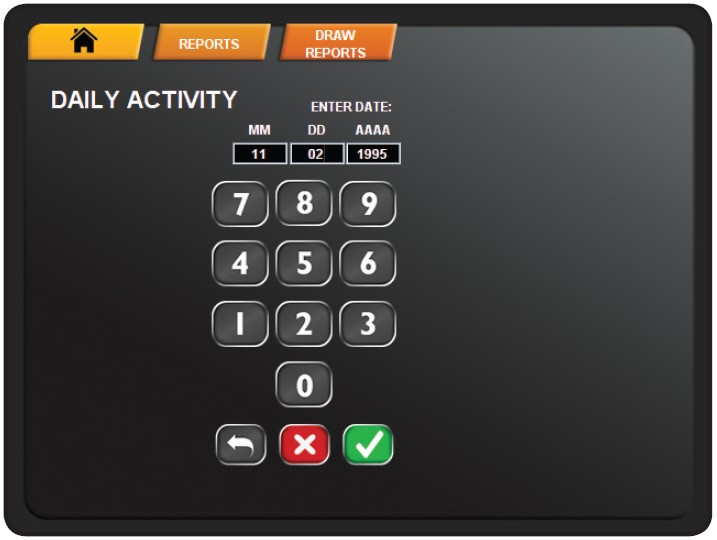
      • Enter in desired date


* The Daily Sales Report will combine sales for all lottery terminals

  • Pull Lotto-to-go report, if sales information is needed from a specific terminal


Generating and Running Daily Activity Reports:

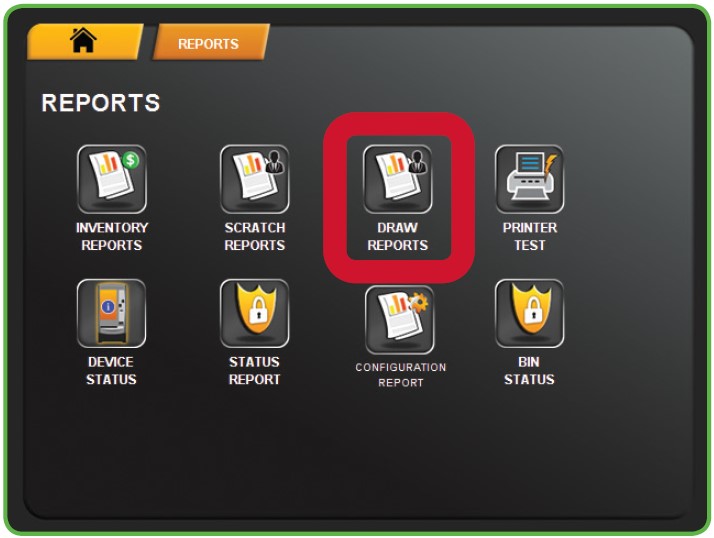
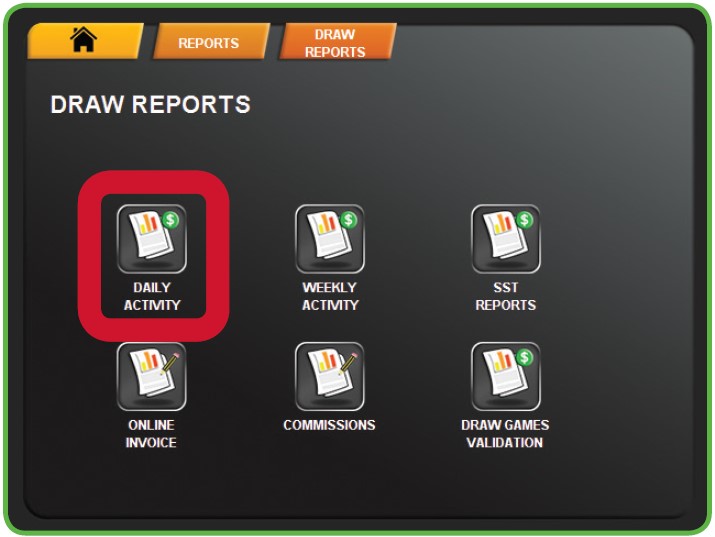
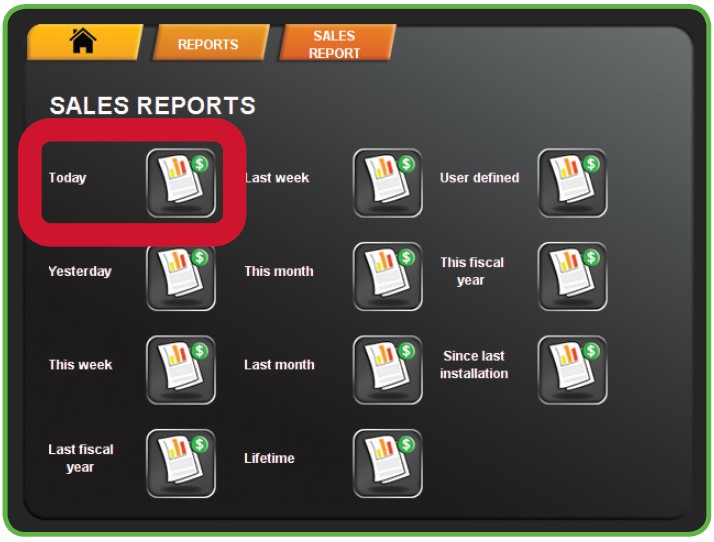
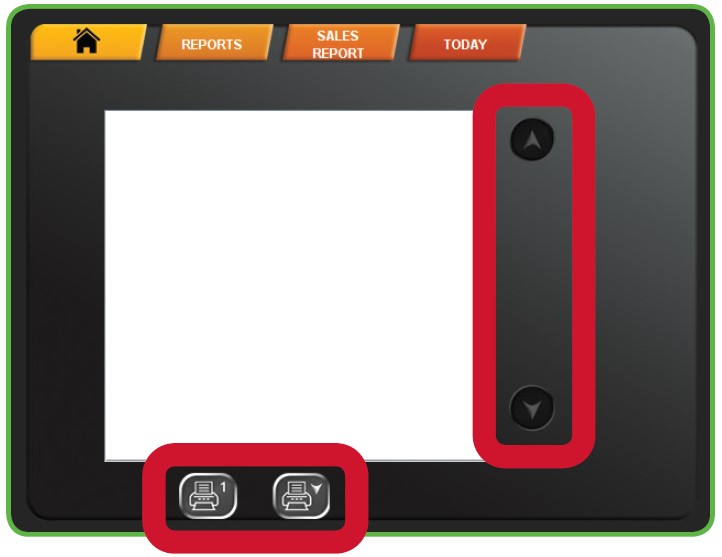
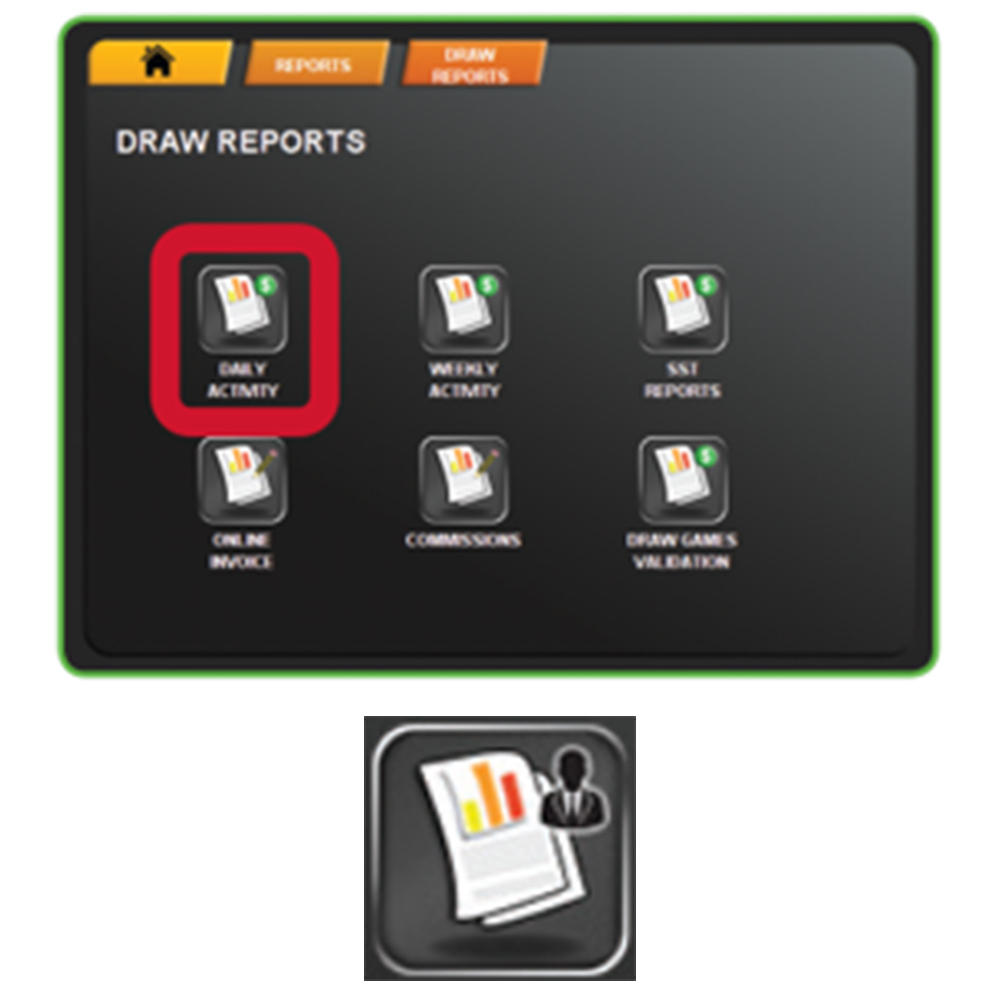
Reports Button H400 General Reports Button H400 Daily Sales Button H400


Enter the desired date for the report or press SEND to generate a report for the same day.

date pad update


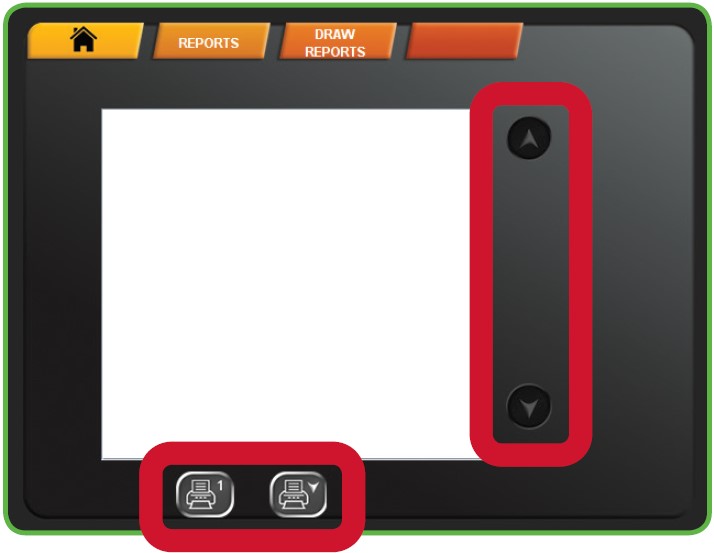
Daily Activity Report Overview:

daily activity report update


Report Information

  • Sales
    • Draw Games [All Draw Games]
      • Includes quantity of tickets transactions and dollar values
      • Does not include any scratch ticket sales
    • Total Sales
      • The sum of all draw sales from the lottery terminal
      • Includes total quantity and dollar value


  • Cancels
    • Any draw game tickets that have been canceled
      • Mega Millions, Powerball, and Cash Pop cannot be canceled
      • Tickets must be canceled before the draw sales closure
    • Retailer will be automatically refunded for any canceled tickets
    • Canceled tickets will still appear in “Sales” section of report


  • Promotions
    • Free Tickets
      • Draw game tickets produced using lottery coupons
        • i.e. Buy One, Get One Free Coupon
    • Free Hit5 Replay
      • Free Hit5 ticket produced from scanning a winning Hit5 ticket
      • Bottom tier prize for Hit5 is a free Hit5 ticket


  • Total Paid
    • Total of draw game tickets paid out
      • Does not include any payouts of scratch tickets
      • Includes quantity of tickets and total dollar value


  • Commissions
    • Total commissions from draw ticket sales
    • Does not include any commissions from scratch ticket sales


  • Draw Game Net
    • Total Sum for all draw games items


  • Scratch Cash Summary


  • Settled Packs
    • Packs that have reached settlement threshold
      • 50 days since activation or 80% validated (paid out)
      • Will show quantity of packs and dollar value
    • Will not be charged for settled packs until Tuesday EFT withdrawal
    • Contact Lottery Rep for any questions or issues with settled packs


  • Commissions
    • Commissions for scratch ticket sales
    • Does not include any draw game commissions


  • Return Tickets

Page 40 of 46

  • 35
  • 36
  • 37
  • 38
  • 39
  • 40
  • 41
  • 42
  • 43
  • 44

Frequently Used (Top 10)

  • Selling Powerball on the GT-1200 Retailer Terminal
  • GT1200 Content
  • Shift Report and Cash Reconciliation
  • Gemini Touch 24/28 Content
  • Services
  • Printer - GT1200
  • MEI Bill Acceptor and Cash Box Removal - Gemini Touch
  • Activation
  • Display Touch Screen - GT1200
  • GT24/28 System Overview

Recently Published

  • Out of Stock Prevention and Best Practices Guides
  • Content Coming
  • Configuration Report
  • DSR Sign-on & Instant Showcase Reports
  • Loading Unloading Scratch Tickets

Recently Modified

  • Scratch Reports: Shipment Report
  • GT1200 Scratch Reports
  • Customer Ticket Checker
  • Barcode Scanner - GT1200
  • Display Touch Screen - GT1200