RSS WA
  1. You are here:  
  2. Home
  3. GENERAL

Scratch Reports

The Scratch Reports Menu provides access to the following reports: Scratch Summary, Scratch Detail, Summery Billing, Detailed Billing, Pack Status, Settled Pack Detail, Activated Pack Detail, and Scratch Comm Report.


1. Touch SCRATCH REPORTS from the Reports Menu.

reports screen with the scratch reports button highlighted

2. The Scratch Reports Menu displays. Select the desired option. For example, touch PACK STATUS.

Scratch Reports screen with the pack status button highlighted


3. Enter the Game ID using the NUMERIC TOUCHPAD, then touch the GREEN CHECKMARK.

pack status screen with number pad to select a bin

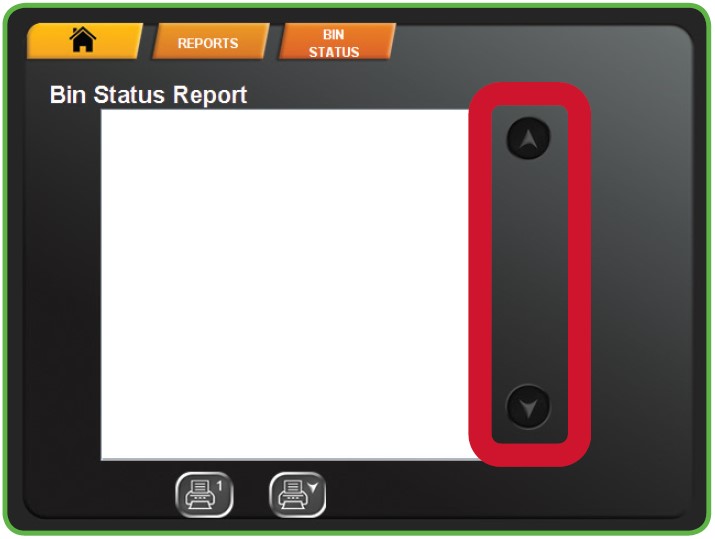
4. Use the UP and DOWN ARROWS to scroll through text. Touch one of the PRINT buttons to print the report. Touch HOME to return to the Manager Functions Menu.
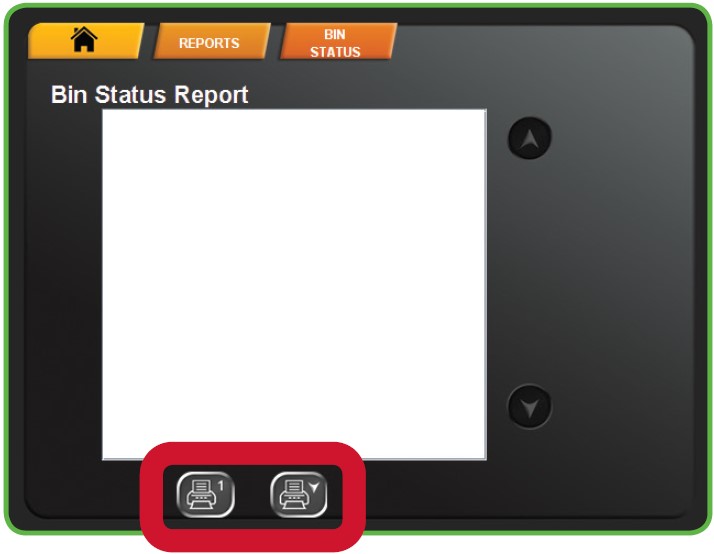
NOTE: The first button prints only what is visible on the screen. The second button prints the full report.

pack status report

Inventory Reports

The Inventory Reports Menu provides access to the following reports: Sales Reports, Inventory Report, Shift Report, Games Report and Audit Report.


1. Touch INVENTORY REPORTS from the Reports Menu.

reports screen with the inventory reports button highlighted

2. The screen displays the Inventory Reports Menu. Select the desired option. For example, touch SALES REPORT.

Inventory Reports screen with the sales report button highlighted


3. Select the desired time-frame. For example, touch TODAY.

sales reports screen options with the button for today's report highlighted

4. Use the UP and DOWN ARROWS to scroll through text. Touch one of the PRINT buttons to print the report. Touch HOME to return to the Manager Functions Menu.
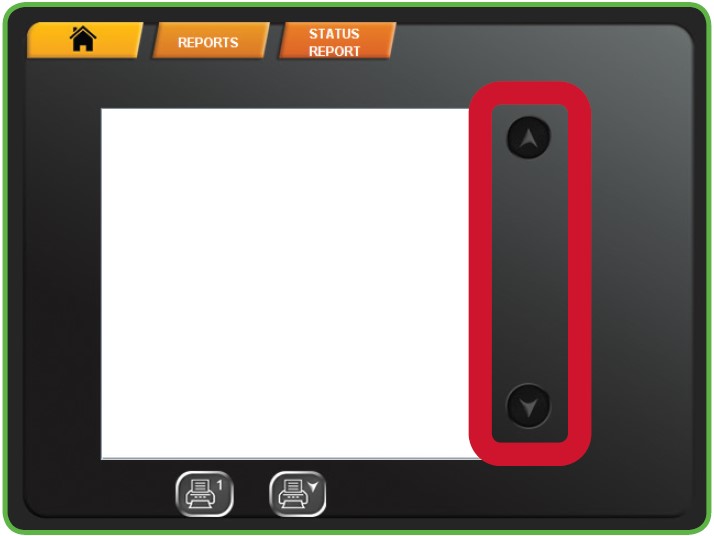
NOTE: The first button prints only what is visible on the screen. The second button prints the full report.
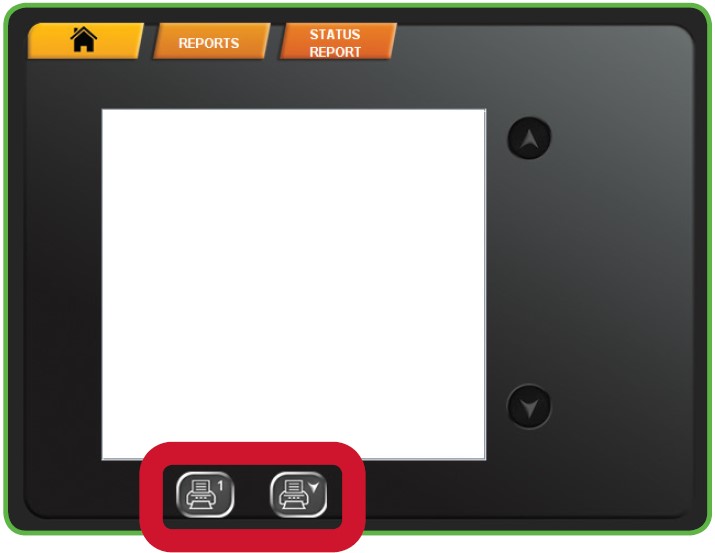
sales report screen

Inventory Reports
Inventory Reports

Scratch Reports
Scratch Reports

Draw Reports
Draw Reports


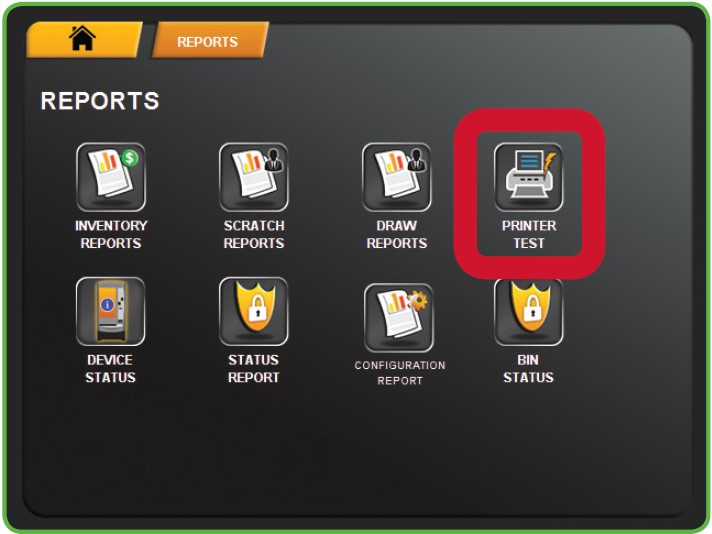
Printer Test
Printer Test

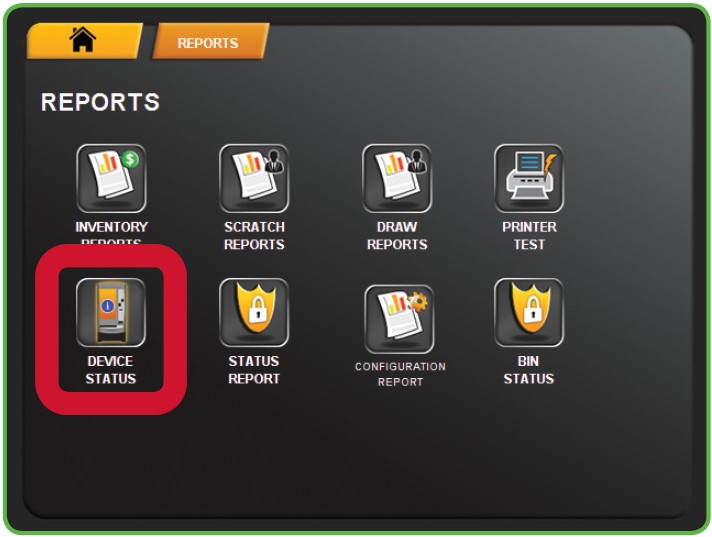
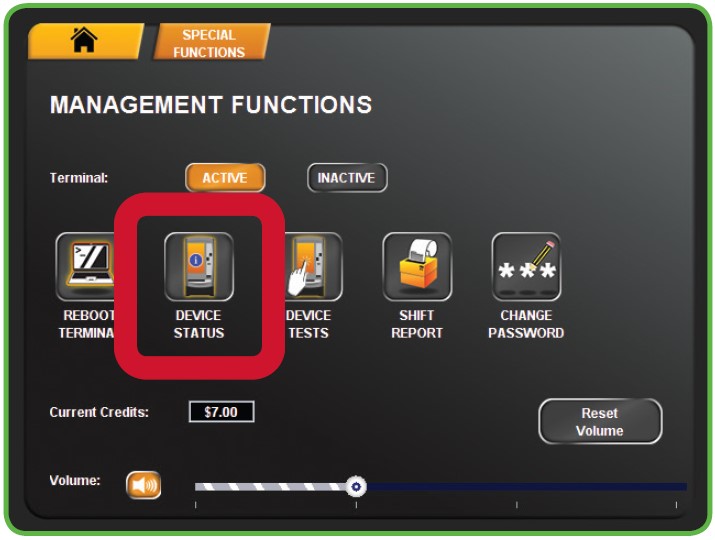
Device Status
Device Status

Status Report
Status Reports


Configuration Report

Bin Status
Bin Status

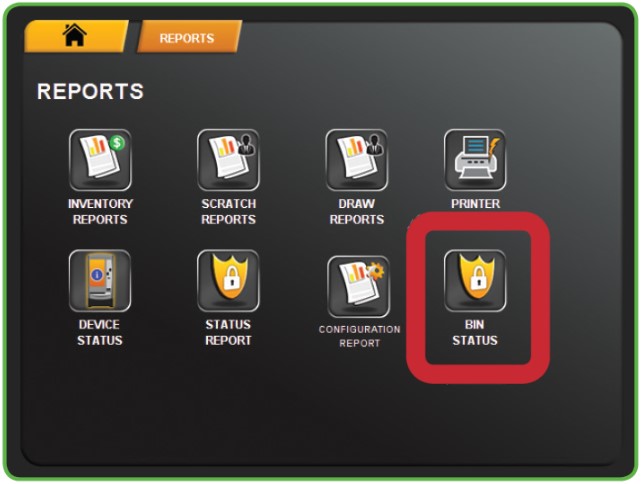
Reports
Reports

System Functions
System Functions

Special Functions
Special Functions


Shift Report
Shift Report

Device Tests
Tools / Services
- Device Tests -
Journaling
Logging / Security
- Journaling -


Reprint
Reprint

video help
Video Help

Page 39 of 48

  • 34
  • 35
  • 36
  • 37
  • 38
  • 39
  • 40
  • 41
  • 42
  • 43

Recently Published

  • Training Blitz: Jan - Mar 2026
  • 2026 Trainings
  • Training Videos
  • Current Training
  • Previous Trainings

Recently Modified

  • Instant Ticket Procedures Content
  • Settlement
  • Activation
  • Receive
  • Customer Ticket Checker