Scratch > Scratch Functions
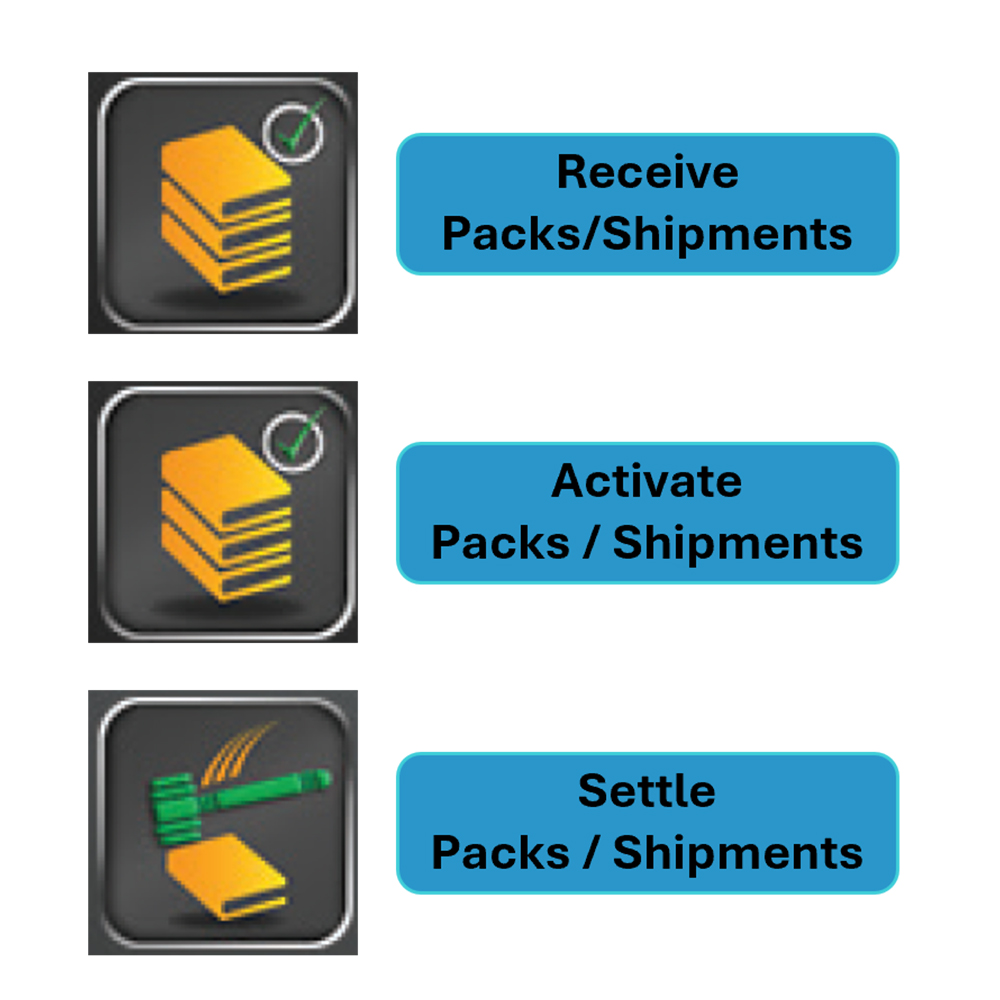
RECEIVE PACKS/SHIPMENTS
Use to confirm delivery of Scratch Tickets.
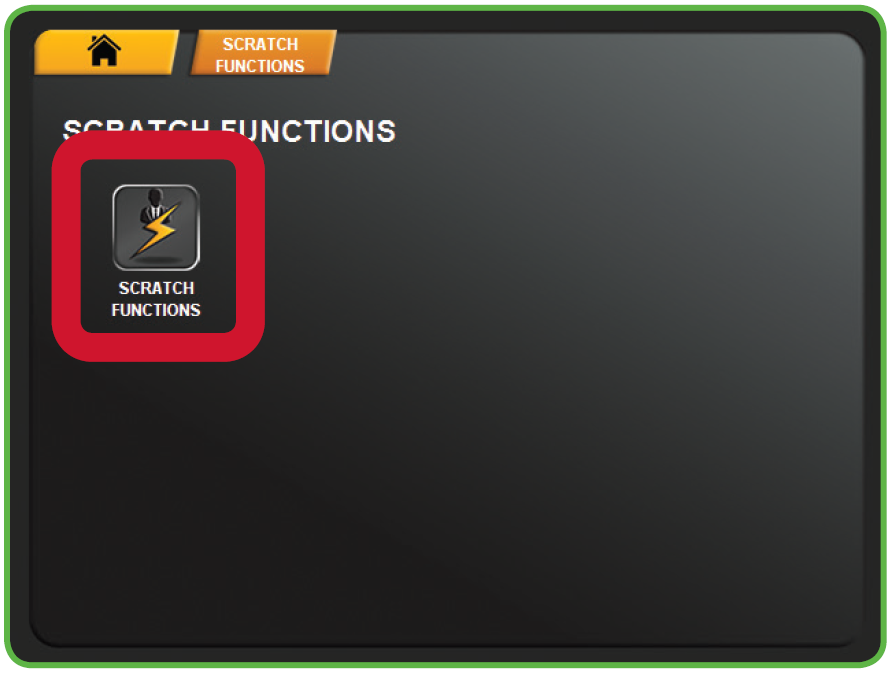
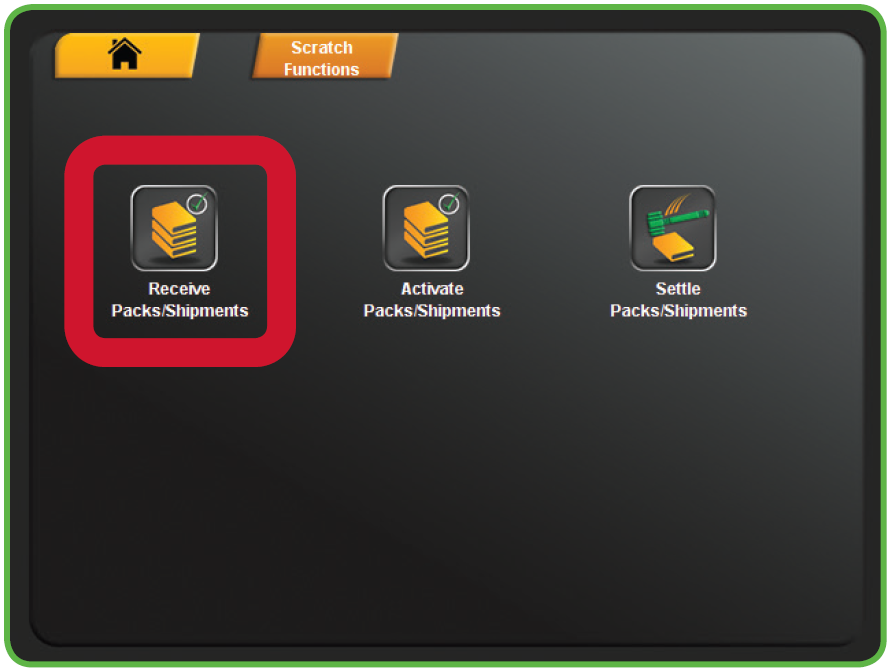
- Touch RECEIVE PACKS/SHIPMENTS from the Scratch Functions Menu.
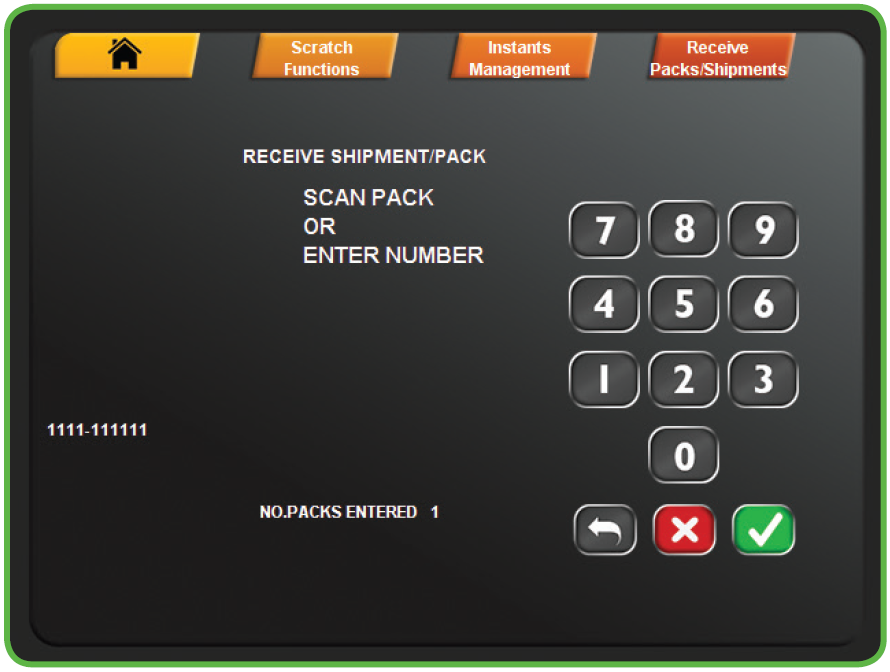
- Scan the barcode or manually enter the Order Number using the keypad, then touch the GREEN CHECKMARK.
- NOTE: Up to 10 packs can be scanned before touching the GREEN CHECKMARK.
- NOTE: Up to 10 packs can be scanned before touching the GREEN CHECKMARK.
- A confirmation screen displays. Touch the GREEN CHECKMARK to return to the Scratch Functions menu.
Receiving Packs
Activating Packs
Settling Packs
Scratch Ticket Management
OVERVIEW
This function allows the machine’s bin inventory to be added, removed and changed. There are two methods of loading tickets into the terminal, Barcode and Manually.
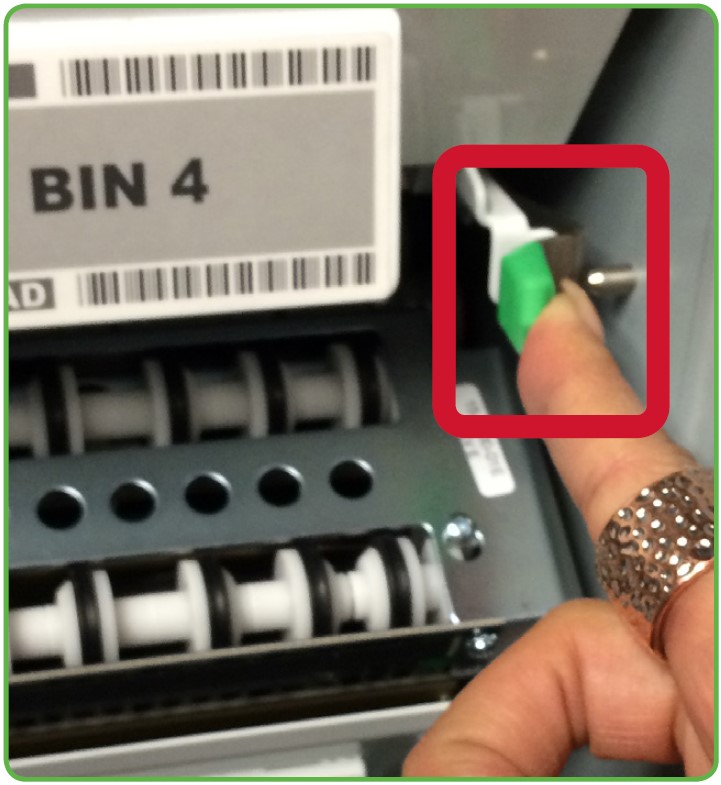
You must pull out the bin tray before loading tickets. A safety latch on the right side of each tray allows only one row to be pulled out at a time. To advance a row of bins, push the safety latch to the left while pulling the ticket tray forward. To replace, push the row back into place and the latch snaps back automatically.
The Gemini Touch uses a games table to keep track of all previously loaded games. Once a game is loaded and a ticket from a pack of the same game is scanned, the program knows all the necessary information about that particular game. When you use the barcode scanner to load and unload the tickets, the machine checks with the games table and uses that information.
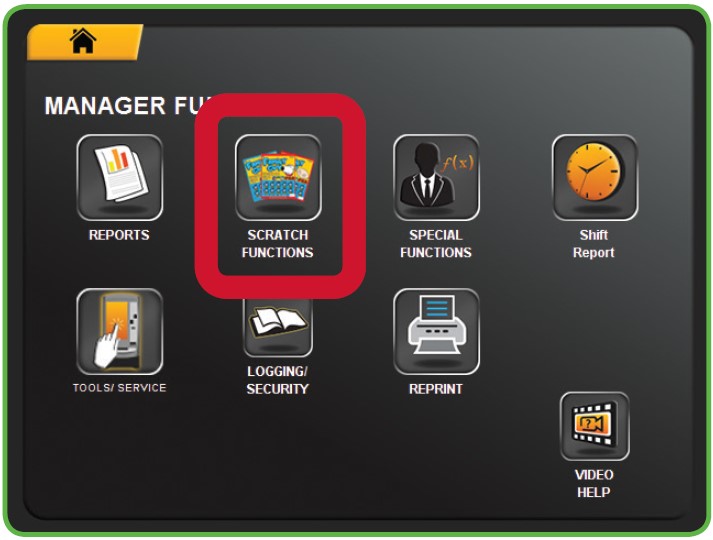
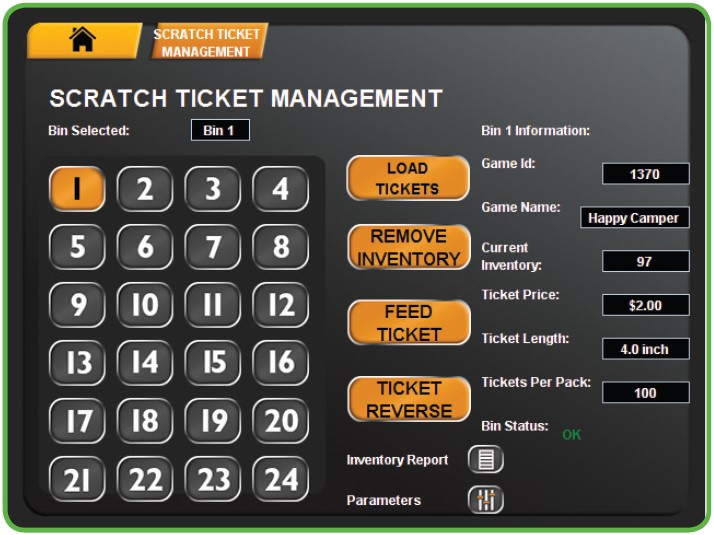
Scratch Ticket Management Overview
Scratch Inventory Procedures
Scanning Full Packs Into Empty BINs
Scanning Partial Packs
Manual Entry
Full or Partial Packs