Manual Entry Full or Partial Packs
QUICK LOAD USING BAR CODE SCANNER:
PARTIAL PACK
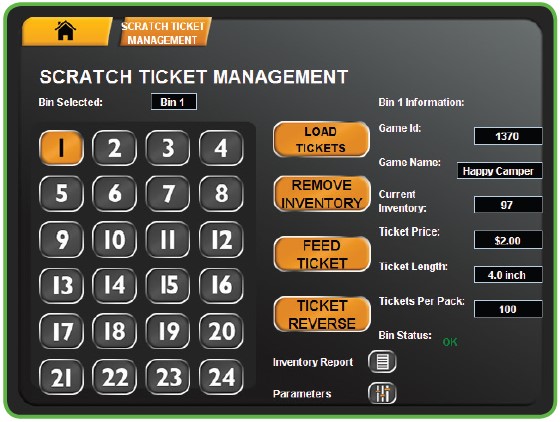
- Touch SCRATCH FUNCTIONS from the Manager Functions Menu. Then, touch SCRATCH TICKET MANAGEMENT.
-
Pick up the 2D reader from the cradle.
-
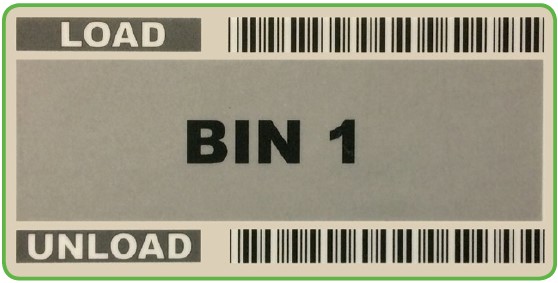
Scan LOAD barcode on the desired Bin.
-
Scan the FIRST TICKET in the pack. Then, touch the GREEN CHECKMARK.
-
Scan the LAST TICKET in the pack. Then, touch the GREEN CHECKMARK.
-
The Pack Activates and Loads. Touch the GREEN CHECKMARK.
Scanning Full Packs Into Empty BINs
QUICK LOAD USING BAR CODE SCANNER:
FULL PACK IN AN EMPTY BIN
- Touch SCRATCH FUNCTIONS from the Manager Functions Menu. Then, touch SCRATCH TICKET MANAGEMENT.
- Pick up the 2D reader from the cradle.
- Scan LOAD barcode on the desired Bin.
- Scan the FIRST TICKET in the pack. Then, touch the GREEN CHECKMARK.
- Full Pack? Touch the orange icon, then, touch the GREEN CHECKMARK.
- The Pack Activates and Loads. Touch the GREEN CHECKMARK.
Scratch > Scratch Functions
SETTLE PACKS/SHIPMENTS
PLEASE NOTE: Washington’s Lottery retailers do not have to Settle Packs. Packs automatically settle depending on account set-up.
Scratch > Scratch Functions
ACTIVATE PACKS
SHIPMENTS
Use to activate packs of Scratch Tickets.
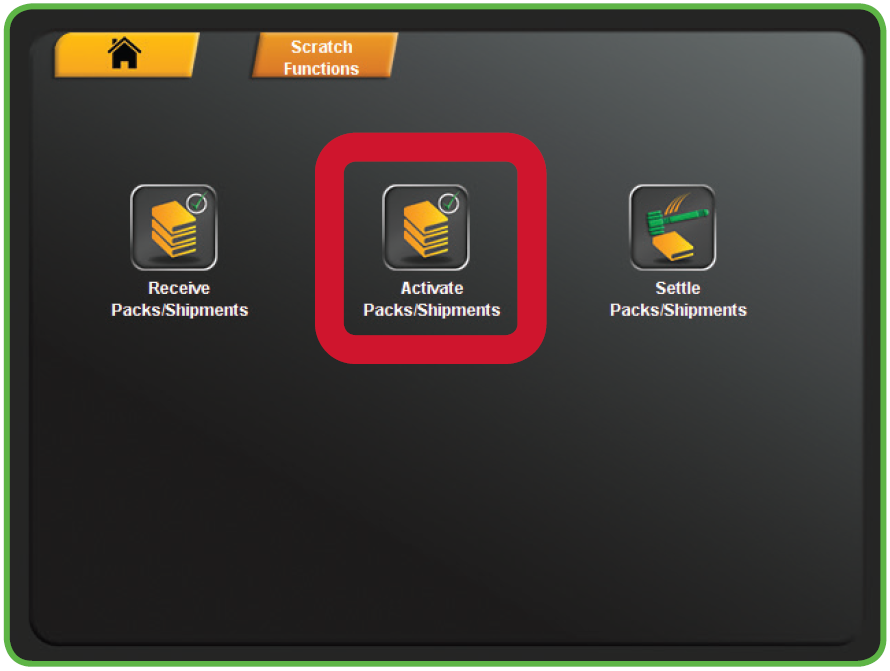
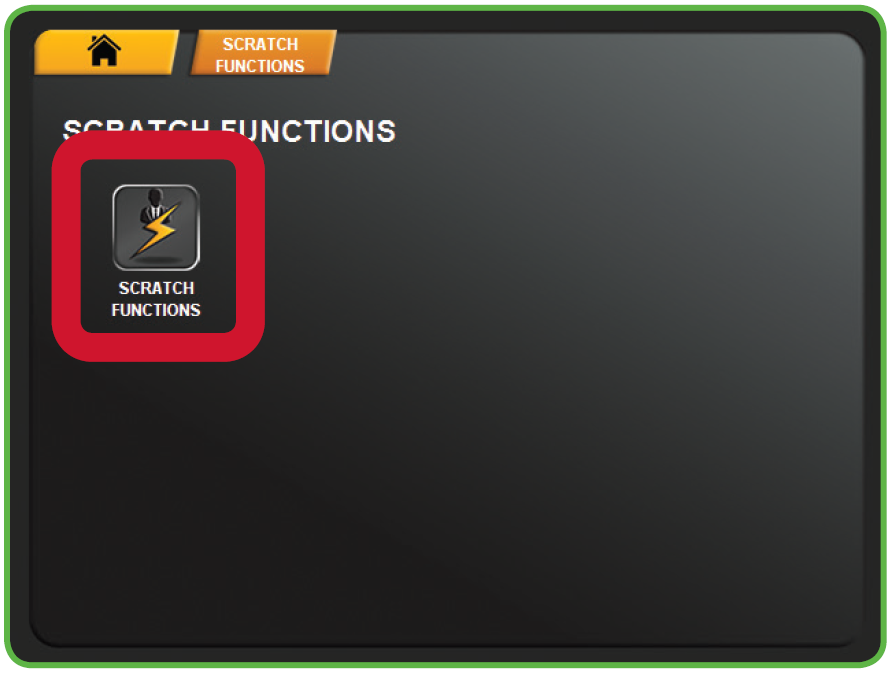
- Touch SCRATCH FUNCTIONS from the Scratch Functions Menu.
- Touch ACTIVATE PACKS/SHIPMENTS.
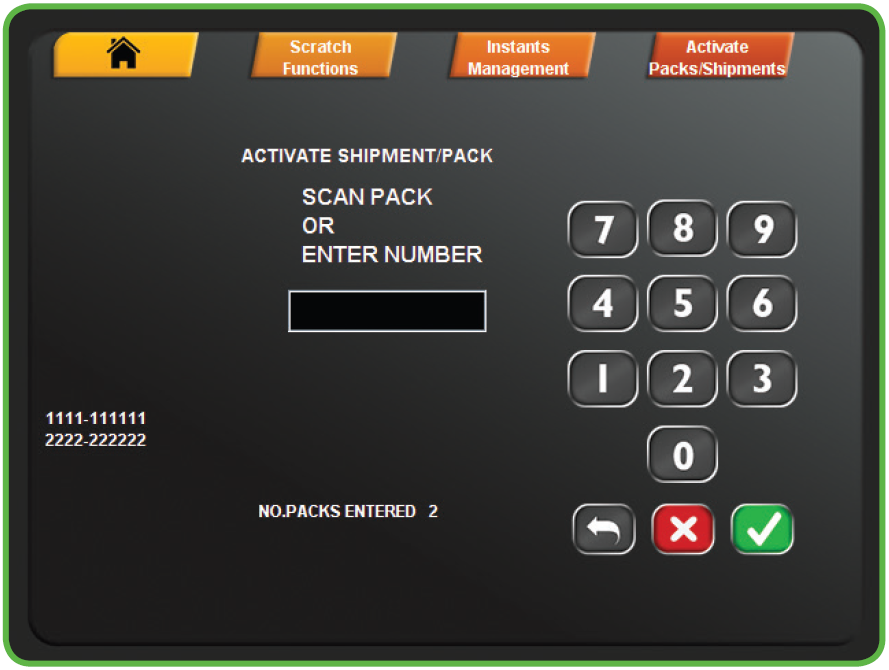
- Scan the barcode or manually enter the Game and Pack Numbers using the KEYPAD, then touch the GREEN CHECKMARK.
- NOTE: Up to 10 packs can be scanned before touching the GREEN CHECKMARK
- NOTE: Up to 10 packs can be scanned before touching the GREEN CHECKMARK
- A confirmation screen displays. Touch the GREEN CHECKMARK to return to the Scratch Functions menu.