RSS WA
  1. You are here:  
  2. Home
  3. GENERAL
Hits: 74

In-Counter Ticket Display

  • In-counter bins should be located near the most used register, with a sales associate near by.

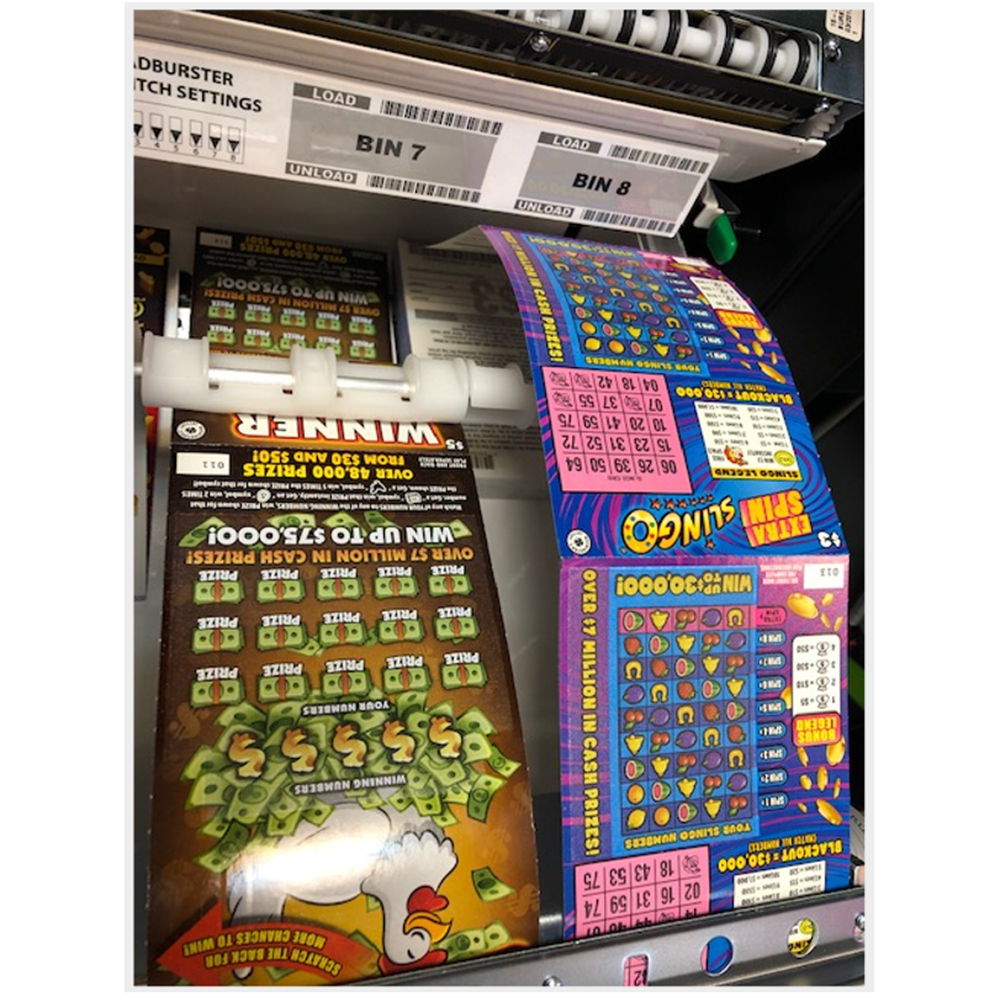
  • Maintain an organized in-counter display to ensure Scratch tickets are not loosely hanging from Bins.

  • Handle non-lottery transactions before processing Lottery sales. Scan and exchange tickets last.

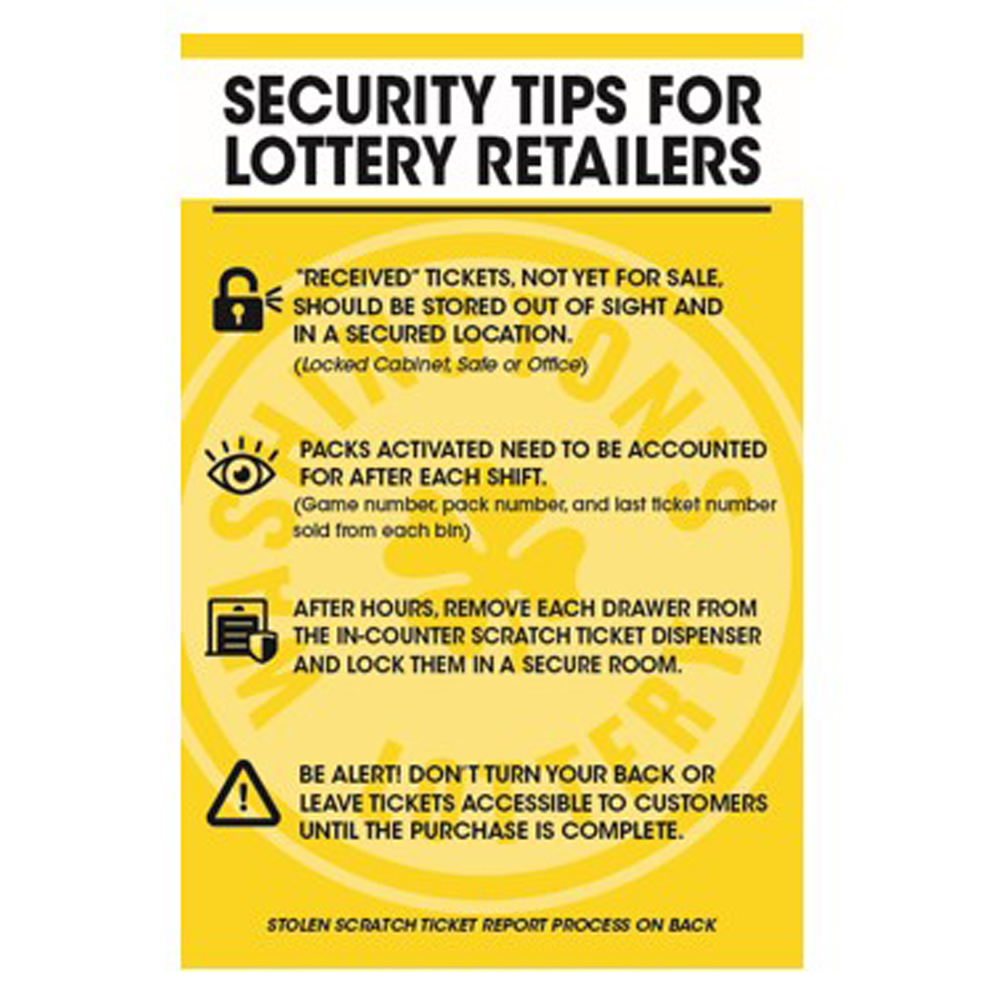
  • ‘Activated’ tickets should never be left on counter tops. Scratch tickets should only be accessible to customers once the purchase transaction is completed.

  • After hours, remove each drawer from the in-counter Scratch ticket dispenser and lock them in a secure room or safe.

  • Ensure sales associates keep Scratch tickets pushed back into the bins as far as possible while still being able to handle.

in counter dont


Ticket Security Best Practices

  • Upon receipt of Scratch ticket shipments, scan tickets into a ‘Received’ status.
    • Tickets not out for sale (packs in received status) must be kept in a secure location, such as a locked cabinet, safe, or manager’s offices.
    • Access to tickets should be limited to select store personnel.

  • Store ‘Received’ packs together by game to:
    • Quickly know what games are on-hand.
    • Easily identify packs, should any go missing.

  • Activations should be limited to one or two key personnel only and should only occur at such times as tickets are made available for sales to players.

  • Inventory lists should be maintained and kept in a separate location.

security tips

Security_Tip_Card.pdf


Reporting Lost or Stolen Tickets

  • If tickets are lost or stolen, Retailers are to contact Brightstar Lottery’s 24/7 Hotline Immediately.
  • When reporting stolen tickets, Retailers should be prepared to provide the following information:
    • Store Name & Retailer Number
    • The exact pack and/or ticket number of stolen or missing inventory.
    • Time and Date of loss.
    • Circumstance of loss (Lost, Theft, etc.)
    • Police agency and case number (when available)

stolen ticket

When tickets are stolen from a retailer location and reported to the Lottery, they are placed into ‘Stolen’ Status.

    • Tickets in ‘Stolen’ status cannot be validated by the Lottery terminal.
    • An alarm is sounded at the Lottery when a stolen status ticket is presented for payment.


WA_Stolen_Scratch_CHECKLIST.pdf

Hits: 77

Promotions: 2nd Chance Scratch Games

2nd Chance Games gives Players an opportunity to enter non-winning scratch tickets into “2nd Chance” Drawings. 


  • Only games with the  2nd chance logo  logo are considered “2nd Chance” games.

  • To enter, the player must fill out the back of the non-winning ticket and mail it to Washington’s Lottery.

  • All 2nd Chance entries must be mailed in, and received, prior to the day of next drawing.

  • Each submitted ticket is eligible for one drawing… One Drawing Per Entry.


2nd chance sample

Hits: 55
receive pack 1200
Receive Pack
[GT1200]
activate pack 1200
Activate Pack
[GT1200]
settle pack 1200
Settle Pack
[GT1200]


Hits: 140
gt1200 inventory procedures
GT-1200
Inventory Procedures
gt24-28 inventory procedures
GT20 & GT24/28
Inventory Procedures


Page 4 of 46

  • 1
  • 2
  • 3
  • 4
  • 5
  • 6
  • 7
  • 8
  • 9
  • 10

Frequently Used (Top 10)

  • Selling Powerball on the GT-1200 Retailer Terminal
  • GT1200 Content
  • Shift Report and Cash Reconciliation
  • Gemini Touch 24/28 Content
  • Services
  • Printer - GT1200
  • MEI Bill Acceptor and Cash Box Removal - Gemini Touch
  • Activation
  • Display Touch Screen - GT1200
  • GT24/28 System Overview

Recently Published

  • Out of Stock Prevention and Best Practices Guides
  • Content Coming
  • Configuration Report
  • DSR Sign-on & Instant Showcase Reports
  • Loading Unloading Scratch Tickets

Recently Modified

  • Scratch Reports: Shipment Report
  • GT1200 Scratch Reports
  • Customer Ticket Checker
  • Barcode Scanner - GT1200
  • Display Touch Screen - GT1200