Scratch Reports: Inventory Summary Report
The Scratch Inventory Summary provides Retailers with an overview of all scratch games and related packs assigned to a Retailer. Each pack of scratch tickets is organized by their current inventory status: In-Transit, Received, or Activated.
Accessing the Inventory Summary Report on the GT-1200
Inventory Summary Report Overview:
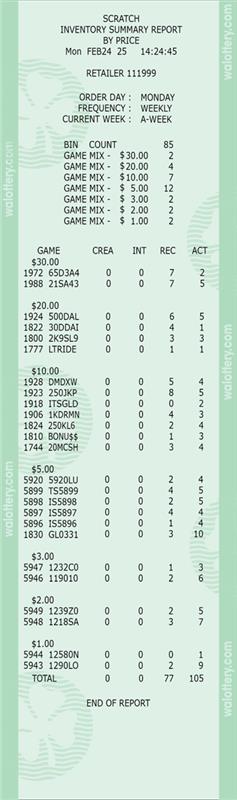
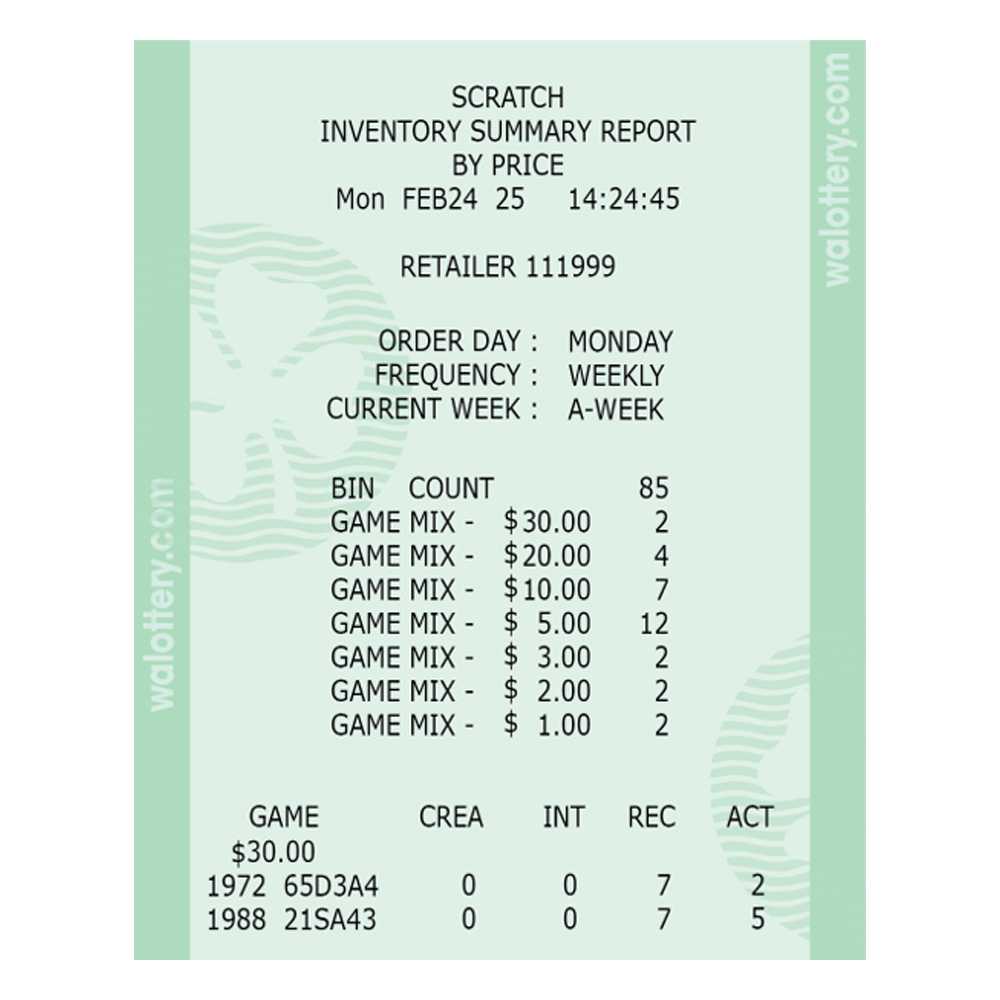
Report Information
- Top of Report
- Retailer number
- Date printed
- Order day
- The day of the week that tickets are ordered for a specific retailer
- Order day will remain the same
- Frequency
- How often tickets are ordered for retailers
- May not receive tickets weekly, if no tickets are needed
- Displays a summary of scratch ticket inventory
- Lists inventory by price point and 4-digit scratch game number
- Includes abbreviated game name
- Does not include any scratch packs that have been settled (paid)
- Scratch packs are divided into four columns
- CREA/ Created
- Order has been created, but not yet shipped
- Retailers are not charged for any packs in “CREA” status
- INT/ In-Transit
- Order/ scratch packs have been shipped
- In-transit to the designated retailer location
- Order will remain “in-transit” until the order is “received” by the retailer
- Orders should be received into the system as soon as possible
- Retailers are not charged for any packs in “INT” status
- Contact Lottery Rep if scratch packs are not delivered
- REC/ Received
- Scratch packs are in retailers’ inventory/ backstock
- Received packs have not been activated
- Tickets should not be sold until they have been activated
- Retailers are not charged for any packs in the received status
- The payment process does not begin until tickets are activated
- Received packs that are not activated before last activation date will be picked up by Lottery Rep
- ACT/ Activated
- Scratch packs are activated
- Tickets can be sold and validated
- Tickets/ scratch packs have not yet been settled
- Scratch packs will automatically settle after 50 days or when 80% of winning tickets have been validated
- Scratch packs will drop off the report once they have been settled
- Settled packs can still be sold
- Lottery reps will pick up older tickets that are in the game closure process
- Retailers will receive credit for any unsold tickets that have been activated or settled
- CREA/ Created
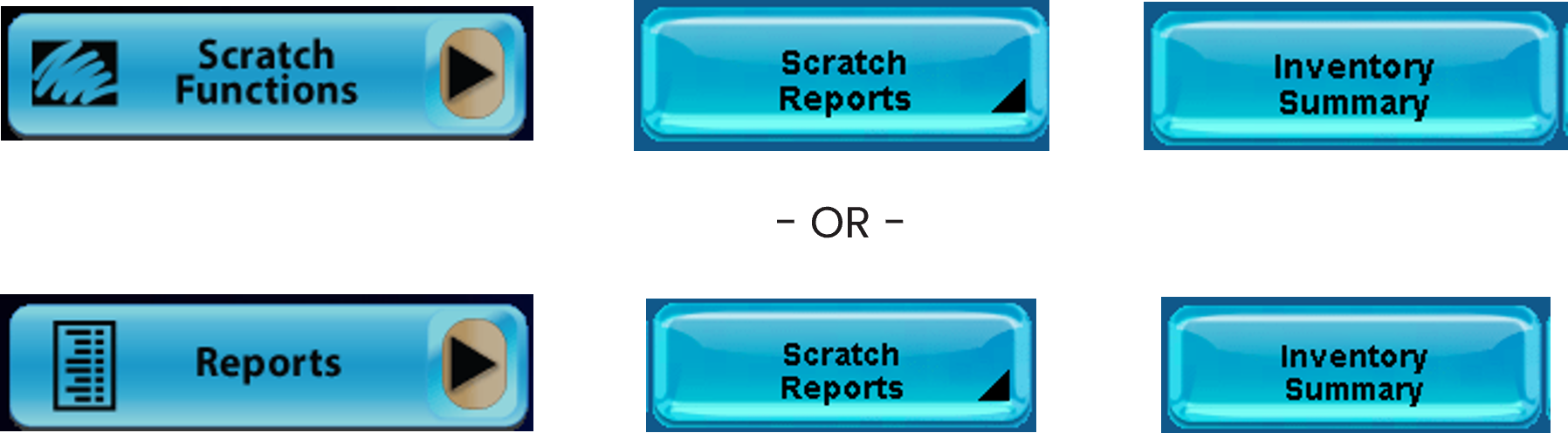
Scratch Reports
There are two ways to access the Scratch Reports screen on the GT-1200:

PLEASE NOTE: Not all reports are available when navigating to the Scratch Reports through the Scratch Functions button. Retailers should navigate to Scratch Reports by using the REPORTS button to have all options displayed.
Inventory Summary
[Scratch Summary]
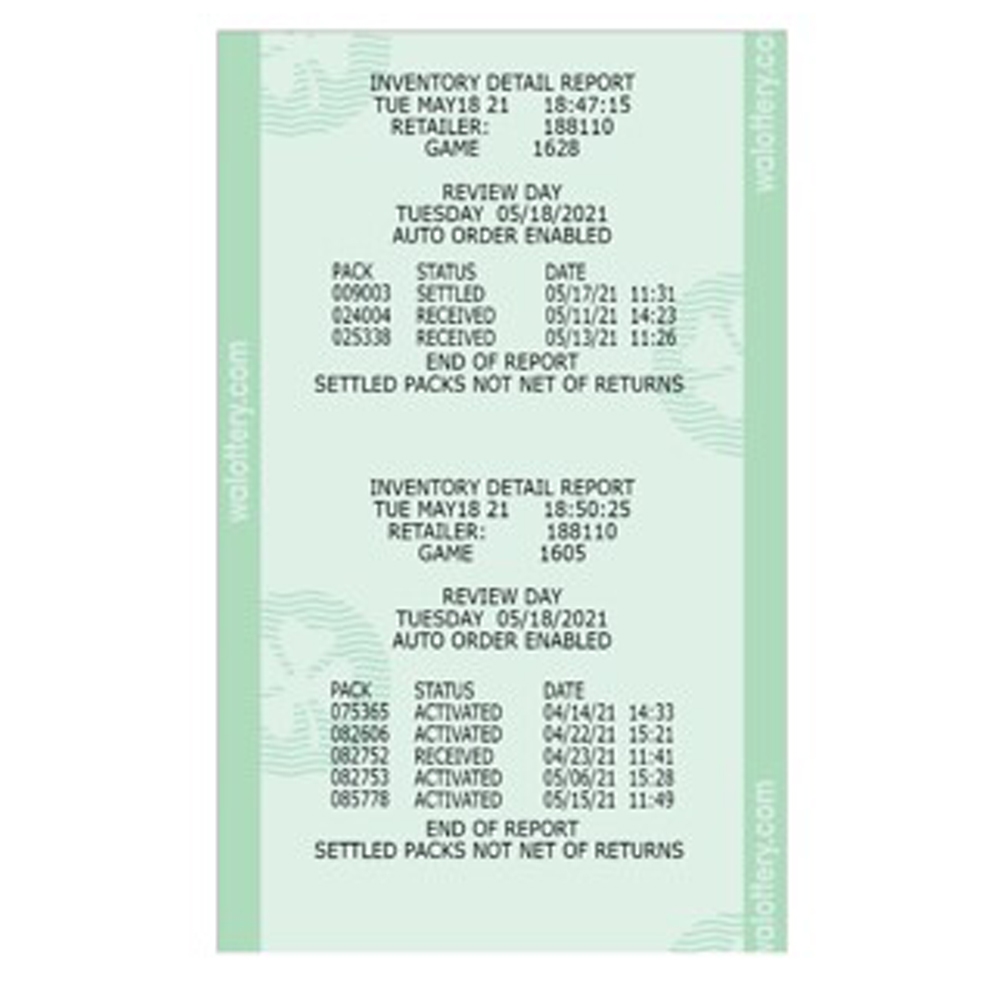
Inventory Detail
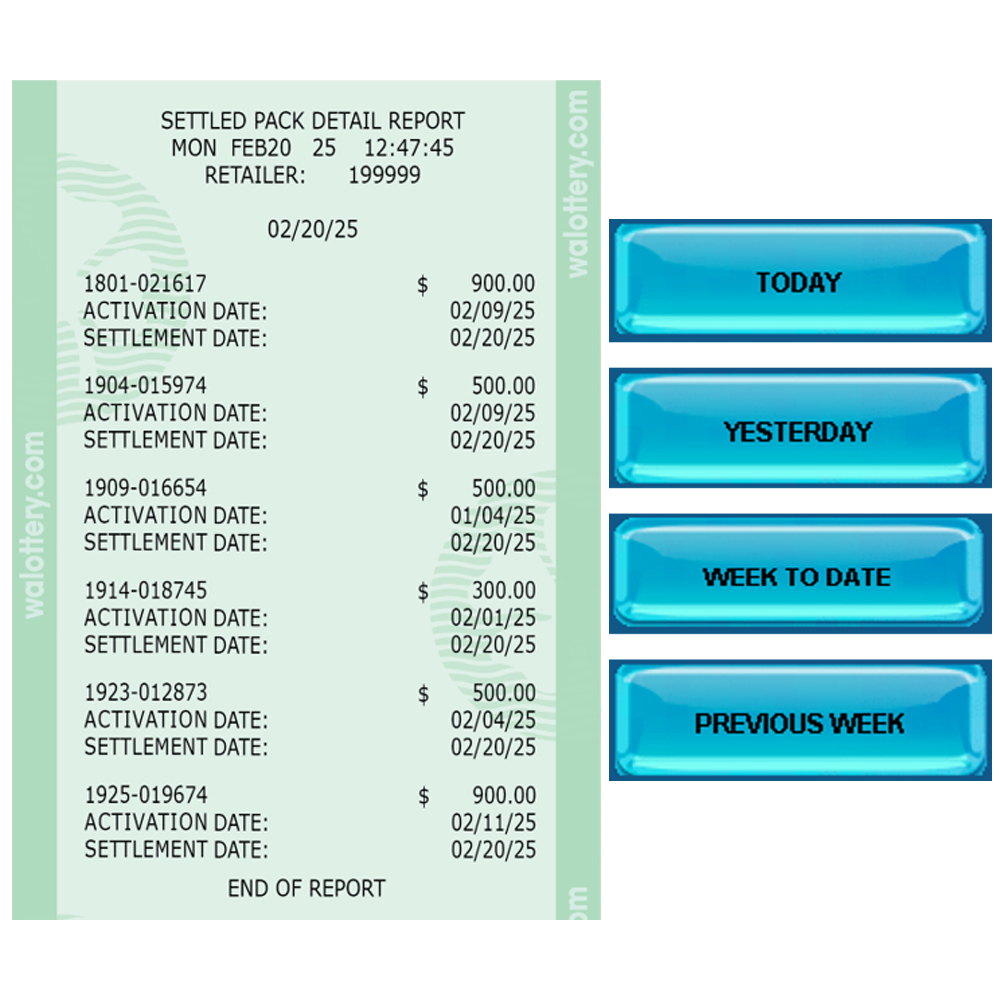
Settled Pack
Detail

Activated Pack
Detail

Scratch Cash
Detail
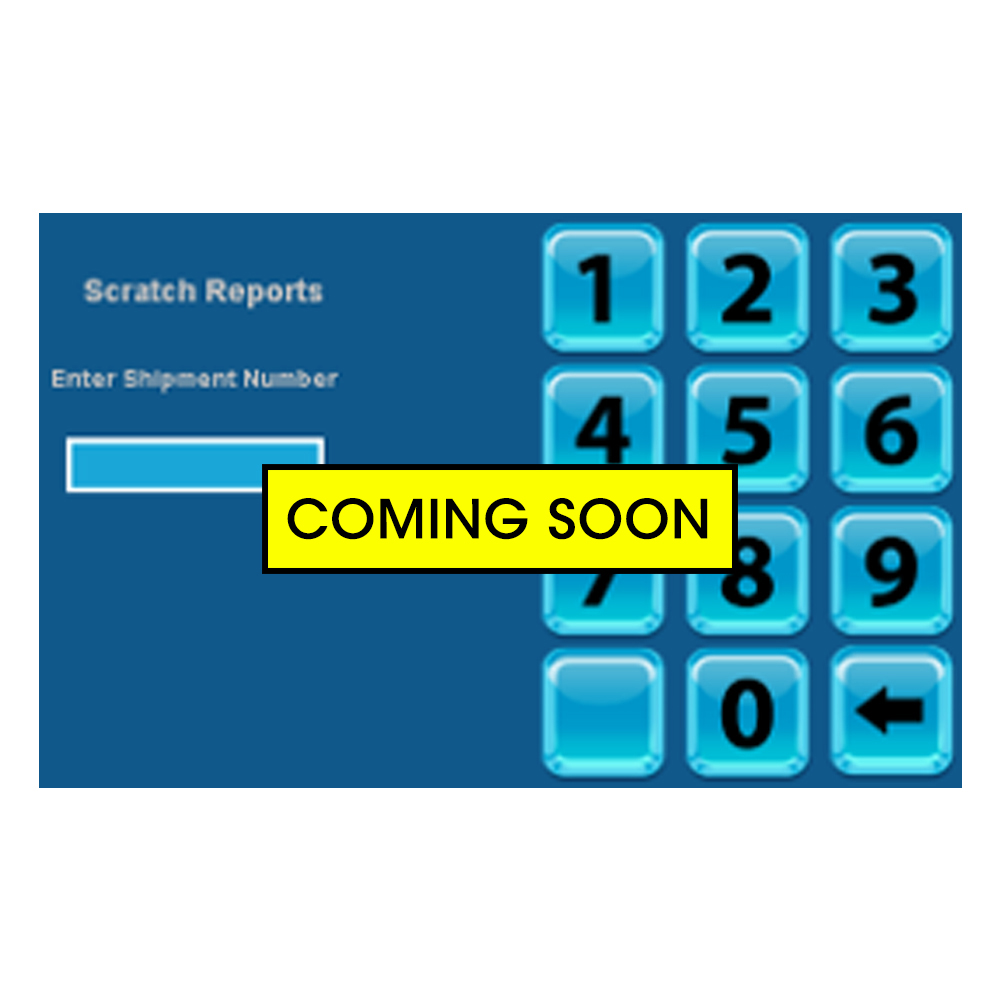
Shipment Report
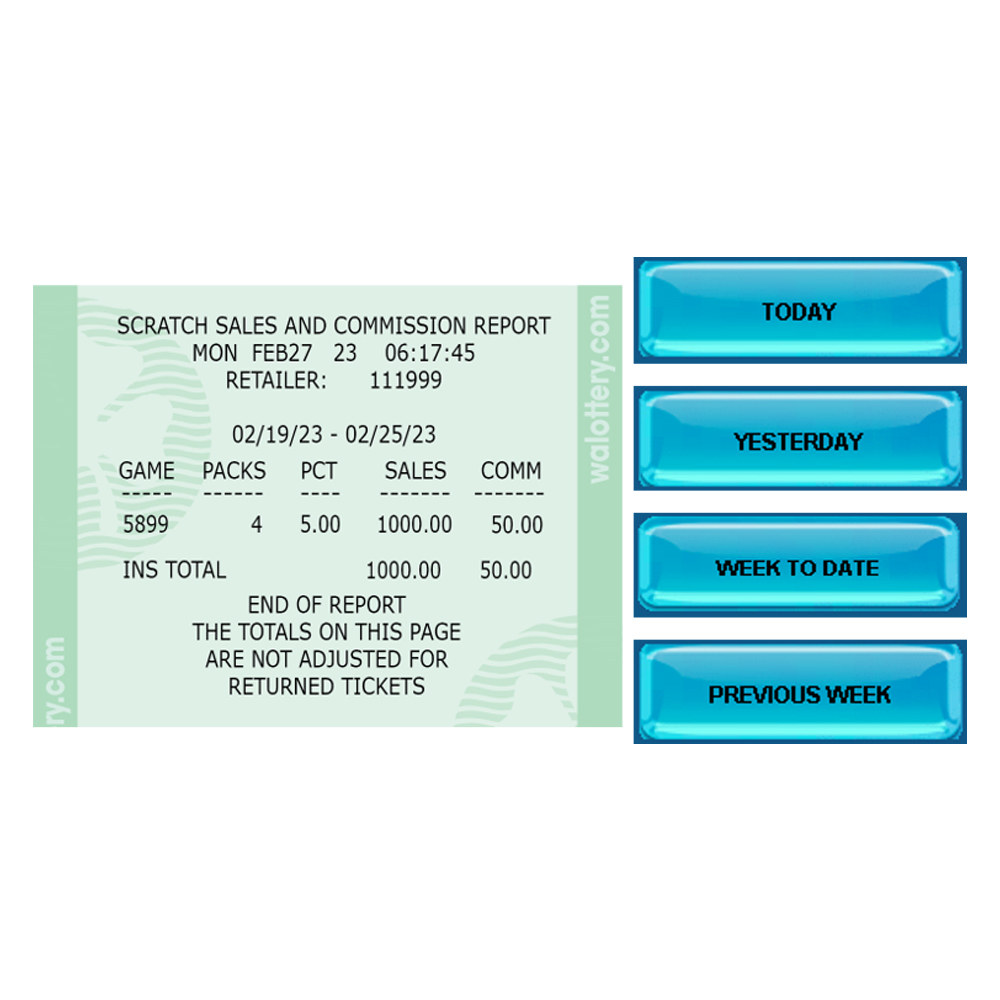
Scratch Commission
Report
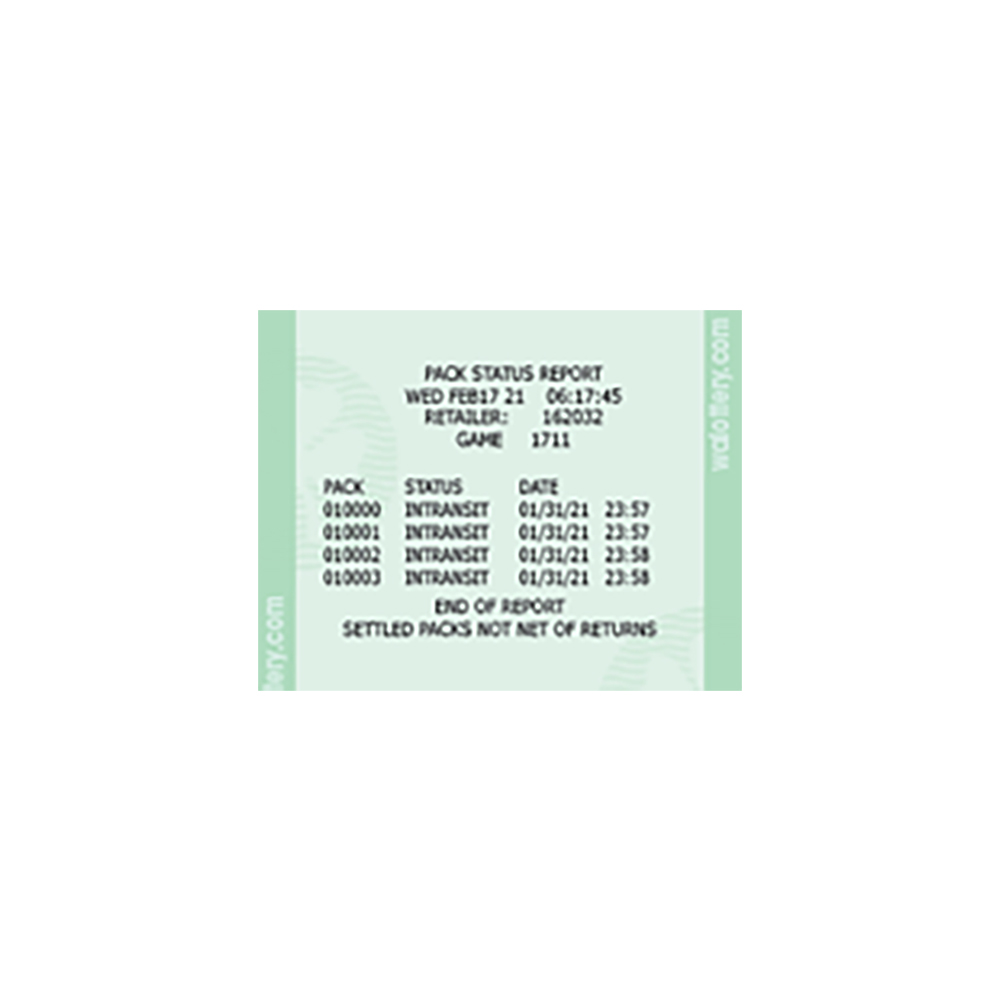
Pack Status
Report
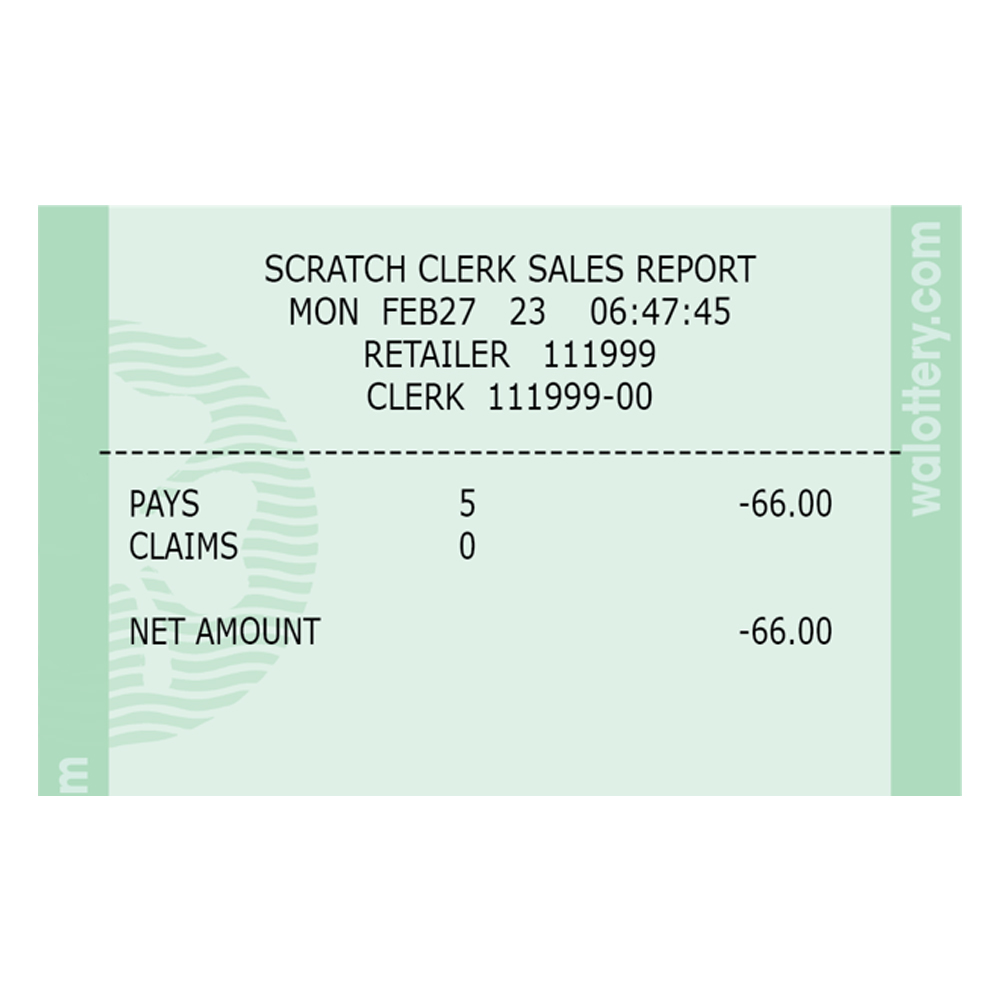
Scratch Clerk
Sales Report
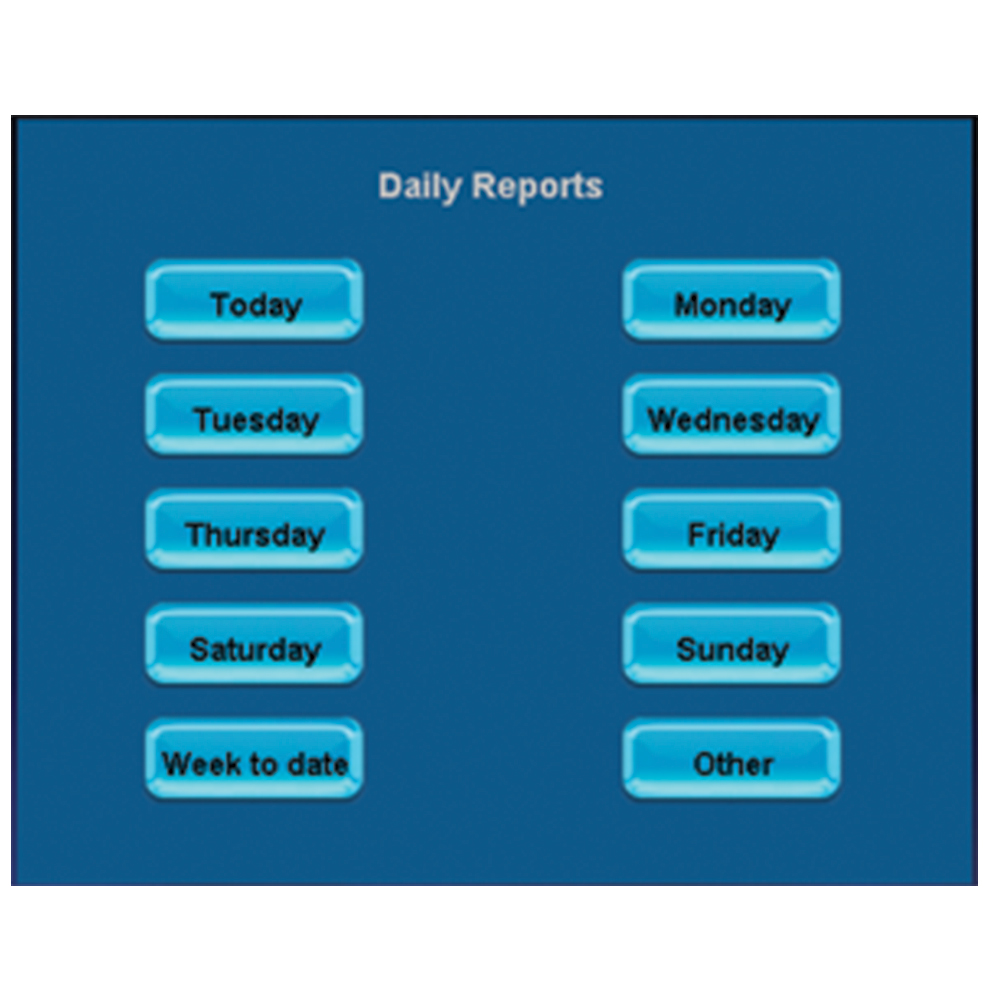
Scratch Sales
Report
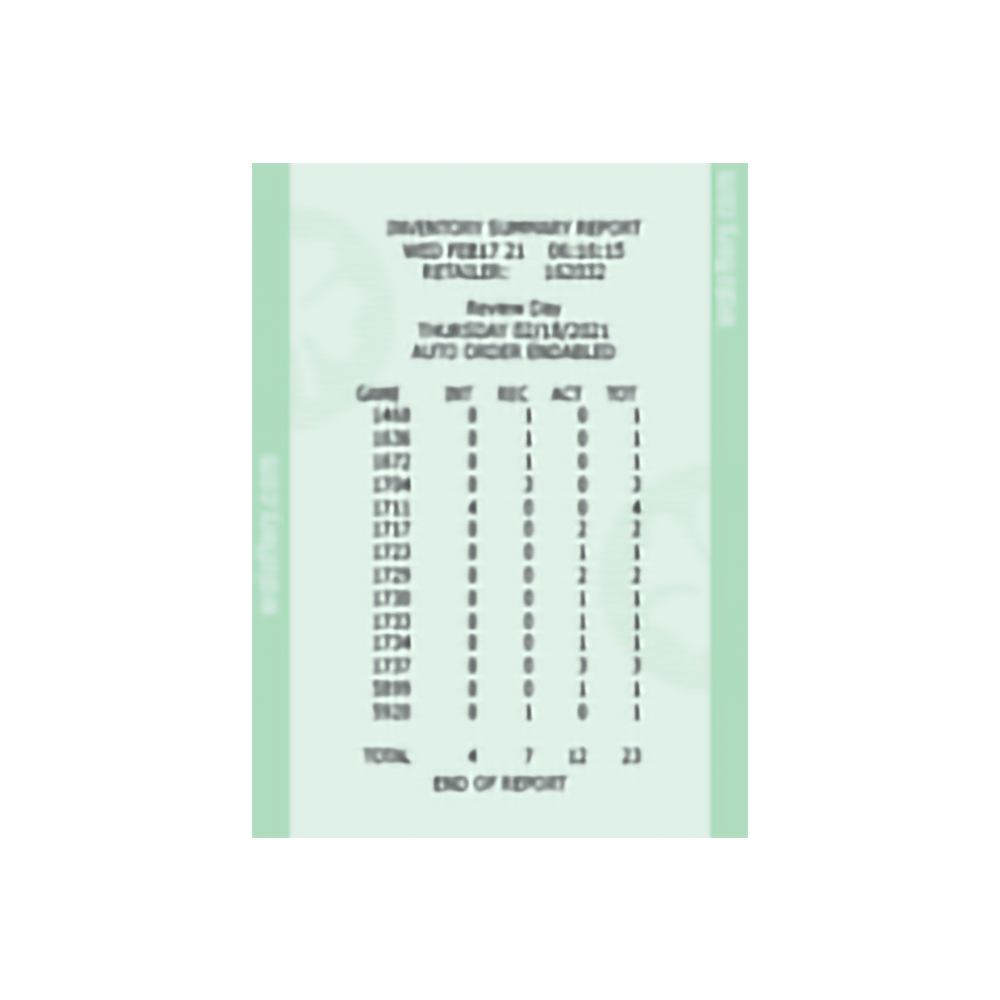
Scratch Summary
Report

Current Training