RSS WA
  1. You are here:  
  2. Home
  3. GENERAL

Scratch Reports: Activated Pack Detail


The Activated Pack Detail report is generated by using the “Activated Pack Detail” button on the GT-1200s. This report shows all packs activated during a selected time frame.

activaed pack detail


activated reports options


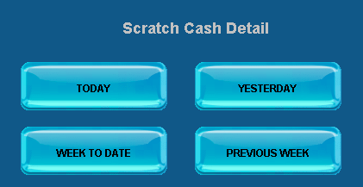
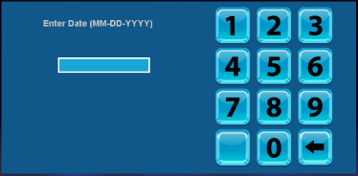
When Previous Week is selected, Retailers must enter the selected date. Report will show data from a week leading up to the date selected.

date pad


scratch activated details

Scratch Reports: Settled Pack Detail

The Settled Pack Detail report is generated by using the “Settled Pack Detail” button on the GT-1200s. This report shows all packs – Game & Pack number, Date Activated, Date Settled, and Pack Values - that were Settled during a selected timeframe.


settled pack detail 1

- OR -

settled pack detail 2


Options for Settled Pack Reports

settled pack options


When Previous Week is selected, Retailers must enter the selected date. Report will show data from a week leading up to the date selected.

date pad


Settled Pack Detail Report Overview

settled pack detail overview

Scratch Reports: Inventory Detail Report

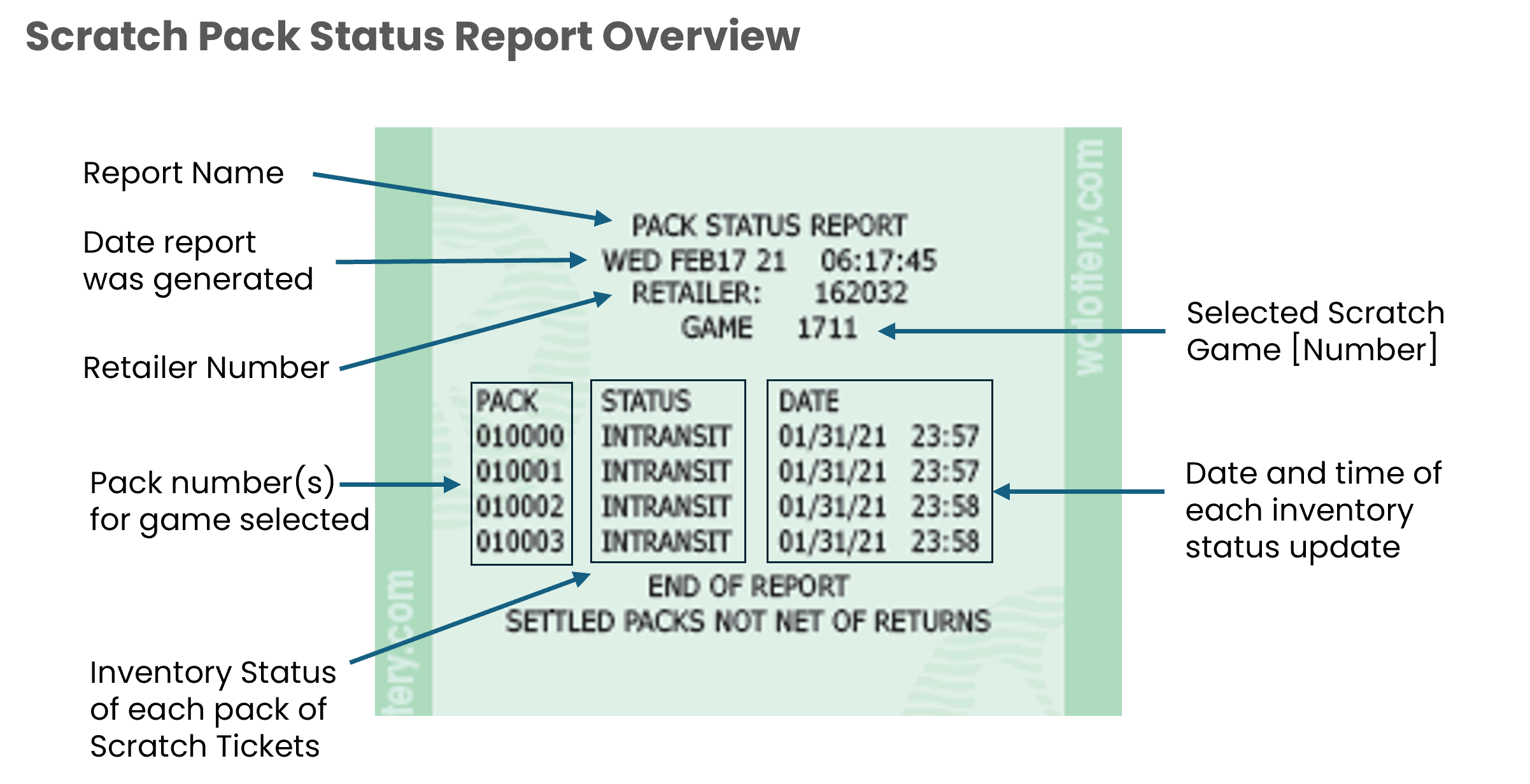
The Inventory Detail Report shows the status of all packs associated with a specific game. Pack status can include In-transit, Received, or Activated.


Accessing the Inventory Detail Report on the GT-1200

inventory detail report 1


Use the digital keypad to enter the selected game for the report.
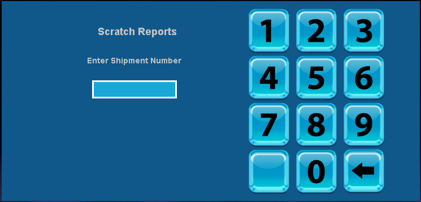
keypad


Inventory Summary Report Overview

inventory summary report overview 2

Scratch Reports: Inventory Summary Report

The Scratch Inventory Summary provides Retailers with an overview of all scratch games and related packs assigned to a Retailer. Each pack of scratch tickets is organized by their current inventory status: In-Transit, Received, or Activated.


Accessing the Inventory Summary Report on the GT-1200

inventory summary report 1


Inventory Summary Report Overview:

inventory summary report update


Report Information

  • Top of Report
    • Retailer number
    • Date printed
    • Order day
      • The day of the week that tickets are ordered for a specific retailer
      • Order day will remain the same
    • Frequency
      • How often tickets are ordered for retailers
      • May not receive tickets weekly, if no tickets are needed
  • Displays a summary of scratch ticket inventory
    • Lists inventory by price point and 4-digit scratch game number
    • Includes abbreviated game name
  • Does not include any scratch packs that have been settled (paid)
  • Scratch packs are divided into four columns
    • CREA/ Created
      • Order has been created, but not yet shipped
      • Retailers are not charged for any packs in “CREA” status
    • INT/ In-Transit
      • Order/ scratch packs have been shipped
      • In-transit to the designated retailer location
      • Order will remain “in-transit” until the order is “received” by the retailer
        • Orders should be received into the system as soon as possible
      • Retailers are not charged for any packs in “INT” status
      • Contact Lottery Rep if scratch packs are not delivered
    • REC/ Received
      • Scratch packs are in retailers’ inventory/ backstock
      • Received packs have not been activated
        • Tickets should not be sold until they have been activated
      • Retailers are not charged for any packs in the received status
        • The payment process does not begin until tickets are activated
      • Received packs that are not activated before last activation date will be picked up by Lottery Rep
      • ACT/ Activated
        • Scratch packs are activated
        • Tickets can be sold and validated
        • Tickets/ scratch packs have not yet been settled
        • Scratch packs will automatically settle after 50 days or when 80% of winning tickets have been validated
        • Scratch packs will drop off the report once they have been settled
          • Settled packs can still be sold
        • Lottery reps will pick up older tickets that are in the game closure process
          • Retailers will receive credit for any unsold tickets that have been activated or settled

Page 28 of 47

  • 23
  • 24
  • 25
  • 26
  • 27
  • 28
  • 29
  • 30
  • 31
  • 32

Recently Published

  • Training Blitz: Jan - Mar 2026
  • 2026 Trainings
  • Training Videos
  • Current Training
  • Previous Trainings

Recently Modified

  • Previous Trainings
  • Current Training
  • 2026 Trainings
  • Training Blitz: Jan - Mar 2026
  • Retailer Self-Service Portal - Home