Self Service ITVM: Sales Reports
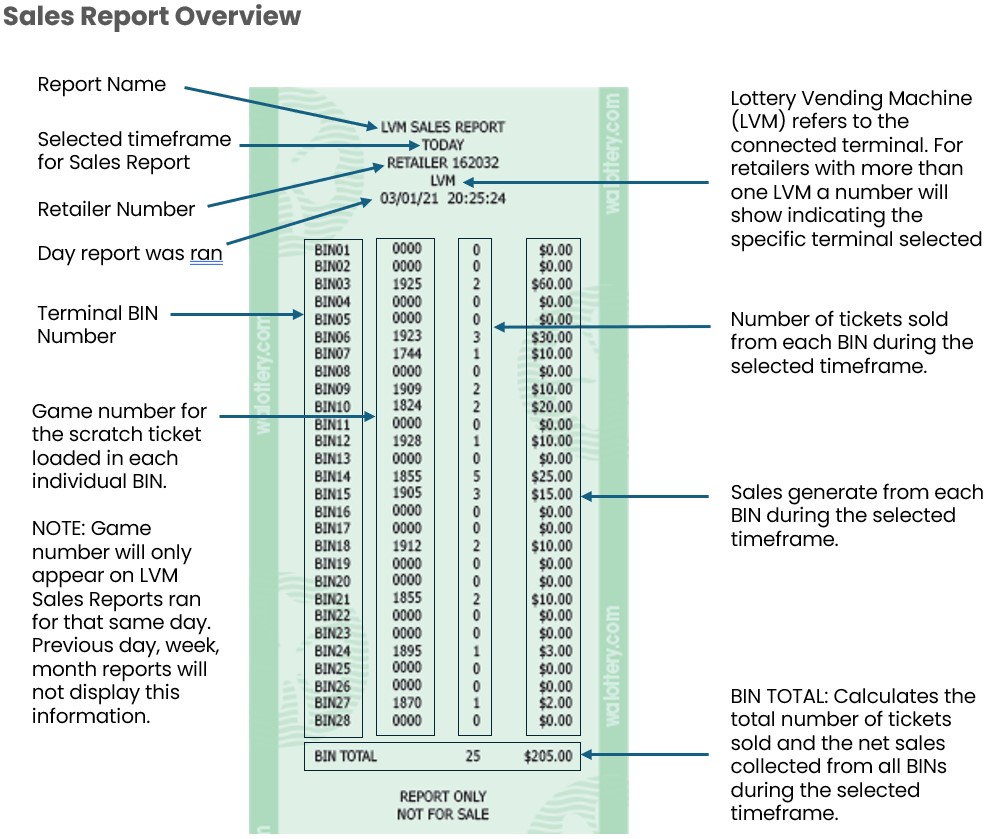
Self Service Reports provide a quick overview of sales made through a connected Instant Ticket Vending Machine (ITVM) or Self-Service Terminal (SST). Retailers will have the option to run individual sales reports for the desired time selected.
*Sales Reports include both Instant and Draw game sales.
Retailer must select day/dates for the desired report.
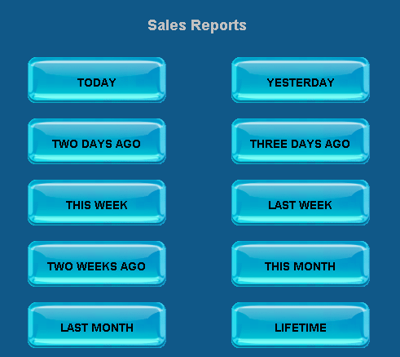
- TODAY: Sales during the current day. Report captures sales made from the time of the terminal’s initial log-in until the time the report is ran.
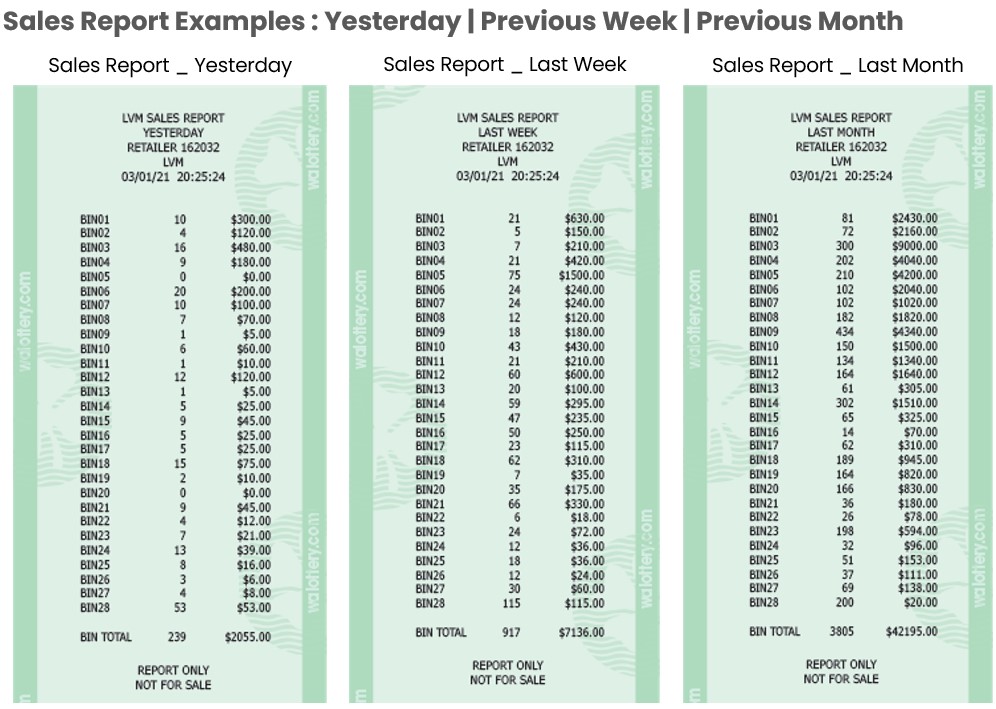
- YESTERDAY: Total sales for the full previous day.
- TWO DAYS AGO: Total sales from two days prior to current day.
- THREE DAYS AGO: Total sales from three days prior to current day.
- THIS WEEK: Total sales for the current-week-to-date.
- LAST WEEK: Total sales for the previous week.
- TWO WEEKS AGO: Total sales from two weeks prior to current day.
- THIS MONTH: Sales during the current month. Report captures sales made from the beginning of the month until the date the report is ran.
- LAST MONTH: Total sales for the full previous month.
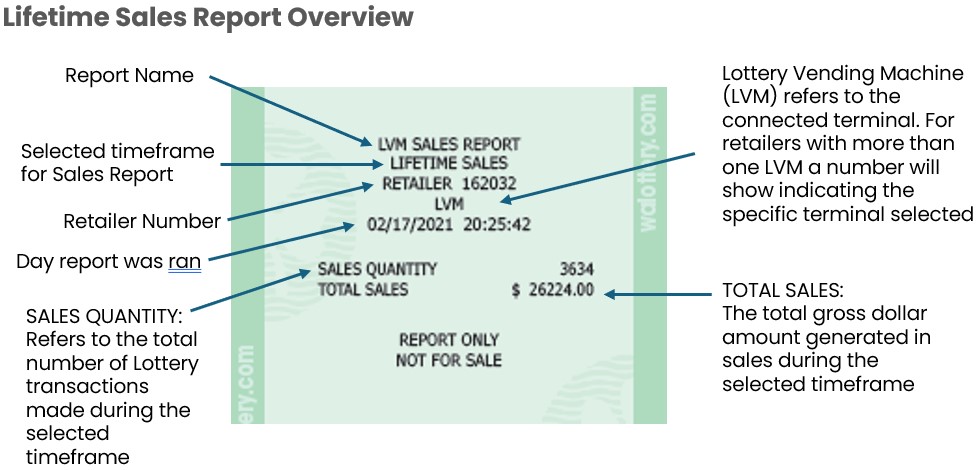
- LIFETIME: All sales made through a machine.
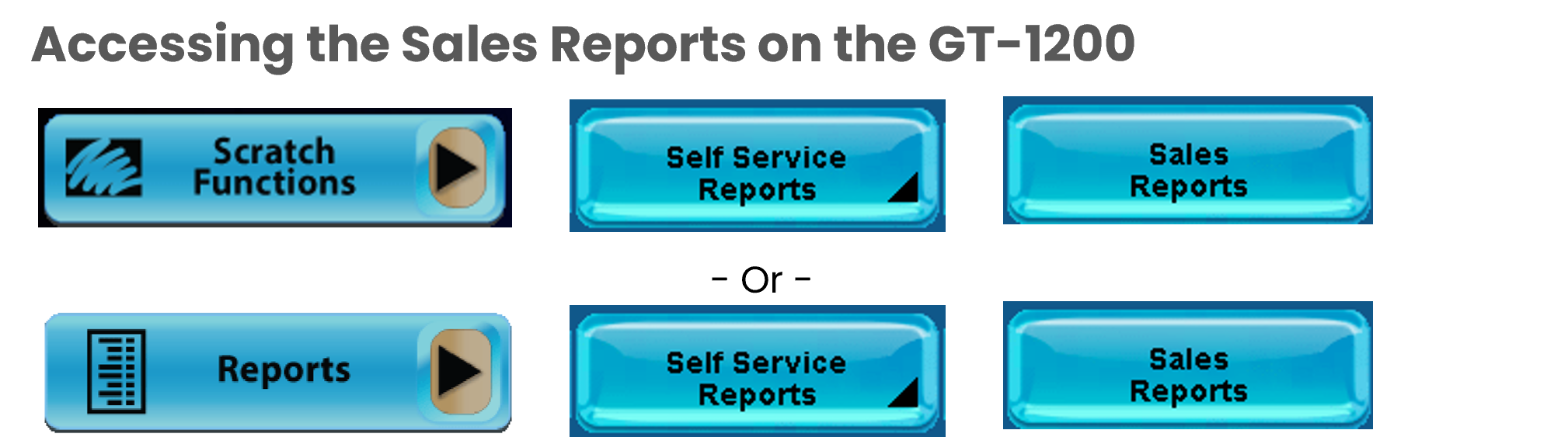
The Self-Service/ITVM reports can be accessed two different ways on the GT1200.
 - OR -
Please Note: Suspend ITVM, Resume ITVM, and the ITVM Com Report are only accessible through the Scratch Functions pathway. Retailers should navigate to Self Service ITVM Reports by using the Scratch Functions button to have all options displayed,
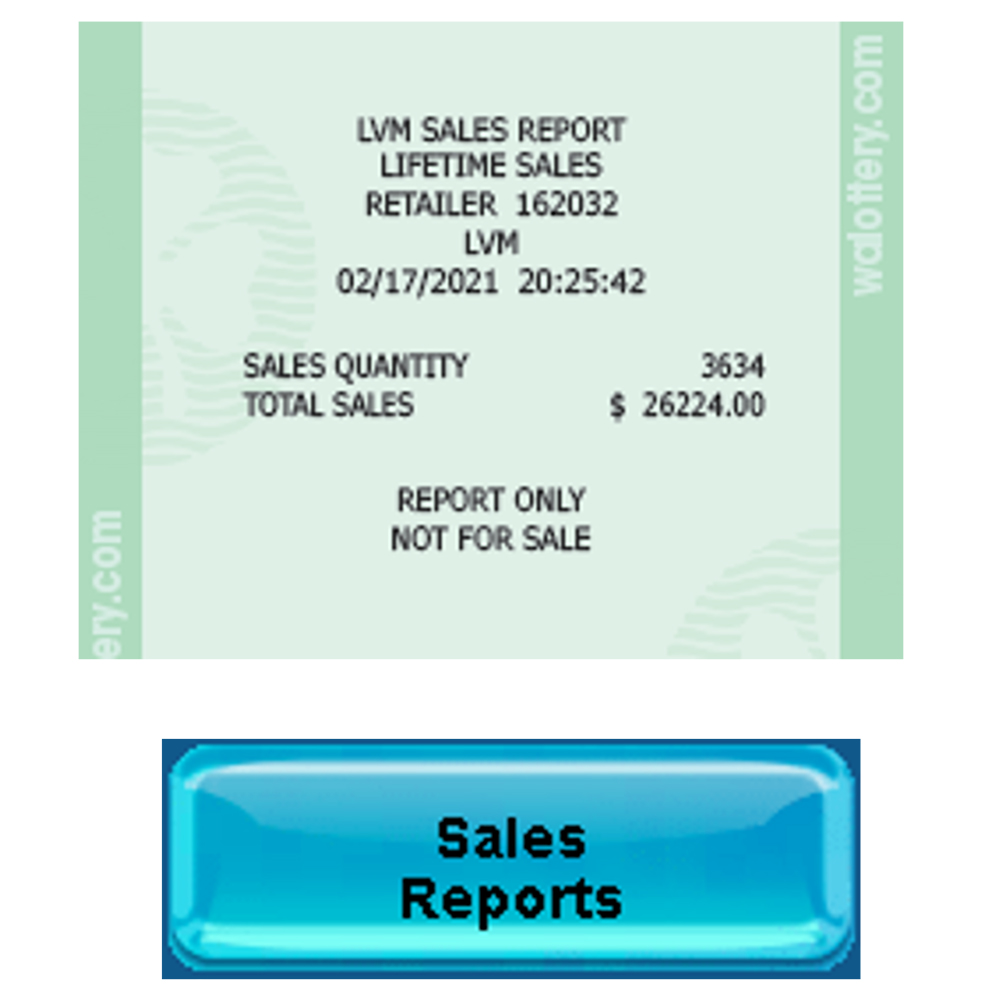
Sales Reports
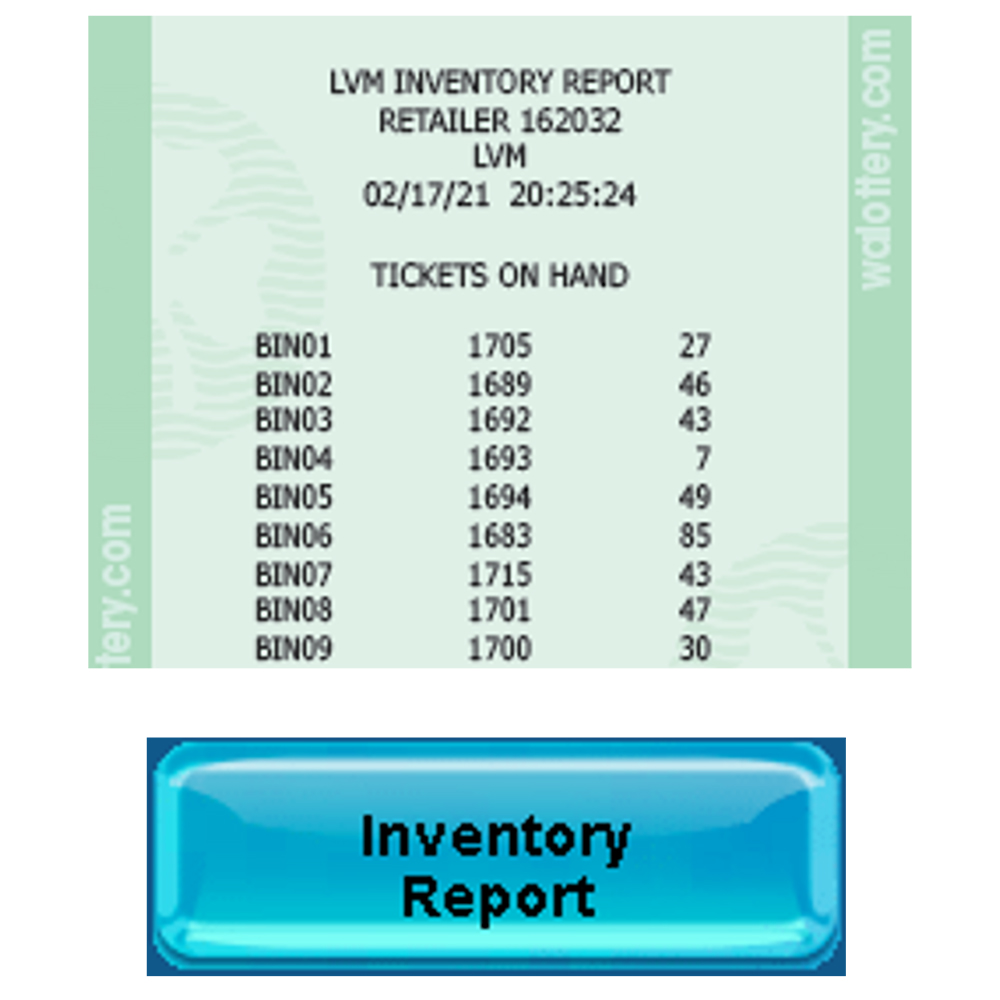
Inventory Report
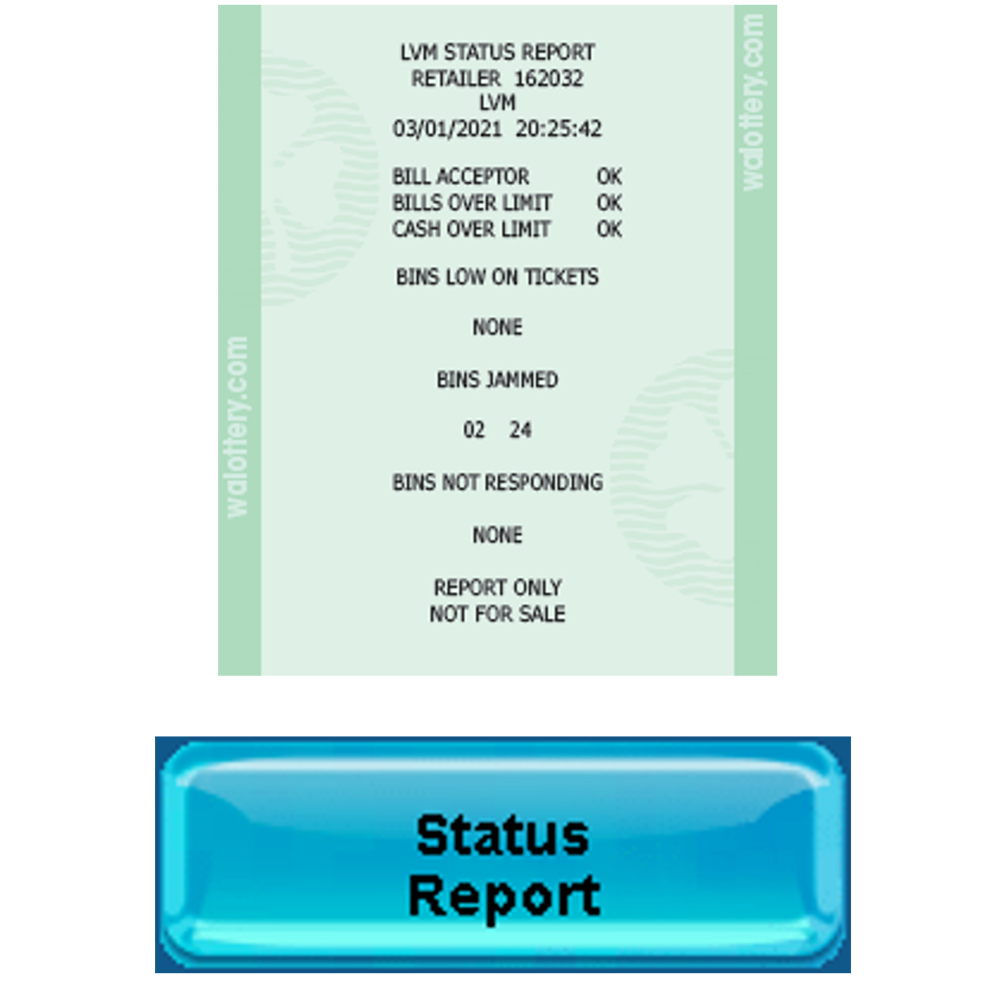
Status Report
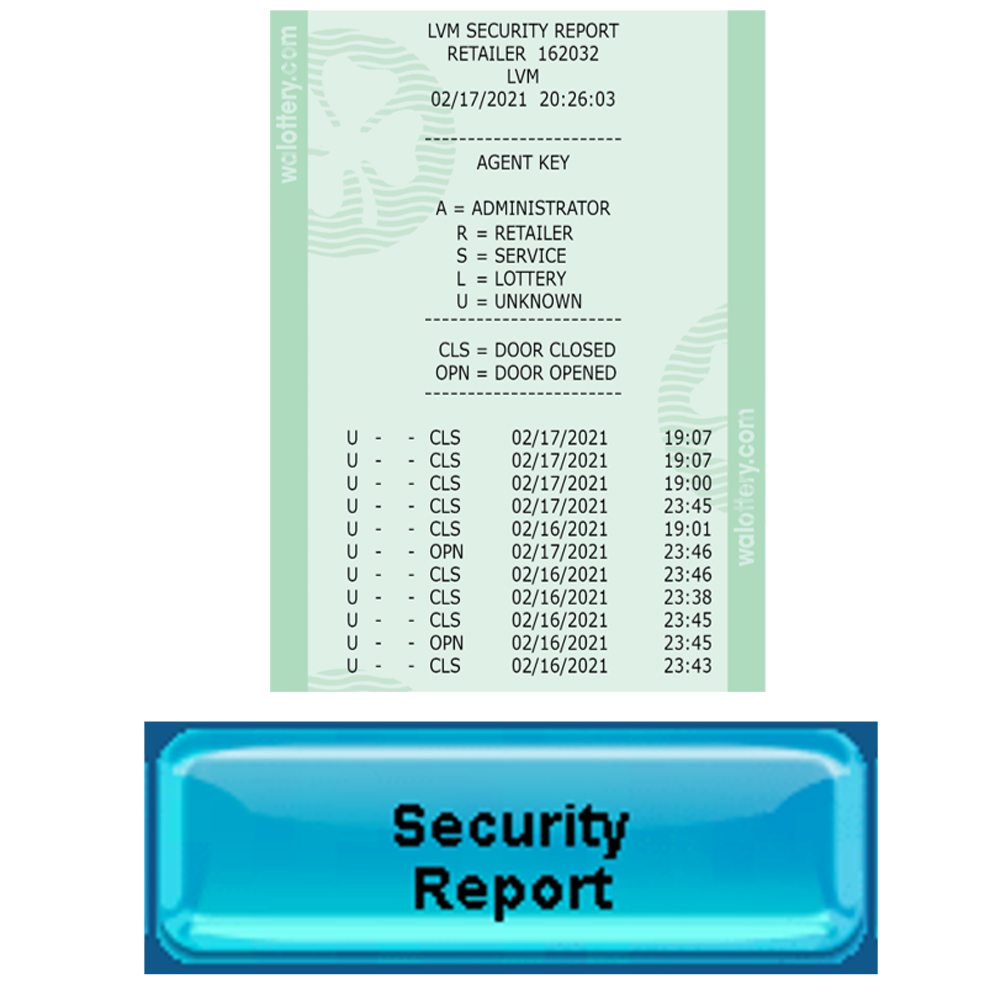
Security Report
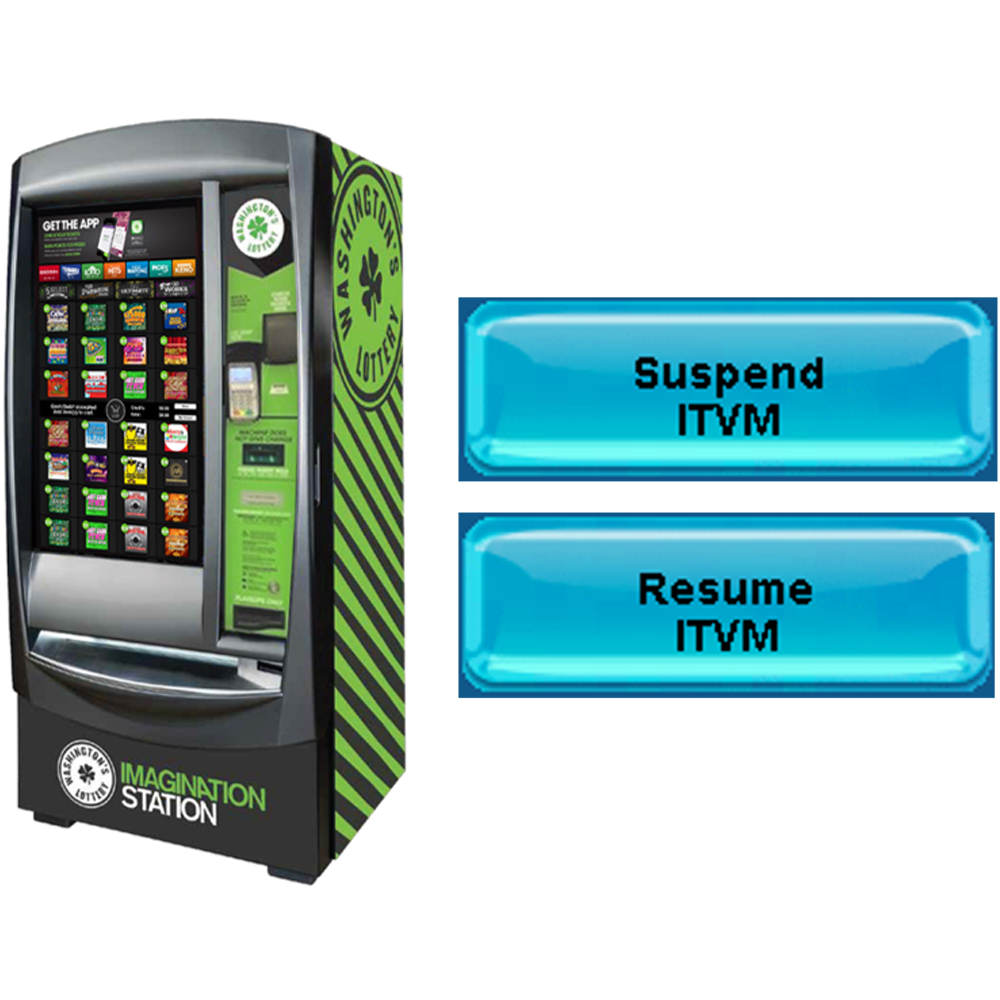
Suspend / Resume
ITVM
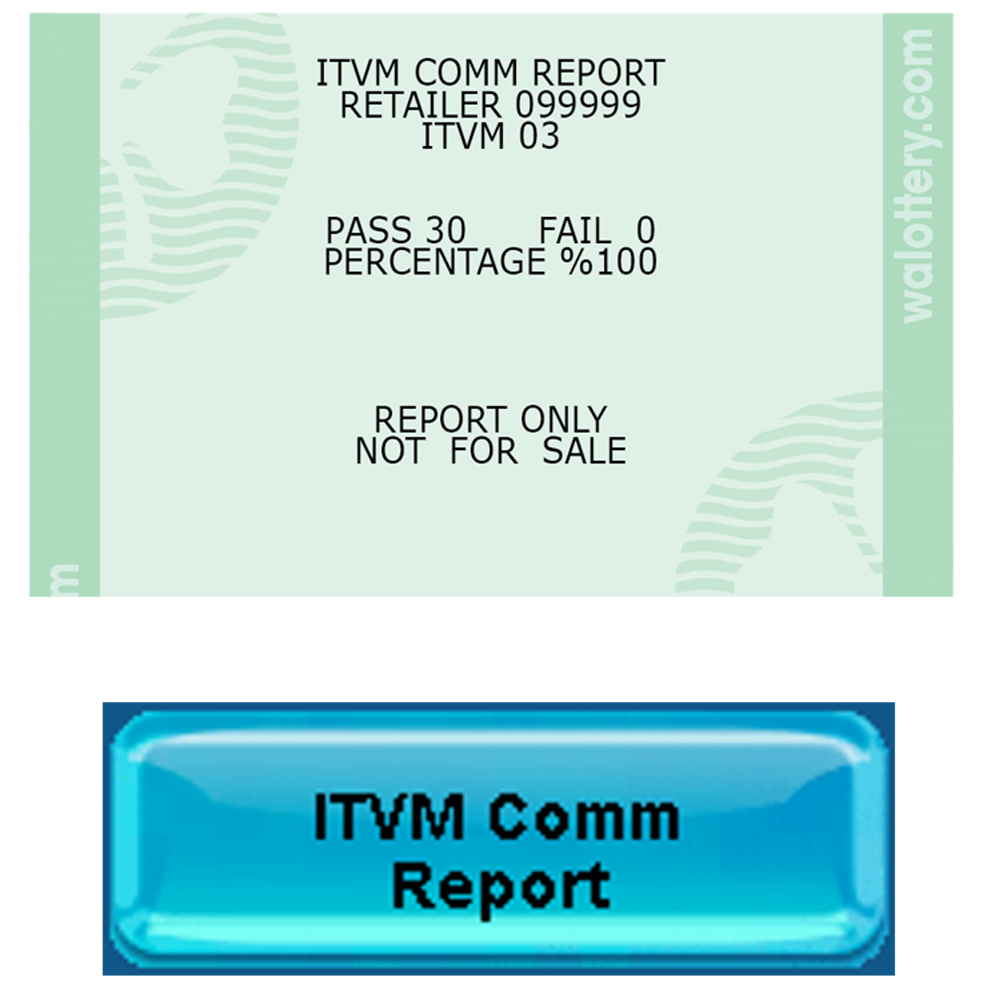
ITVM Comm Report
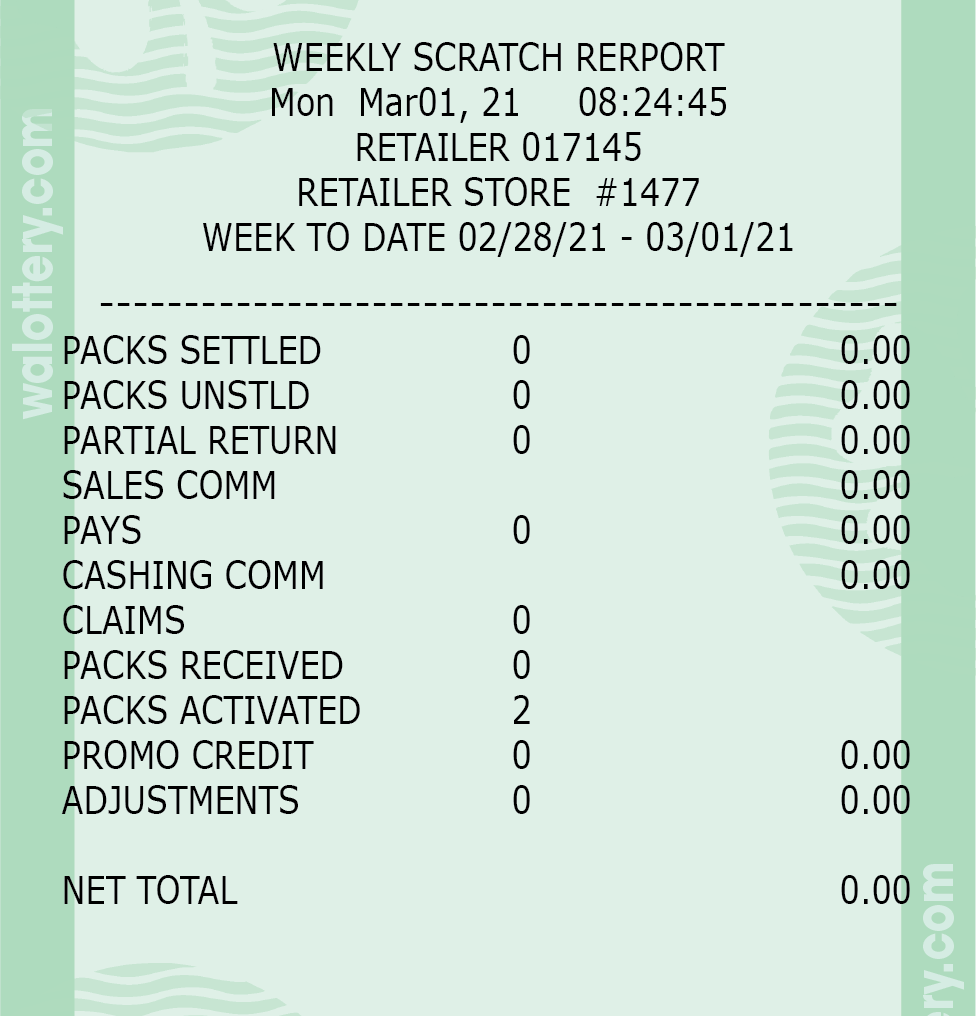
Scratch Reports: Scratch Summary Report

Scratch Summary Report Overview
COMING SOON
Scratch Reports: Scratch Sales Report

Retailer must select day/dates for the desired report.
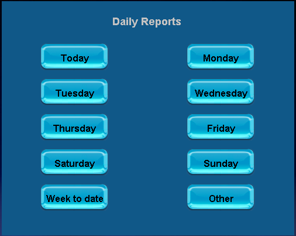
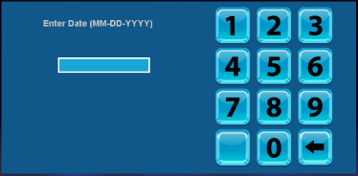
When selecting ‘Week to Date’ or ‘Other’, Retailer must enter a date for the report.
Scratch Sales Report Overview