
Ticket Validation: Redemptions & Reinvestment
Players can verify a winning or non-winning ticket by using the Self-Service Terminal’s Barcode Scanner.
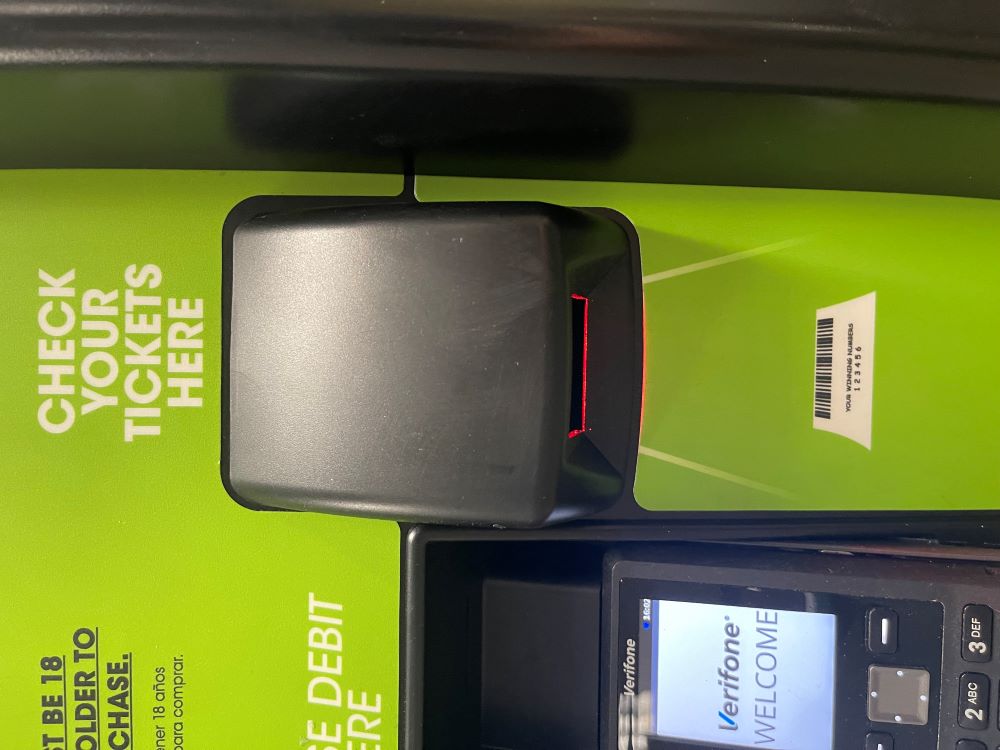
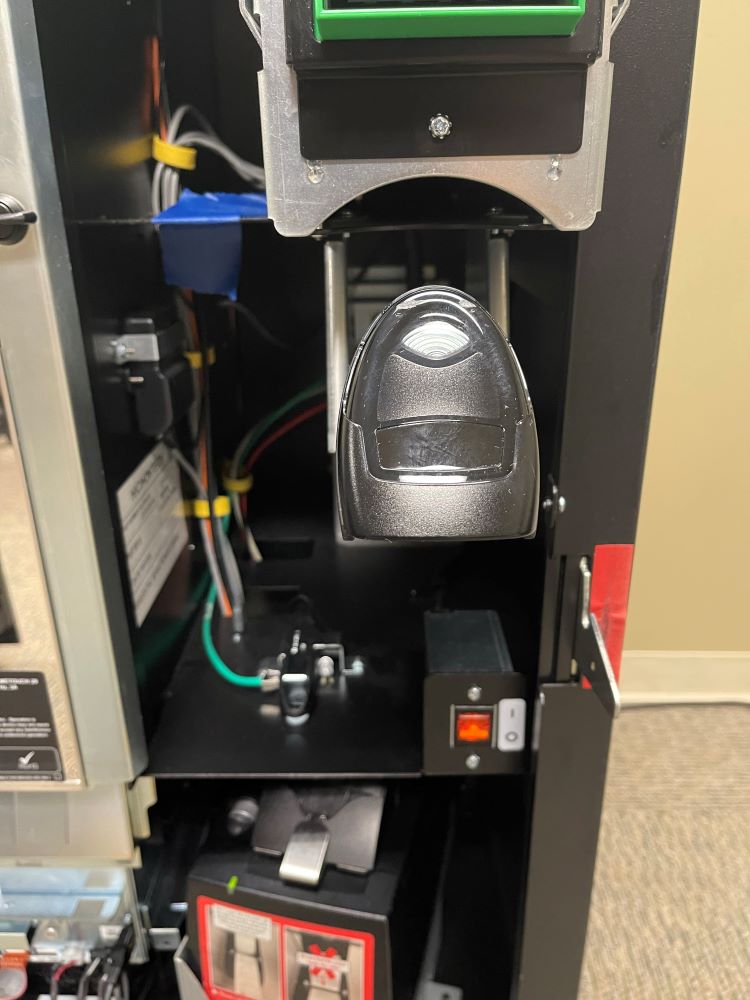
Winning Tickets
When a Player scans a winning ticket, a window will appear asking if they’d like to reinvest their winnings as credits to be played immediately on the machine.
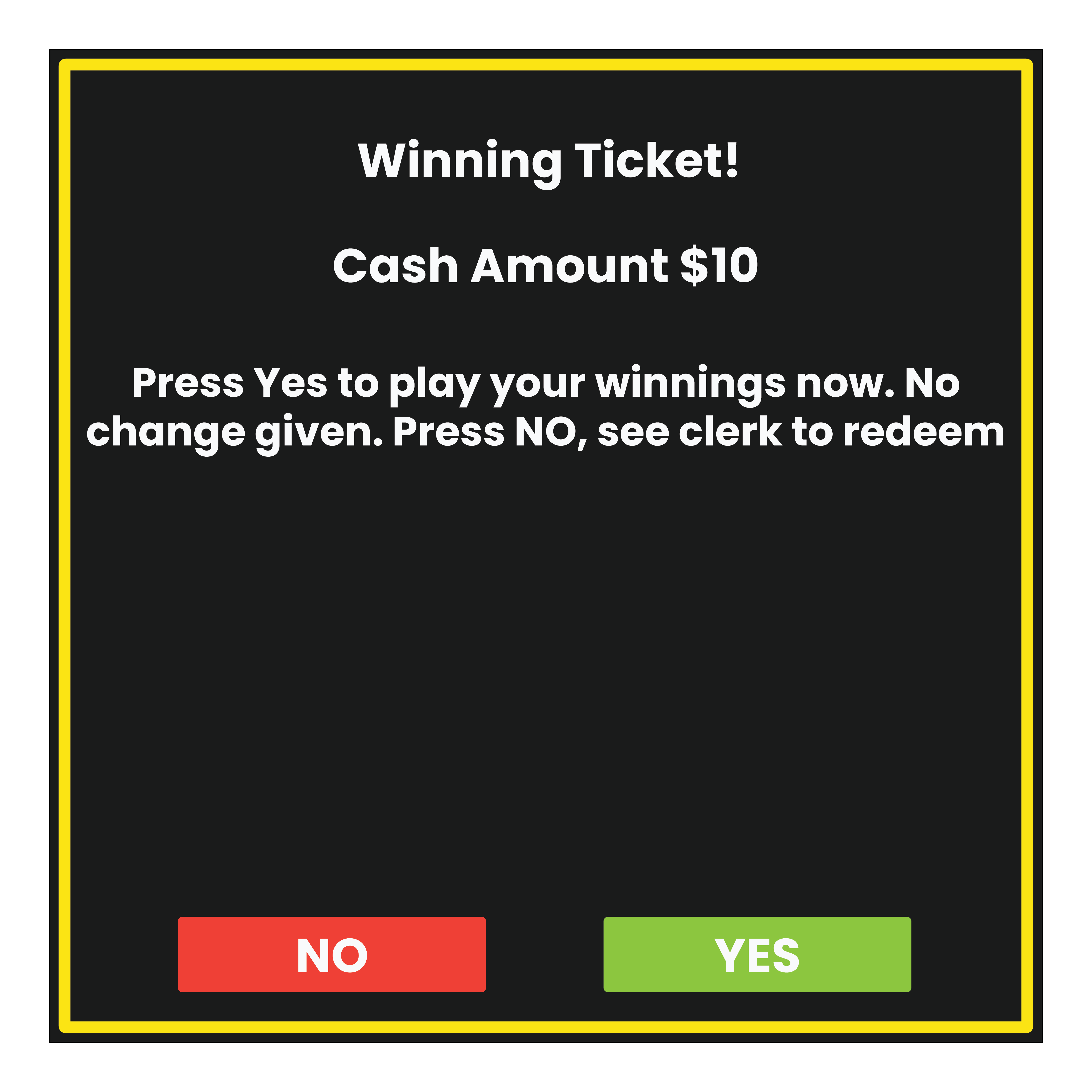
- If “YES” is selected, the winning amount of the ticket will be added to the Self Service Machine, as credits, to be used to purchase additional Lottery games.
- If “NO” is selected, the player will be asked to see the clerk.


Non-Winning Tickets

Self-Service Scanner Troubleshooting
- Ensure that the ticket being scanned has not expired and is legitimate.
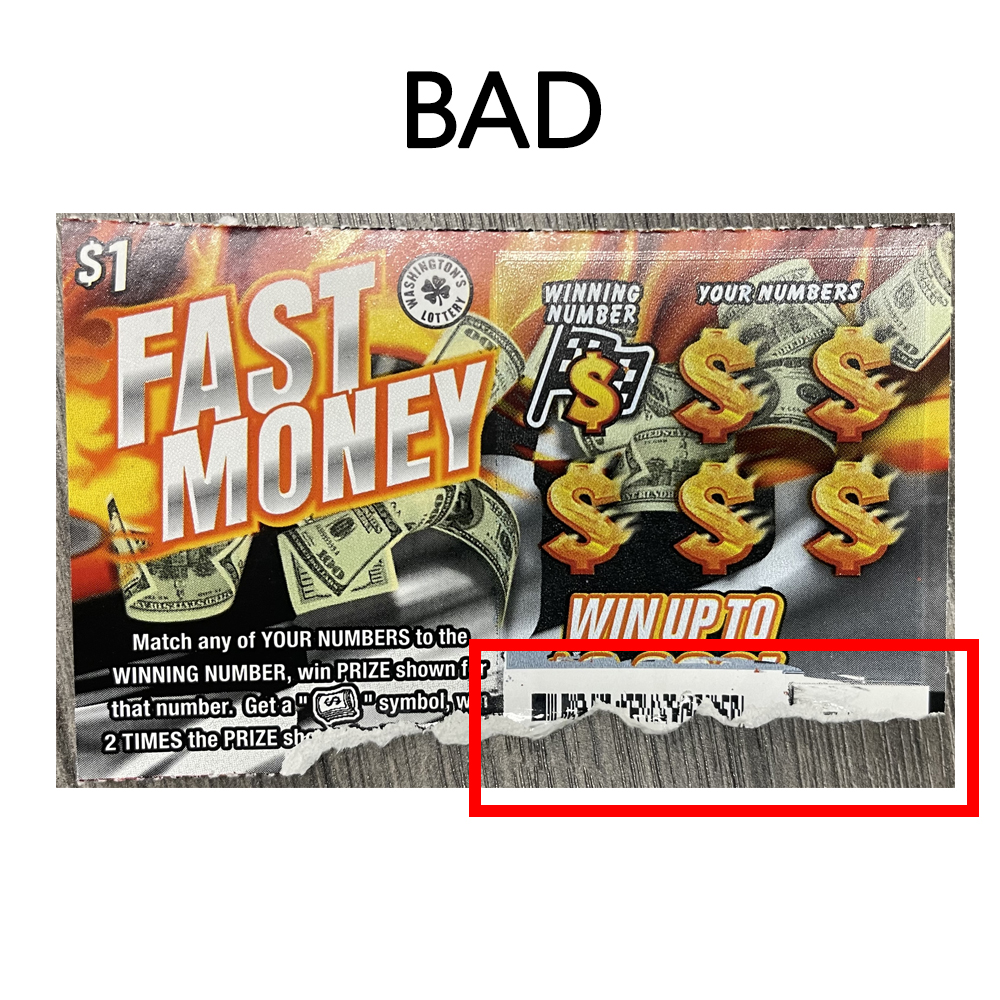
- Check the condition of ticket barcode to ensure it is not damaged or misprinted.
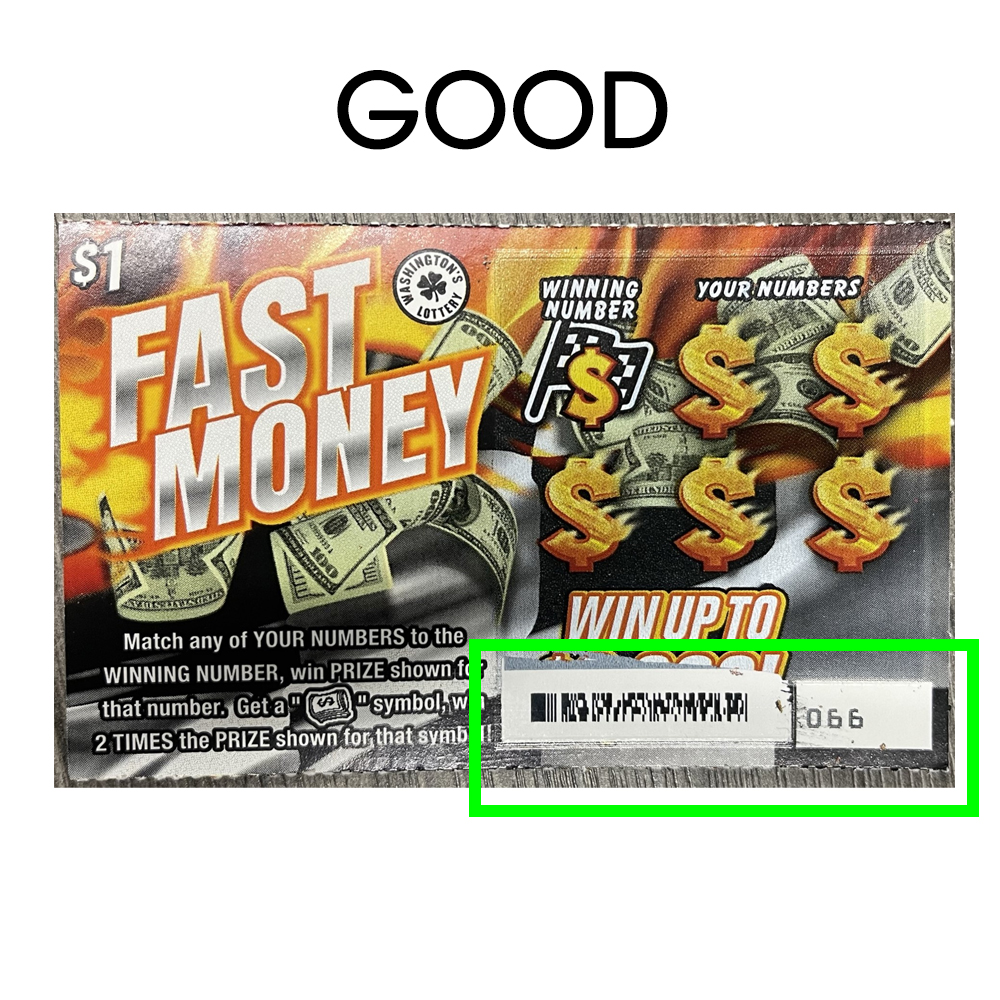
- Depending on the size of the barcode the ticket may need to be held closer or farther away. The ticket should be raised or lowered under the beam until the barcode registers.