Refunding Players - No Credits on Terminal
Before refunding a player, Lottery retailers should always pull the Cash Log to verify the transaction in question.
To access the Cash Log, Retailers will use the Manager Functions system.
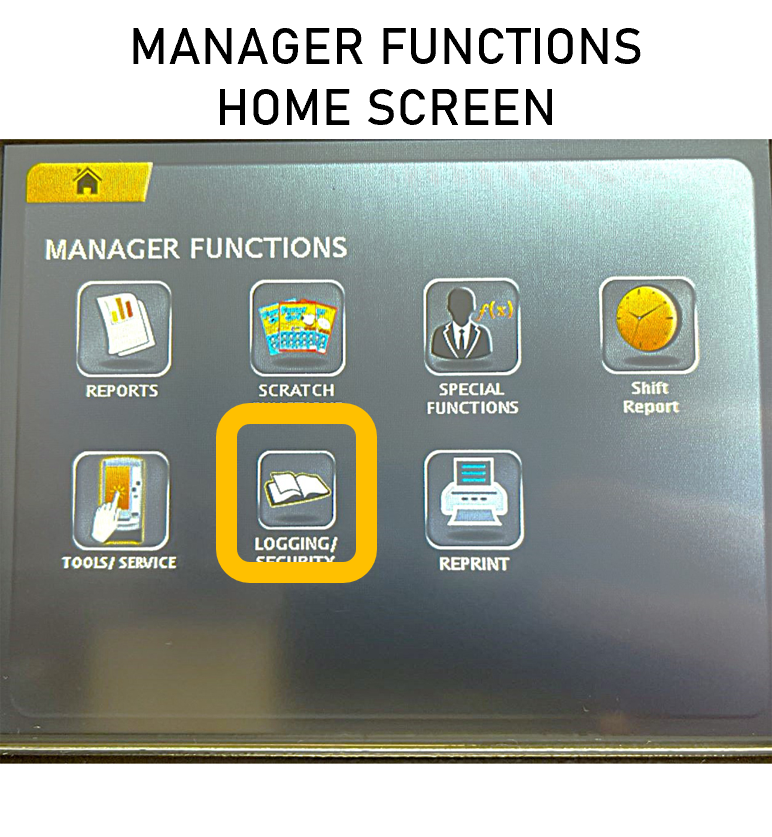
- On the Manager Functions home screen, press Logging / Security

- After accessing the Logging / Security screen, press CASH to run a complete Cash Log
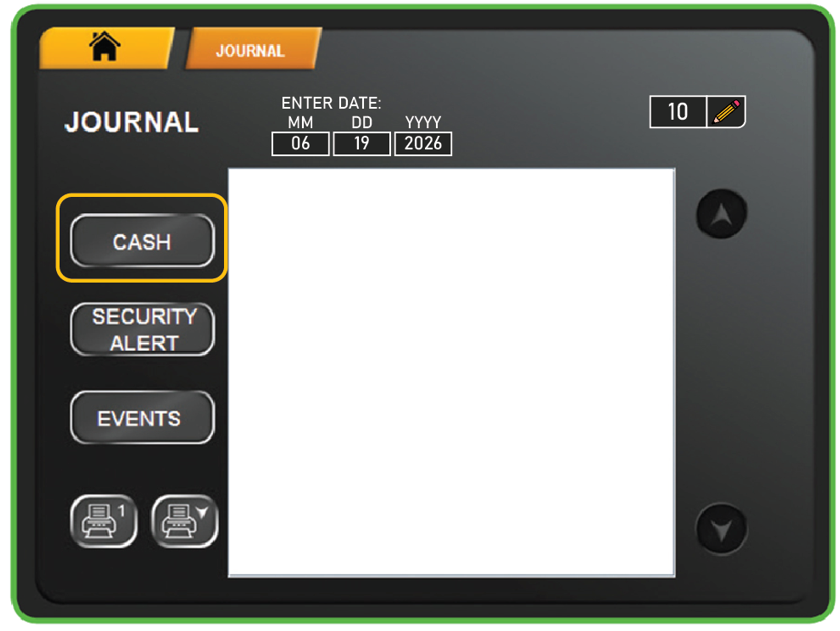
- After pressing the CASH button, the Cash Log will be shown on screen.
- If the retailer chooses to enter a date, the Cash Log shall return all transactions for the day selected.
- If no date is input, the Cash Log shall default to the count option, and the information retrieved shall correspond to the count value in that field.
- Press the Print Button to generate the Cash Log report.
- With the report printed, Retailers can reimburse the player for the transaction and keep the Cash Log for tracking and accounting purposes.
Cash Log Report Overview
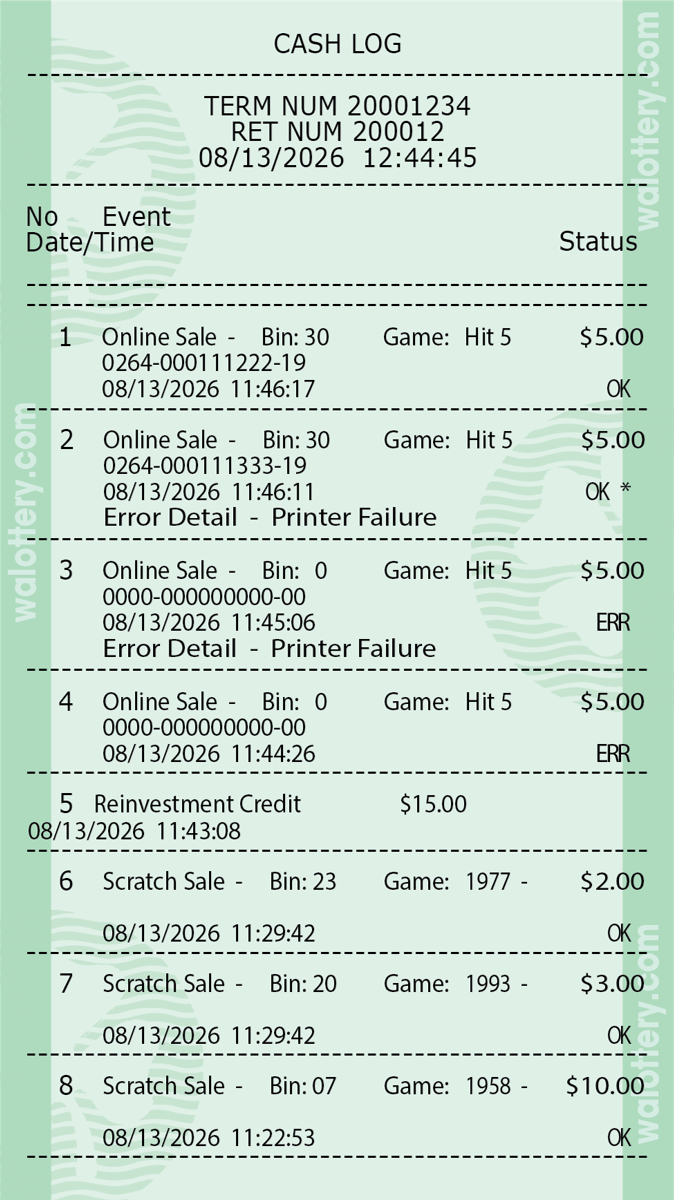
For more information on the Cash Log Report:
Identifying an Error on the Cash Log Report
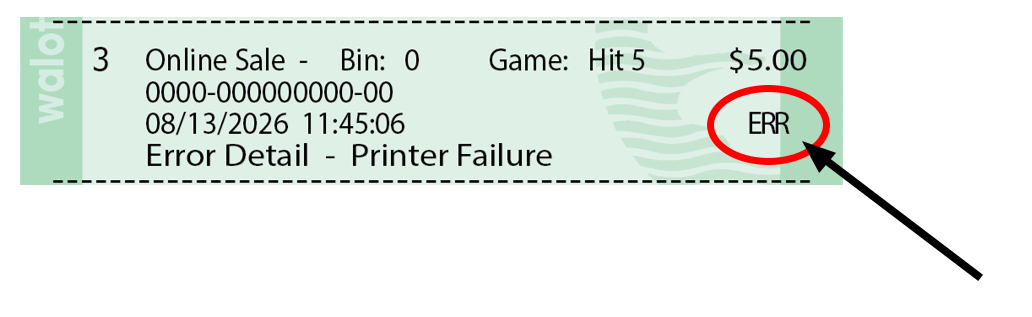
In some situations, the self-service terminal may have a dispensing error. This can occur for various reasons – for example: a ticket gets jammed in a bin roller or stuck when falling to the ticket collection bin at the bottom of the machine.
When an error occurs, the Cash Log report will indicate the dispensing incident with “ERR.