Configuration Report
Provides information about the latest configuration of the terminal.
Used by Field Services.
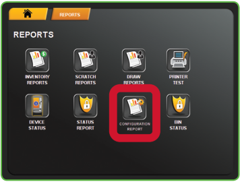
- Touch CONFIGURATION REPORT from the Reports Menu.
-
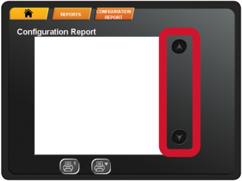
The screen displays the report. Use the UP and DOWN ARROWS to scroll through text.
-
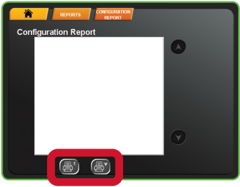
Touch one of the PRINT buttons to print the report. Touch HOME to return to the Manager Functions Menu.