
Ticket Checker Troubleshooting
-
Verify what ticket checker display screen is showing.
-
Verify a RED light (beam) is showing on the barcode read area.
-
Check ticket checker for jammed tickets, which can cause error messages or make ticket checker unable to scan tickets.
-
Power reset ticket checker by locating ticket checker power cord and unplugging it from wall - wait 10 seconds then plug back in.
-
If ticket checker is still not working - reset terminal by one of the following methods:
-
Hold down the power button located on the top right of the screen for 15 seconds until the light turns yellow.
-
Press and release again to restart.
-
-OR-
-
Unplug the terminal power cord from the wall for 15 seconds and then plug back in
-
-
Test ticket checker by scanning ticket.
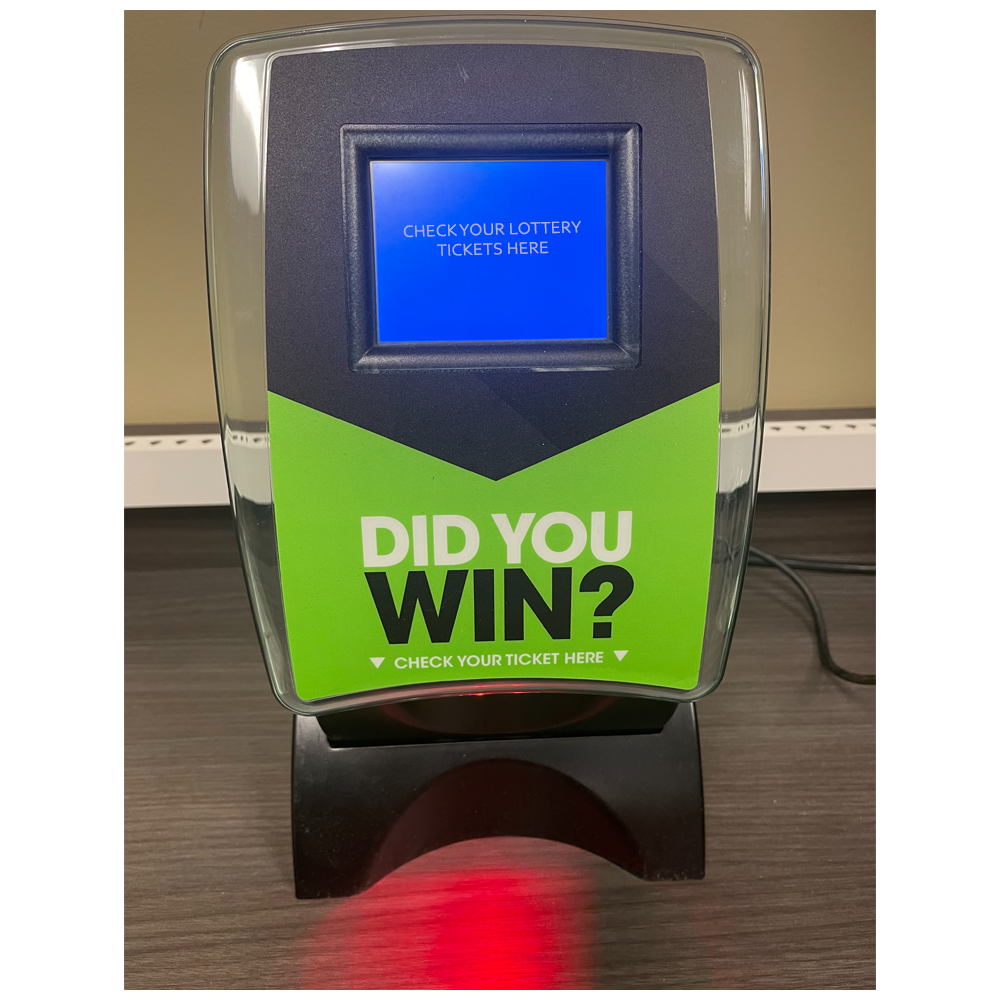
Self-Service Scanner Troubleshooting
- Ensure that the ticket being scanned has not expired and is legitimate.
- Check the condition of ticket barcode to ensure it is not damaged or misprinted.

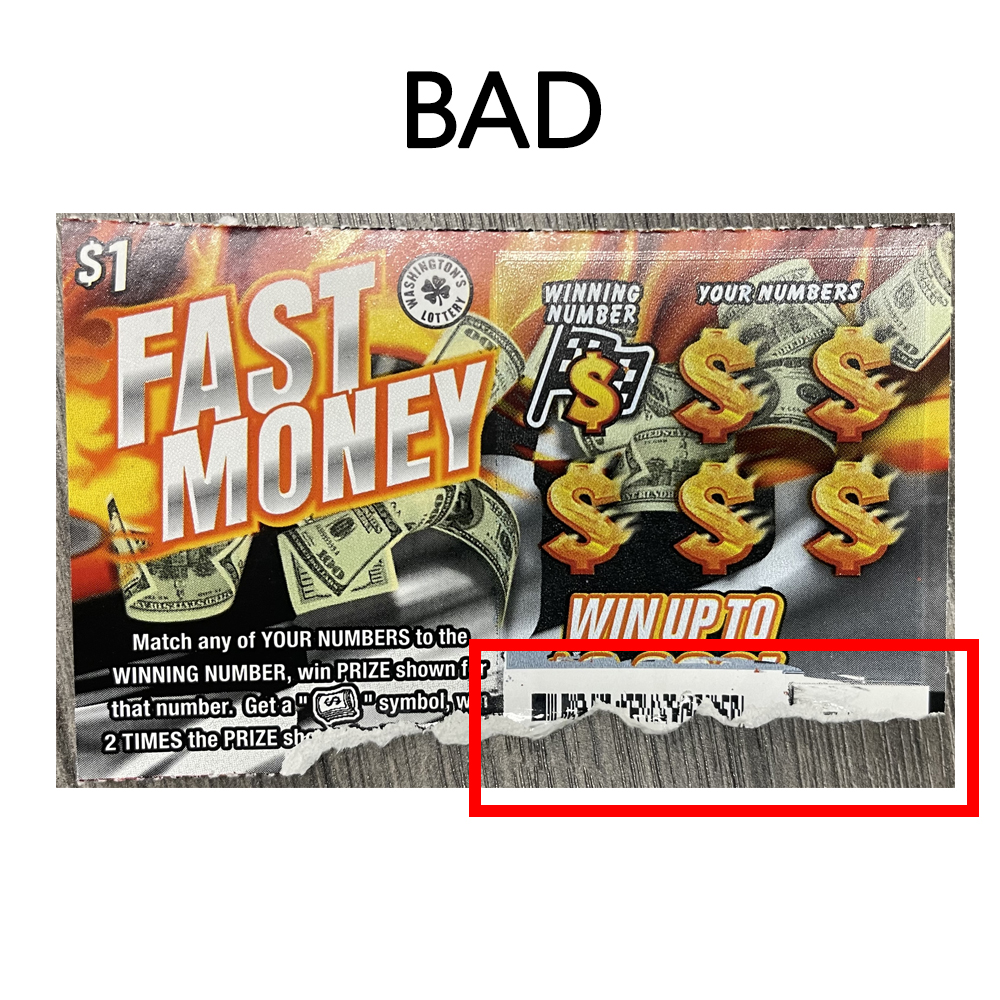
- Depending on the size of the barcode the ticket may need to be held closer or farther away. The ticket should be raised or lowered under the beam until the barcode registers.