
Printer Problems
Videos Available
Clearing a Printer Jam (.39 seconds)
Changing the Paper (1.09 minutes)
-
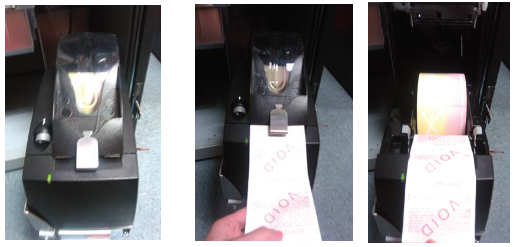
Open printer and remove paper roll.
-
Remove any dirt/debris that might be in the paper path.
-
Reinstall paper roll into the printer.
Note: Paper feeds from the bottom of the roll -
While still holding the end of the paper, gently close the printer door.
Note: The paper will advance itself, align and then cut automatically. -
Test printer multiple times by printing a report or printer test.