
Printer Troubleshooting
General Information
-
Avoid holding hand over print area or leaning against printer while ticket is printing or feeding.
Troubleshooting Procedures
- Disable the Alarm by signing onto the GTD.
- Remove the empty, damaged, jammed paper roll and spindle from printer slots
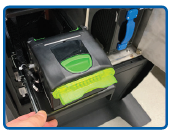
- Pull printer out, and pull green lever up to lift the cover.
- Pull printer out, and pull green lever up to lift the cover.
-
Reinstall paper roll into the printer so that the paper unwinds from the bottom (front). Leave a few inches of paper outside of the printer.
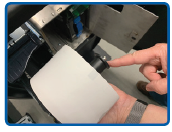
- Insert the spindle into the new paper roll from the right to left, through the core of the paper roll. Ensure paper is feeding from the top of the roll.
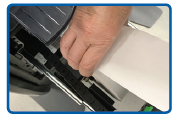
- Thread the paper through the back of the thermal printer. Note: The printer automatically aligns, advances and cuts the paper.
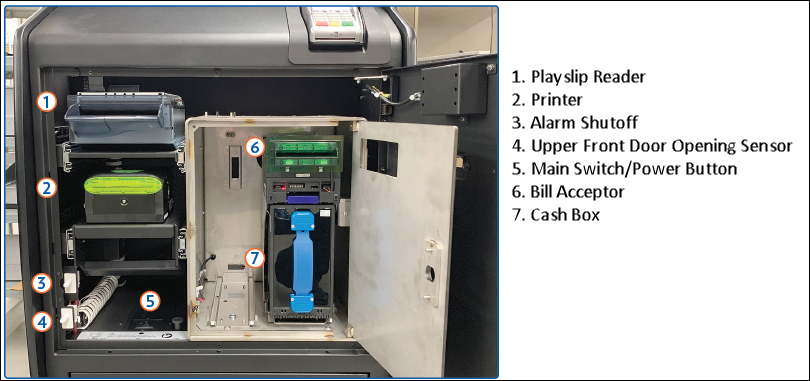
- If necessary, power reset by toggling the on/off switch for the power located on the right hand side of the terminal (next to the two white switches).
 |
 |
 |
|
 |
|||