Reader Troubleshooting
Note:
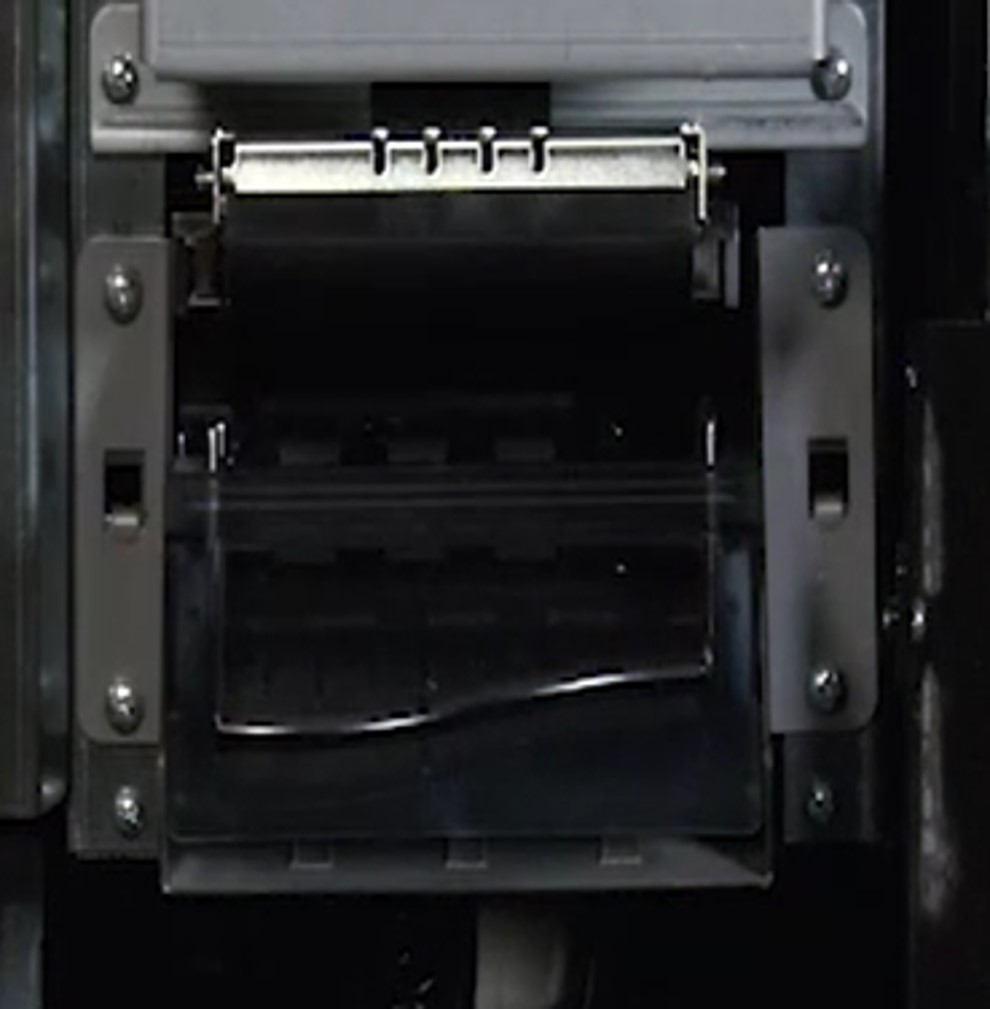
- The Optical Mark Reader (OMR) is mounted above the bill acceptor on the Gemini Touch.
-
Open main access door.
-
Gently pull up on the black latch on top of the reader.
-
Clean lens.
-
Use isopropyl alcohol or non-ammonia based glass cleaner.
-
Never use a dry cloth.
-
-
Wipe rollers.
-
Use soft - dry cloth (paper towels are fine).
-
-
Lower the Reader door until it clicks into place. Close reader
- Close and lock the main access door
- Test reader using a blank playslip.