-
-
Hits: 275
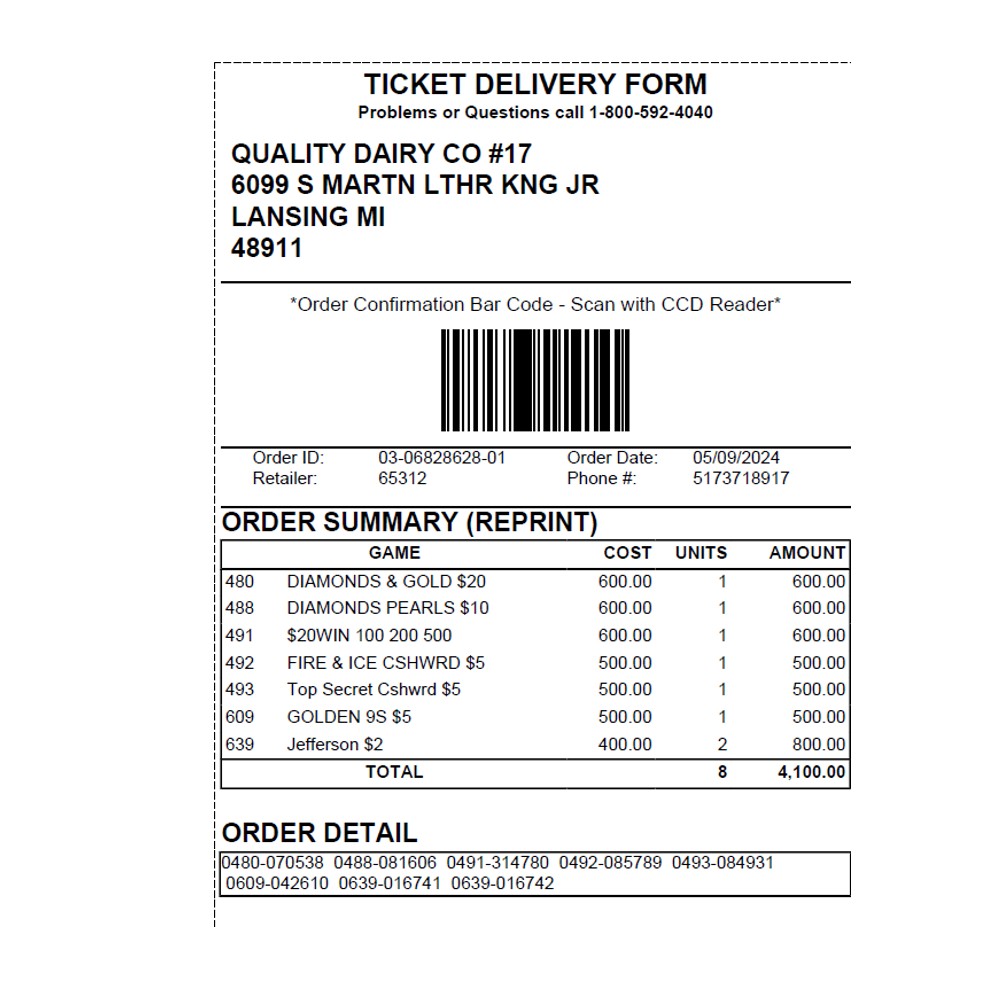
Order Confirmation Process
- Touch Instant Game Function on the home screen.
- Touch Delivery Confirmation.
- Scan the Bill of Lading with the barcode scanner or enter the Bill of Lading using the numeric Keypad.
- Touch Send.
- A confirmation screen displays and a receipt prints automatically
If Bill of Lading is Missing / Unable to Confirm
- Contact Tell Sell (Instant Ticket Department)- Business hours are 7:45am-4:45pm Mon-Friday
- 800-592-4040 opt 2