-
-
Hits: 128
Reader Troubleshooting
- Verify playslip is filled out correctly and correctly inserted into the reader.
- Advise customer to fill out another playslip, if needed.
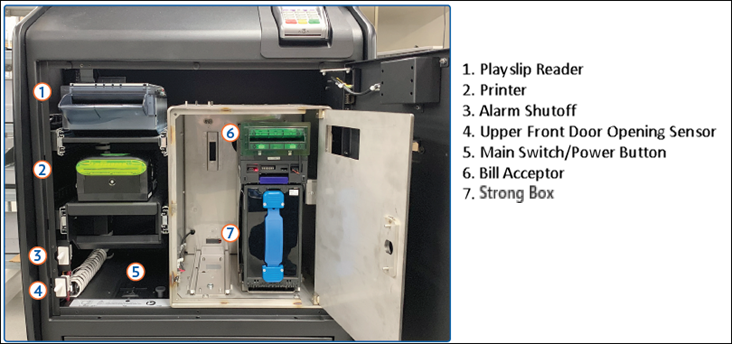
- Open Main Door using the key labeled MD and sign onto the Game Touch Draw (GTD) to silence the alarm.
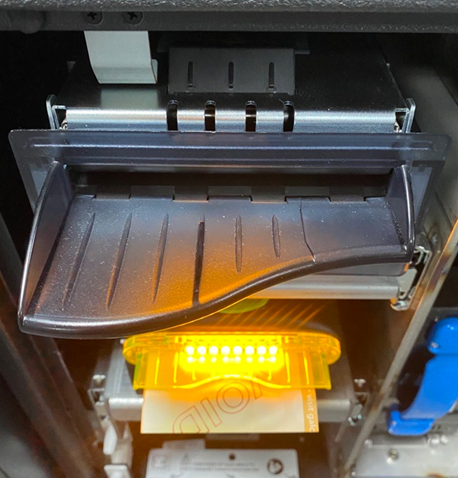
- Gently press together the silver latch located at the top center of the reader, lifting the reader door.
- Clean the rollers and the sensor located on the lid of the reader between the sets of rollers. Rollers can be cleaned with a dry cloth.
- Clean the Rollers with a dry cloth.
- Close the reader; verify that the latch has caught prior to closing the drawer. Close the drawer and lock the door.