-
-
Hits: 214
Printer Troubleshooting
- Open the Main Door of the terminal with the key labeled MD and locate the printer in the lower storage area.
- Slide the printer shelf forward
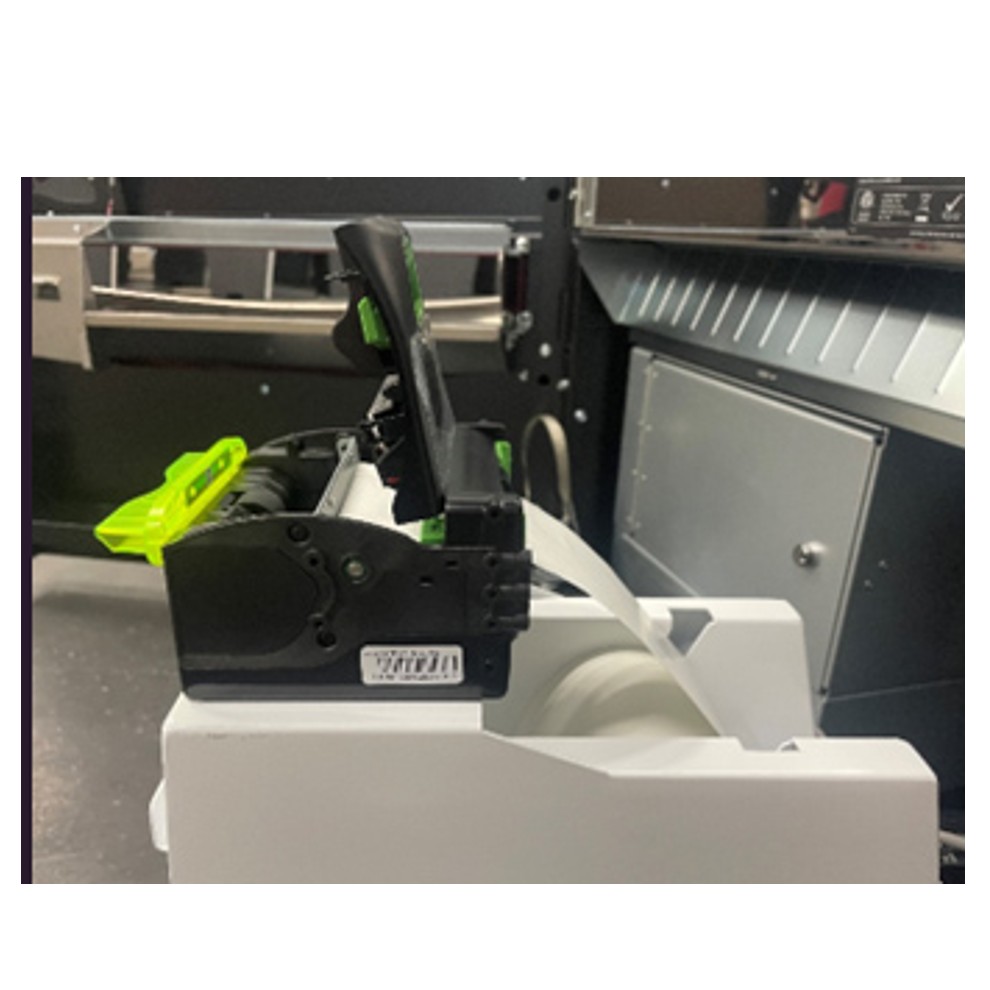
- Open the printer cover and pull any remaining paper out through the rear of the printer. Close the printer cover.
- Place the paper roll into the printer bucket.
- Feed the paper into the rear of the printer so the paper is feeding from the TOP of the roll.
- The printer will auto-feed the paper through the printer and cut automaticallyGently push the printer drawer back into the terminal.
- Slide the printer shelf back into place.