
Printer Troubleshooting
Caution: Avoid holding hand over print area or learning against printer while ticket is printing or feeding.
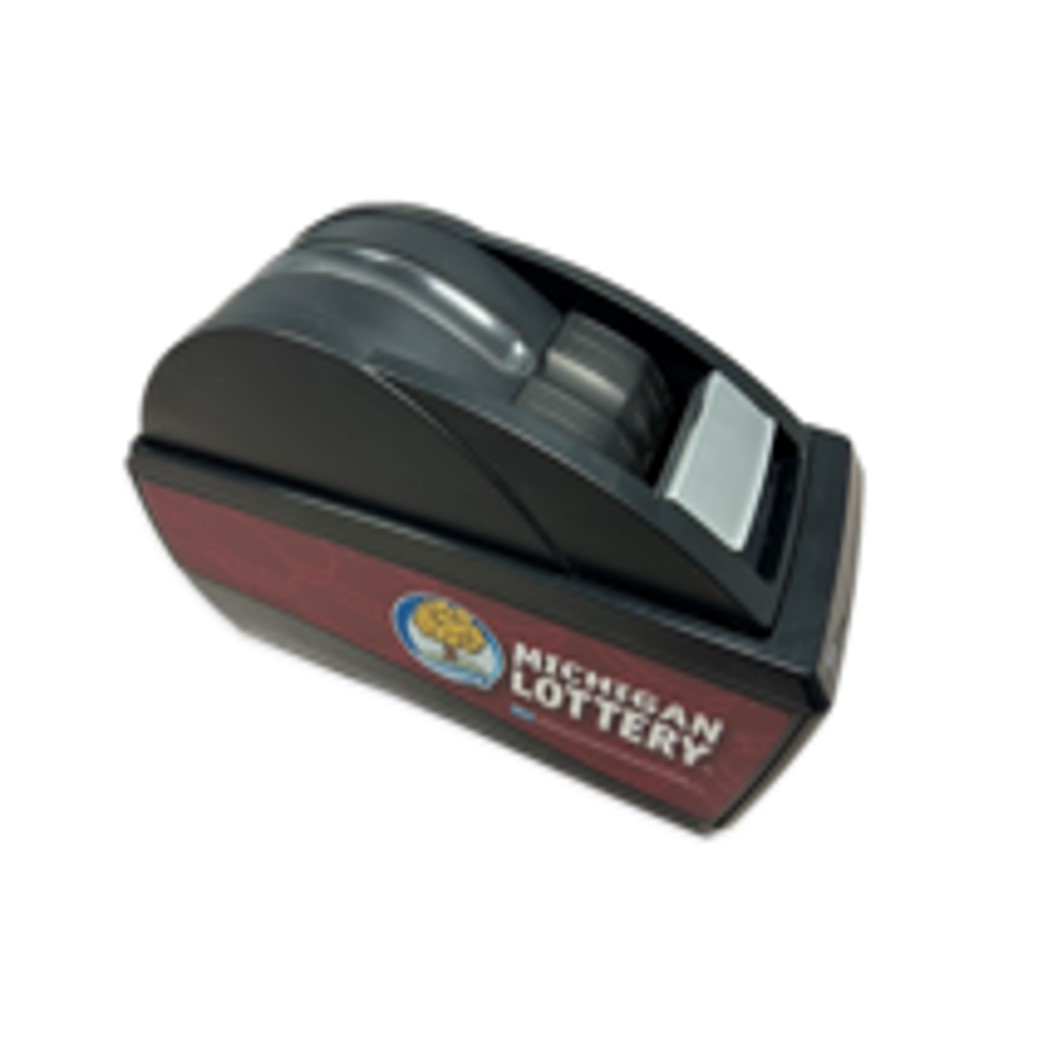
- Open printer by pressing the silver release button and lifting the printer lid. Remove paper roll.
- Remove any dirt/debris that might be in the paper path with a can of compressed air or a soft, dry cloth.
- Reinstall paper roll into the printer
- Verify printer door is closed tightly (open and close again if necessary).
- Power reset terminal by toggling the ON/OFF switch located on the back.
- Test printer by printing a report or printer test.
 |
Proper Paper Load Procedures
- Open the printer lid by pressing the silver release button and lifiting the printer door.
- Raise the printer lid to an open position.
- Tear off the first layer of the paper roll and place it into the printer so that the paper unwinds from the bottom (front).
- Leave a few inches of paper outside of the printer and close the printer lid firmly so that it latches securely.
- Paper feeds automatically to align itself then, the printer will automatically cut off the excess paper.