Ordering Supplies Online
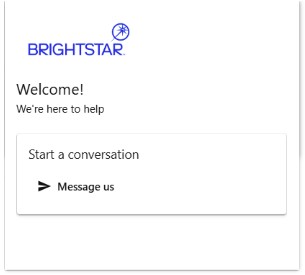
- Begin a new order by selecting the RED CHAT icon located at the bottom right of the Hoosier Lottery Retailer Self-Service webpage.
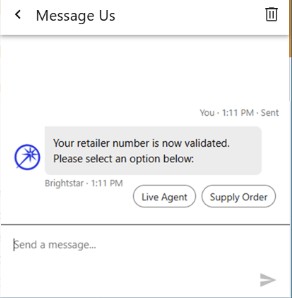
- Once the chat box is expanded, you must start a new chat by entering your Retailer ID number.
- The Chatbot will ask if you would like to talk to a live agent or begin a supply order. Select SUPPLY ORDER.
- You will be sent a chat including a link to the Supply Order Form. Click SUPPLY ORDER FORM link.
a. You can select NO if no additional help is needed or continue chat communication by selecting MORE HELP.